firefox-ios
 firefox-ios copied to clipboard
 mozilla-mobile
Pairing not possible with custom sync server
Steps to reproduce
set a custom sync server try to pairing
Expected behavior
you can pair
Actual behavior
i get two choices:
1. Scan QR-Code provided by stable.dev.lcip.org/pair

2. Use Email Address instead
-
when i go to stable.dev.lcip.org/pair, i always get a message like 'are you using your system camera? Then you have to connect out of a Firefox App', and no QR Code is showing up. Also the URL bar changes to 'https://stable.dev.lcip.org/pair/unsupported'.
-
Using the Email Button return "Invalid OAuth parameter: redirect_urli"
Device & build information
- Device: iPhone SE 2020
- Build version: 28.0 (18809)
Notes
The feature to use own sync server is a unique selling point of Firefox. I'm new to ios and very surprised that it doesn't work here.
┆Issue is synchronized with this Jira Task

This feature (the possibility to chose the sync server address) used to work as tracked and detailed in this issue: https://github.com/mozilla-mobile/firefox-ios/issues/5006 Others have reported the same type of error as mentioned on point 2. of your actual behavior description: https://github.com/mozilla-mobile/firefox-ios/issues/6535
Any possible fix to make it work again? Such a feature is the main reason why I personally keep using Firefox on my iPhone.

Tried going to firefox.com/pair (production instance instead of the URL provided in the app) and I get a QR code. Scanning it from within the iOS app, however, only results in a blank white screen. I checked the logs for syncserver and found nothing. Using syncserver image from Docker hub.
When I click "Use email" button, I get an "Invalid OAuth parameter: redirect_uri". Is this newer pairing feature (as opposed to the older manual email/password entry) incorrectly assuming that the token server and the auth server will always be hosted on the same infrastructure?

To add to this, i am able to get iOS to 'pair' by adjusting the FXA server in the advanced settings to use: https://accounts.firefox.com and then navigate to accounts.firefox.com/pair and pair as normal. The paring procedure completes, but when trying to sync, the last sync date never updates and no data seems to be added to my self-hosted sync server.

Has or better, will this ever get fixed? Still this issue is annoying me and I can`t get sync working on my iPadOS with custom sync server running.

@MichiFr I was able to get this eventually. Here's an excerpt from my personal notes that may be helpful:
Overview
Firefox Sync Server can be self-hosted in order to keep the ‘synced’ firefox data (passwords, history, bookmarks, etc) saved locally.
Server Setup
I currently run this under Docker using the provided compose file from the syncserver github page.
Note, in order to use the sqlite database, you'll need to run the following on the data directory on the host docker machine:
# On the Docker Host run the following:
chown 1001:1001 /var/lib/docker/volumes/firefox_syncserver_data/_data
Client Setup
MacOS
Once the server is running, you need to tell firefox to use it by changing the following setting in about:config
identity.sync.tokenserver.uri: https://server_url/token/1.0/sync/1.5
Note: this will need to be done on each machine that you want to sync locally.
iOS
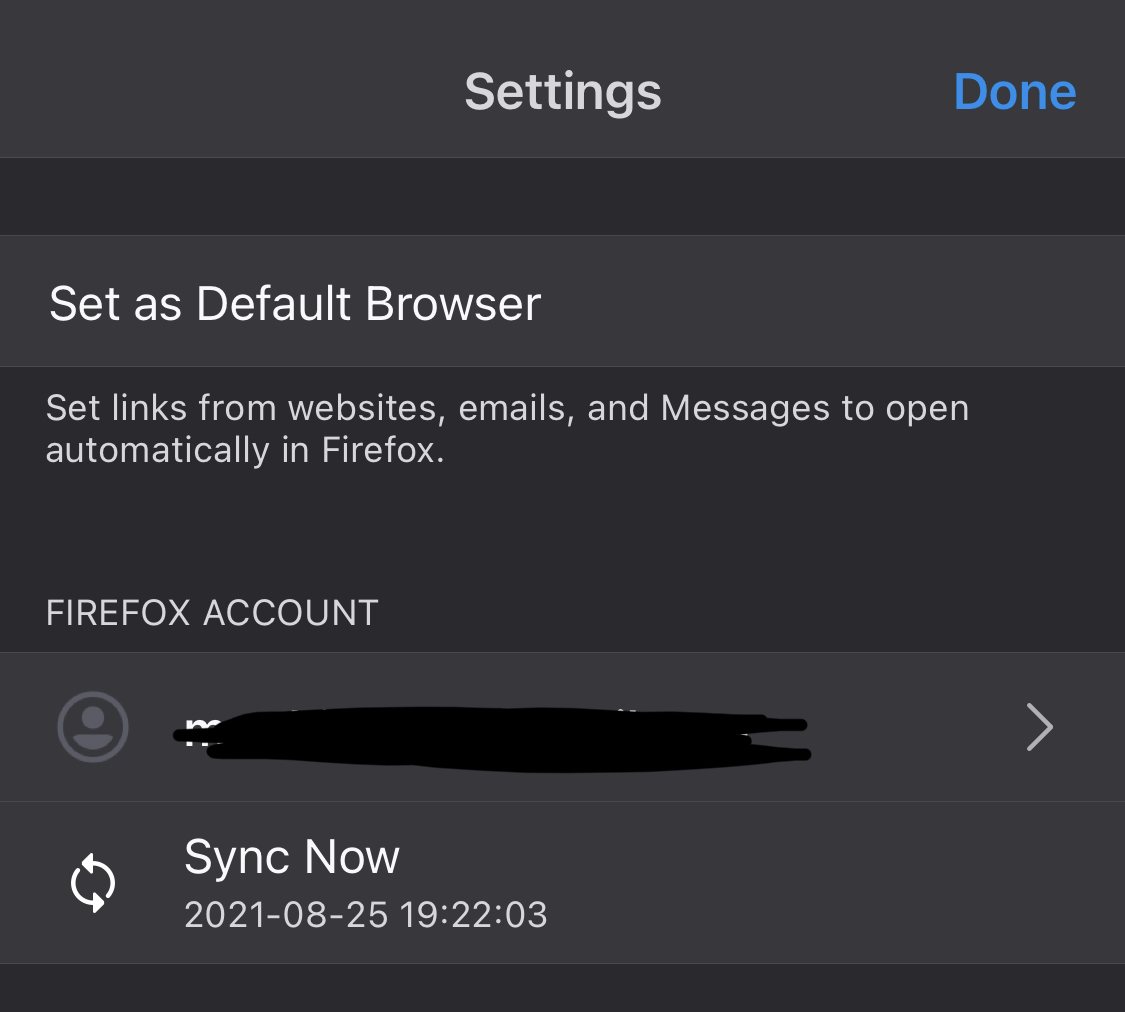
Once the server is running, you need to go to ios Firefox Settings:
- scroll to the ‘about’ section and tap on the Version number 5 times (This will enable debug mode)
- scroll back to the top and sign out of the Mozilla account (if needed), then navigate to Advanced settings and set the server urls:
- FxA url: https://accounts.firefox.com
- Token server: https://server_url
- Go back to main settings and connect account, scan QR code, and have totp code ready to enter quickly (too slow and the ios app will terminate connection)
Verify
At first it's not easy to tell if the sync server is actually saving the data locally or not, but there are a few ways to verify:
- (Desktop) Check the firefox logs by navigating to the following via the url bar:
about:sync-log - (Desktop) Note: To tell when the last sync was, hover over the ‘Sync’ button
Remove Data from Mozilla's Servers
Once sync is working we can remove data from the Mozilla servers. They nicely provide a simple script to do so:
git clone https://github.com/mozilla-services/syncserver
python ./syncserver/bin/delete_user_data.py [email protected]
Note, that if/when you get this to work, there is no visual indication that Firefox is syncing to YOUR server and not Mozilla's server. I was able to verify that it was syncing to my server by checking my FirefoxSyncServer database, and by changing some bookmarks and syncing them up with my desktop instance of Firefox that is verified to be using my own sync server.
I had the same issue and fixed it by enabling a custom FxA server and setting the standard FxA url explicitly (as was kindly mentioned by @meichthys above):
* scroll back to the top and sign out of the Mozilla account (if needed), then navigate to Advanced settings and set the server urls:

  * FxA url: https://accounts.firefox.com
  * Token server: https://server_url

This issue has been automatically marked as stale. Has the issue been fixed, or does it still require the community's attention? Please leave any comment to keep this issue opened. It will be closed automatically if no further update occurs in the next 30 days. Thank you for your contributions!
![github-actions[bot] avatar](https://avatars.githubusercontent.com/in/15368?v=4 "Published by a pub.dev verified publisher")
This is still not fixed. You still need to set FxA to https://accounts.firefox.com.
It seems like the wrong default is set here: https://github.com/mozilla-mobile/firefox-ios/blob/6d9685e704e3a168905bbc5050f553021408f447/RustFxA/RustFirefoxAccounts.swift#L122C59-L122C59