

 motional
scenario visualization script can't display on remote machine
Hi, when I run the scenario visualization jupyter script in local , it works fine both in vscode and chrome browser, but it only show selection bar when I run the same script on remote machine, appreciate if any suggestion.
local vscode

remote vscode
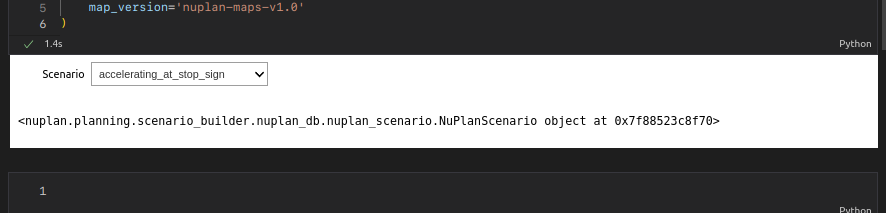

Hi @maozaizhou Thanks for reporting that, but do u see any errors/messages in CLI?

Hi @maozaizhou Thanks for reporting that, but do u see any errors/messages in CLI?
there are some error like [W 23:01:22.278 NotebookApp] Forbidden [W 23:01:22.278 NotebookApp] 403 GET /api/kernelspecs reported from jupyter
I have the same issue. Any updates or recommendations would be appreciated. The dataset is too big to be stored on a local machine.

The issue occurs because the bokeh app (used to render) runs on a random port. We haven't finalized a fix yet, but if it's not ready by the v1.0 release, I'll share a more detailed workaround here. In the meanwhile, you can work around it by either
- port-forwarding the full range of randomly assigned ports -- I believe the first few paragraphs of this issue still apply
- cherry-picking commit
ccf8a176a51fec597bea0f19547af53f5fc51790, which fixes the port bokeh runs on as 8889 (configurable). You'll need to forward both the port your notebook runs on and whatever you pass asbokeh_port. I can't guarantee it doesn't break anything else yet :)
Let me know if you run into any issues!

It works for me by assign bokeh_port which is mentioned by @michael-motional but I need to change another bokeh_port when I choose another Scenario.
