
revolution
 revolution copied to clipboard
 modxcms
If you create a snippet containing <script><!-- then the snippet editing form stops working
Bug report
Summary
If you create a snippet containing <script><!-- then the snippet editing form stops working.
Of course it is unlikely that such a snippet is needed, but there may be a more serious problem here.
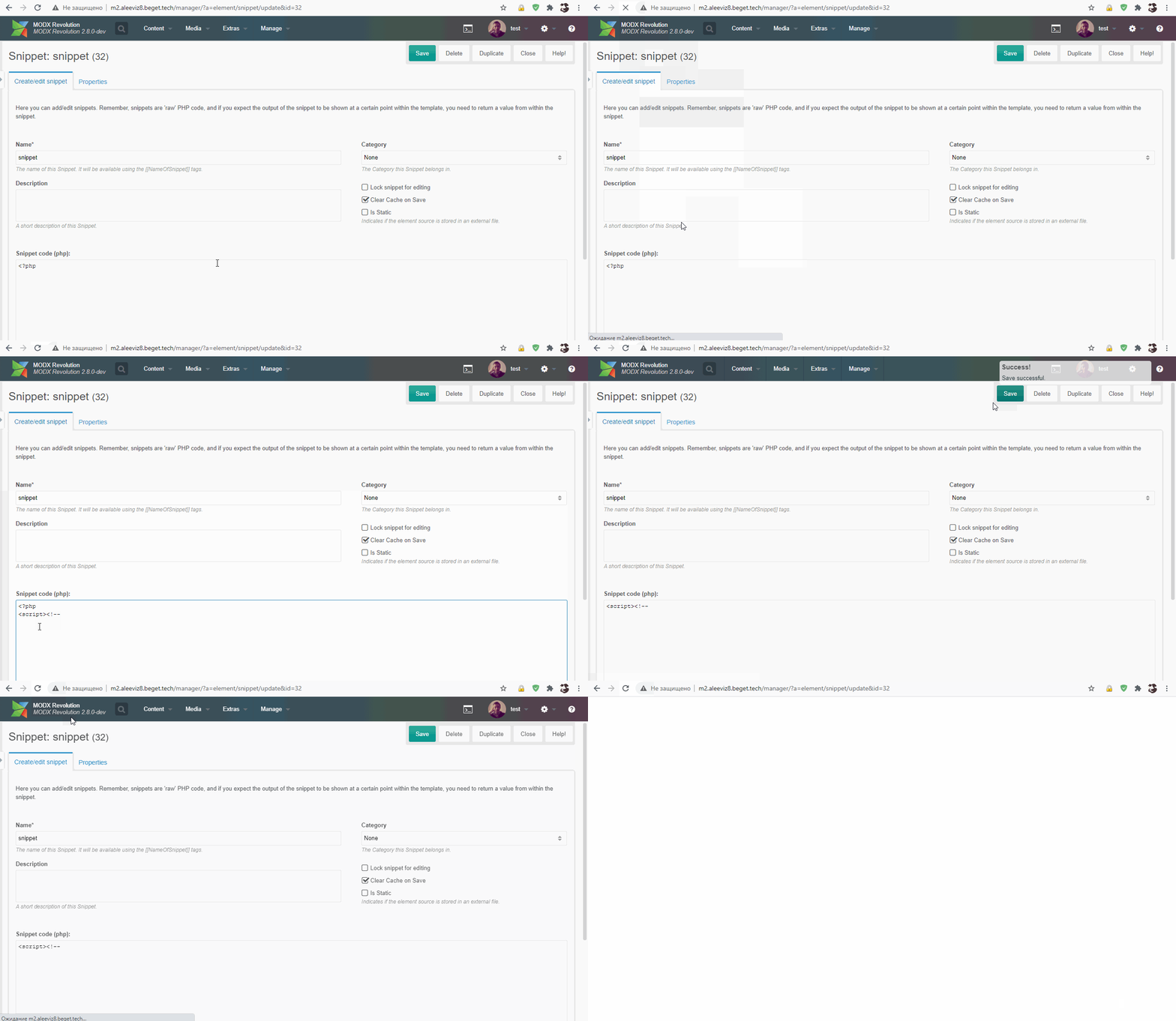
Errors in browser console:
ext-all.js:21 Uncaught TypeError: Cannot read property 'dom' of null
    at S.applyToMarkup (ext-all.js:21)
    at S.Ext.Component [as constructor] (ext-all.js:21)
    at new S (ext-base.js:21)
    at Object.create (ext-all.js:21)
    at MODx.Layout.Default.createComponent (ext-all.js:21)
    at MODx.Layout.Default.lookupComponent (ext-all.js:21)
    at MODx.Layout.Default.add (ext-all.js:21)
    at MODx.Layout.Default.<anonymous> (ext-all.js:21)
    at Object.each (ext-base.js:21)
    at MODx.Layout.Default.add (ext-all.js:21)
Step to reproduce
Create snippet containing:
<script><!--
Environment
MODX 2.x >

Does the same thing happen if you close the PHP before inserting the script, which is how someone would actually do that?
<php // php code here ?><script>
<?php // more php code here

I move to close this, as this is a browser parsing nuance and not a problem in MODx or Ext. I spent a bit of time tinkering with this and it's just too much of a rabbit hole to rescue users from this type of input error. See this reference for additional insight into what's going on. At most — and this would still not be a 100% indicator of validity — you could check that the number of opening and closing html comment tags is equal; this of course can not account for proper placement of those tags though.
All that said, I'd just leave this alone altogether.
