

 modelica
Including figures in HTML documentation
The actual guidelines for including figures are summarized in Modelica.UsersGuide.Conventions.Documentation.Format.Figures.
<table border="0" cellspacing="0" cellpadding="2">
  <caption align="bottom">Caption starts with a capital letter</caption>
  <tr>
    <td>
      <img src="modelica://Modelica/Resources/Images/Blocks/PID_controller.png"
           alt="PID_controller.png">
    </td>
  </tr>
</table>
It is advised to use a table in order to include a figure. The table captions are included by
<caption align="bottom">Caption starts with a capital letter</caption>
The reason for this is to align the caption below the figure such that the caption does not become any wider than the figure width. The attribute align="bottom" does work, e.g., in OpenModelica, but it doesn't in Dymola -- where the caption is place above the figure. I am not quite happy with this design of the figure layout since it is quite a complex construction.
I guess that a lot of documentation of the MSL is, however, implemented in a different way. Even the referenced example Modelica.Blocks.Examples.PID_Controller is designed differently:
<p>
In the following figure, results of a typical simulation are shown:
</p>

<img src="modelica://Modelica/Resources/Images/Blocks/PID_controller.png"
     alt="PID_controller.png"><br>

<img src="modelica://Modelica/Resources/Images/Blocks/PID_controller2.png"
     alt="PID_controller2.png">
In HTML5 the tag figcaption is supported. So going for the figure format
<p>
 <figure>
  <img src="modelica://Modelica/Resources/Images/Blocks/PID_controller.png"
       alt="PID_controller.png">
  <figcaption>Caption starts with a capital letter.</figcaption>
</figure>
</p>
were on my opinion the way better choice. I so have no idea what HTML version is supported in Modelica. I suspect the Modelica specification does not say anything about it. I actually tested this implementation with OpenModelica -- where it works -- and Dymola -- where the tag <figcaption> seems not to be supported.
Any suggestions or comments here?

This issue was actually triggered by #2517 where valign="bottom" was mentioned...
The HTML5 tag figcaption is supported by SimulationX 3.9 which uses IE11 for HTML rendering.

It seems that the Modelica Specification does not say which HTML version is supported. On my opinion the Modelica Specification should clearly state which HTML version or which subset of HTML (of which version) shall be supported by a Modelica tool.
There also is a note in Modelica.UsersGuide.Conventions.UsersGuide.Implementation that the <caption> tag does not work in all tools.
Triggered by #2909 I recalled that there is an alternative implementation based on HTLM5.
@tobolar Shall we include <figure> as an additional way of including figures? I would not replace the table implementation, however. Otherwise we invalidate MSL documentation by introducing a new rule.
<p>
 <figure>
  <img src="modelica://Modelica/Resources/Images/Blocks/PID_controller.png"
       alt="PID_controller.png">
  <figcaption>Caption starts with a capital letter.</figcaption>
</figure>
</p>
Is <p> and </p> actually required here...? Does anybody know?
The
figuretag should be placed outside theptag.
OK thanks. So the correct syntax is
<figure>
  <img src="modelica://Modelica/Resources/Images/Blocks/PID_controller.png"
       alt="PID_controller.png">
  <figcaption>Caption starts with a capital letter.</figcaption>
</figure>
@christiankral
Shall we include <figure> as an additional way of including figures?
This would be reasonable to me. I have used <div> until now but <figure> is definitely the right choice. And it is aline with <figcaption>, both being introduced in HTML5
Would you prepare the update of Modelica.UsersGuide.Conventions considering this? Provided there is no concern about using HTML5 in MSL.

I created a test class to test HTML features in different Modelica environments.
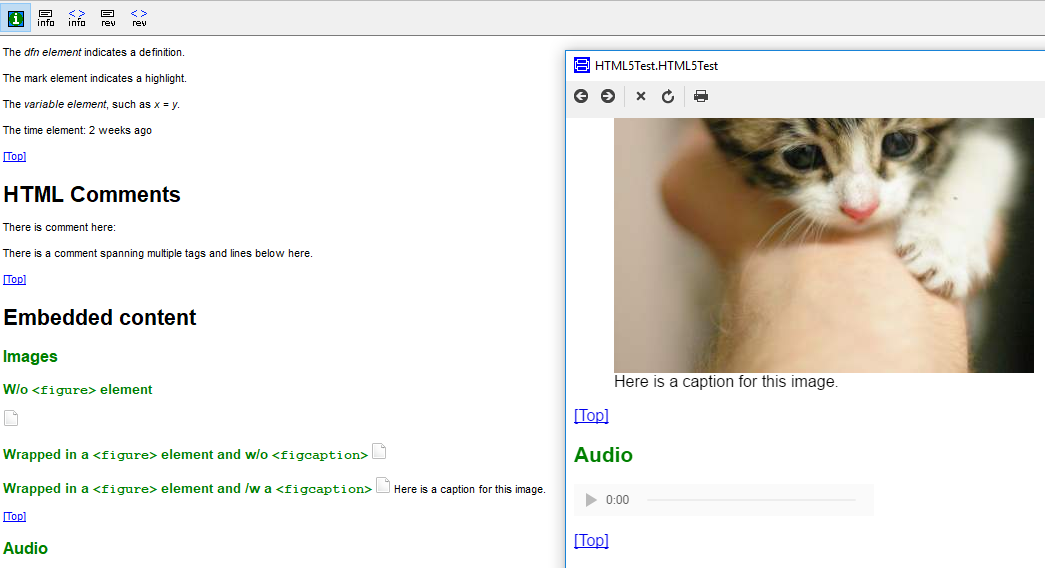
- In Dymola:
figcaptionis supported by the external Info window, but not in the internal Documentation view panel.
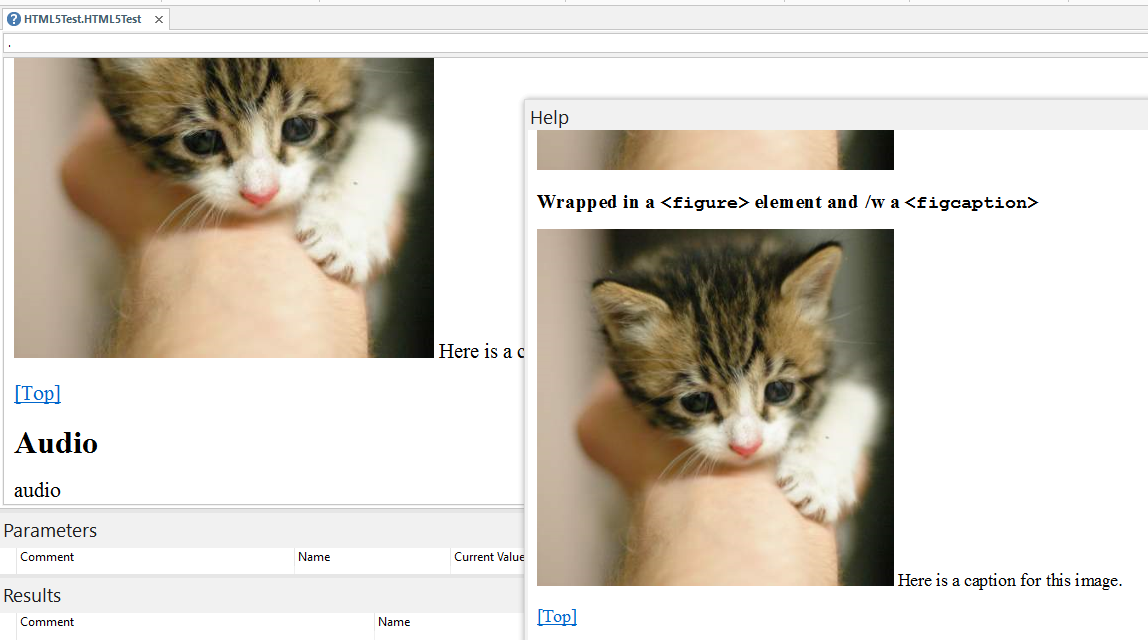
- In SimulationX:
figcaptionis neither supported by the Help window nor the Documentation view window, since it is displayed right to the image.
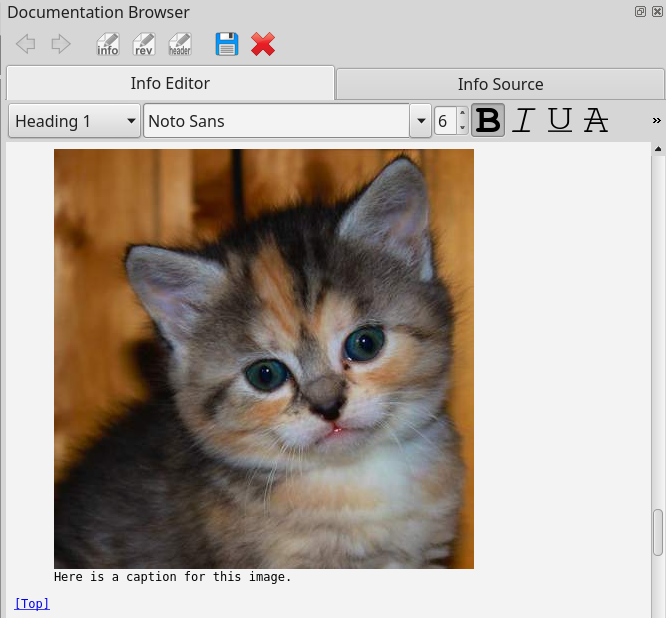
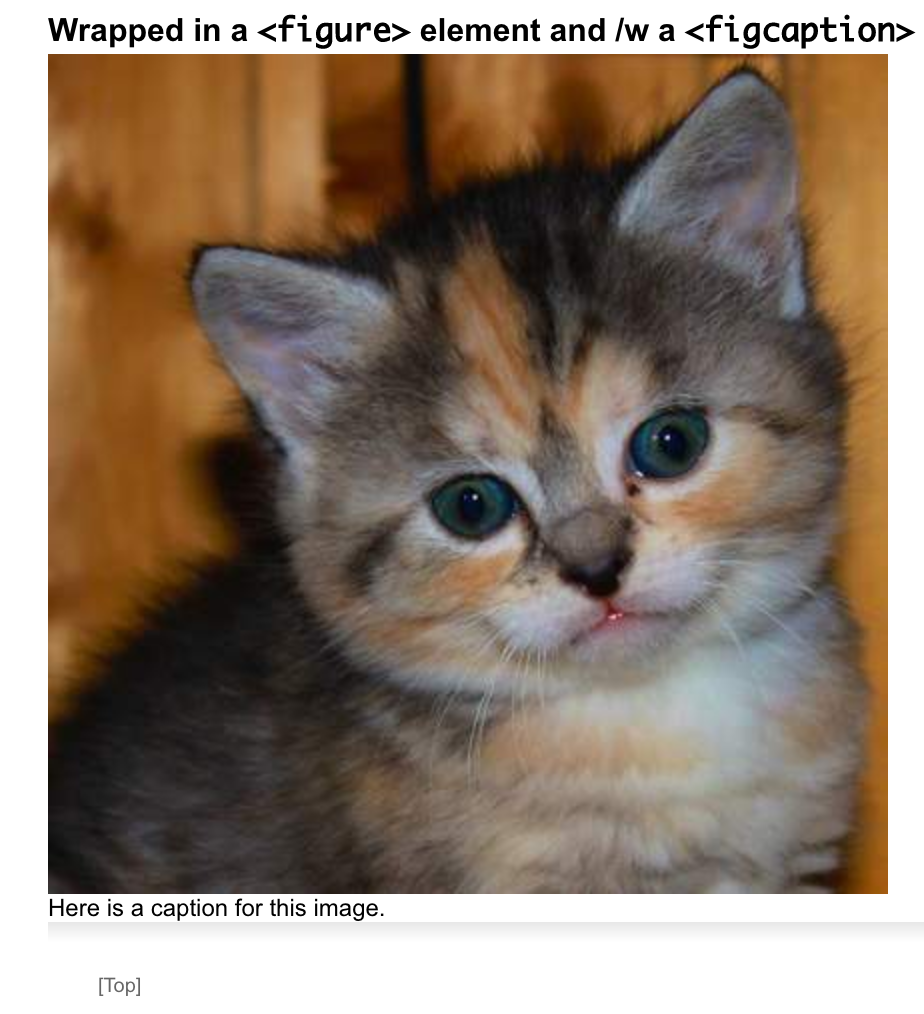

- In Dymola:
figcaptionis supported by the external Info window, but not in the internal Documentation view panel.
Can no longer be reproduced in Dymola 2024x.