
go-http-tunnel
 go-http-tunnel copied to clipboard
 mmatczuk
how to Access Local Server machine from Client machine
I have implemented go-http-tunnel on my two local machines. one is as client & another one is as Server. I successfully configured server & client side both & don't get any error & on client side I get message : "level 1 action handshake addr <SERVER_IP:5223>" & on server side retrieve message of Client connected with my client Id , but now issue is How can i access my server machine from Client?. Please Guide me for that.
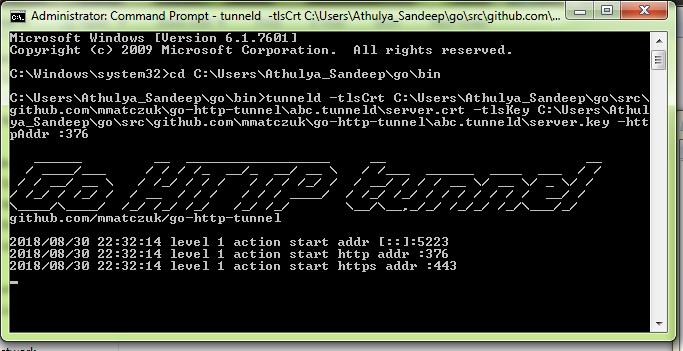
Below are screenshots of my server side configuration & Client Side Configuration respectively:
- Server Side CLI screenshot :
- Client Side CLI screenshot :

Below is code of my tunnel.yml file configured :
server_addr: 192.168.0.121:5223 tunnels: mihir: proto: http addr: localhost:3001 host: mihir.mytunnel.com ssh: proto: tcp addr: 192.168.0.5:22 remote_addr: 0.0.0.0:22

@mihir893 I think you may be misunderstanding the purpose here. This project allows you to host a tunneld server that will accept connections from a tunnel client. Then from another machine you bring up the web-address (ip address) of the server with the specific client information to access a server on the client machine.
For instance, I run a nodejs server on my development machine. I can hit it fine from within my own network for testing my application. However, I'm using geo-location services to track locations, so it's important for me to be able to test from outside my own network while driving around, and to have an https connection to my development machine running my nodejs server.
I use the tunneld server on digital ocean, and setup an A-record in DNS for the * (wildcard subdmain) for that server, so that any request to *.
depending on what subdomain name I request (the first part of the url) testserver.
Hope this helps,
