

 mltframework
Crash after selecting audio filter
First of all, I would like to say how grateful I am for this great program. It has allowed me to do a hobby that I would not have been able to do easily with the expensive programs.
However, I do have one problem: The following error occurs regularly and I can reproduce it at any time:
- open video file
- separate audio and video
- add another audio track (copy of the previous track)
- put a filter (NoiseGate) on one of the two tracks
- select another audio track
- crash to desktop
I use the version 20.11.28 (AppImage) on Linux Mint 20 Cinnamon

Thank you for the compliment and bug report, but I have not reproduced it yet. What is "(copy of the previous track)"? I assume you mean to copy the audio clip to second audio track A2? I assume between 1. and 2. you added the video clip to the timeline. I also assume when you say you put a filter on the track, that you literally mean the track and not the clip on the audio track (click the track header to select the track and add filter to the whole track). But I tried both the track and the clip on 20.11.28 AppImage on Ubuntu 20.04. Can you please repeat the steps yourself and see if there is more detail you can add (or make a screen recording)?

Hi ddennedy, I have now tested it again extensively. The problem always occurs when I call up a previously saved entry in NoiseGate.
I have created a screen recording of this:
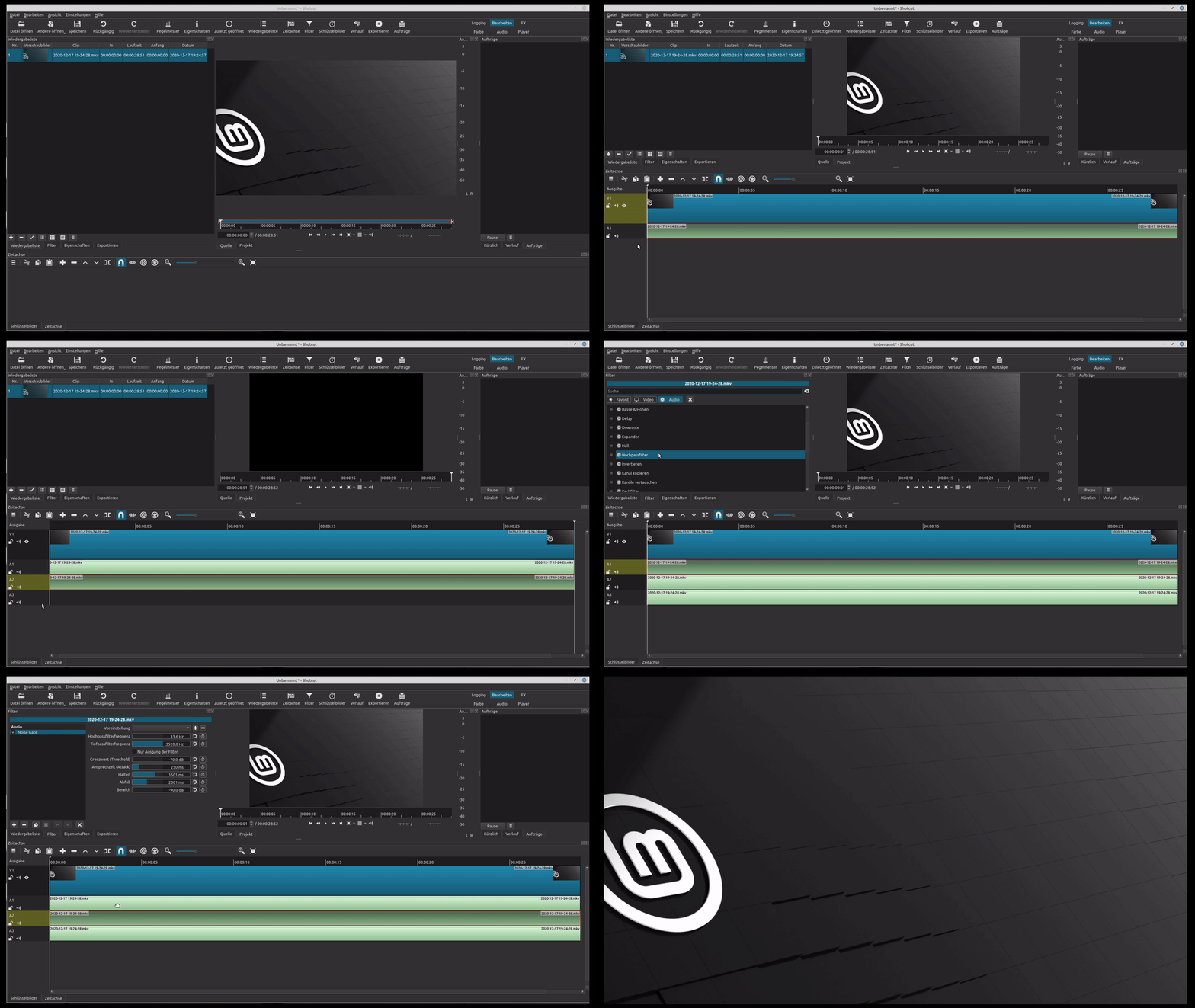
Thanks. I still could not reproduce it. Maybe it is a problem specific to your custom preset. You can share it. Can you reproduce it a simpler way by simply opening a clip, not adding it to the timeline and skipping all those extra steps in the timeline, and simply add the filter with the clip in source player and choose preset?
In fact, applying the filter to a clip and then selecting one of my presets is also enough. As soon as I drag the clip into the timeline, Shotcut crashes. How can I export the preset?
I have now started the AppImage via the terminal. Maybe this helps?
[Debug ] TimelineDock::setSelection Changing selection to (QPoint(0,0)) trackIndex -1 isMultitrack false [Info ] Util::isMemoryLow available RAM = 58771092 KB [Debug ] <autosaveTask> Function autosaveTask finished in 3 ms. [Debug ] Timeline::DetachAudioCommand::redo trackIndex 0 clipIndex 0 position 0 [Debug ] TimelineDock::setSelection Changing selection to () trackIndex -1 isMultitrack false Segmentation fault (core dumped)
