

 misterunknown
Picture previews won’t close
When using the demo, if you click an image when using a smart phone it try’s to load a hovering preview even though it takes you directly to the clicked link. Then the hovering images get stuck on top of the interface.
Hard to know what a solution or expected behaviour should be. When a mobile loads it ideally it disables the image preview? If a phone loads it as a desktop website though, presumably it would still be an issue.
Testing with Safari on an iPhone 12 mini.
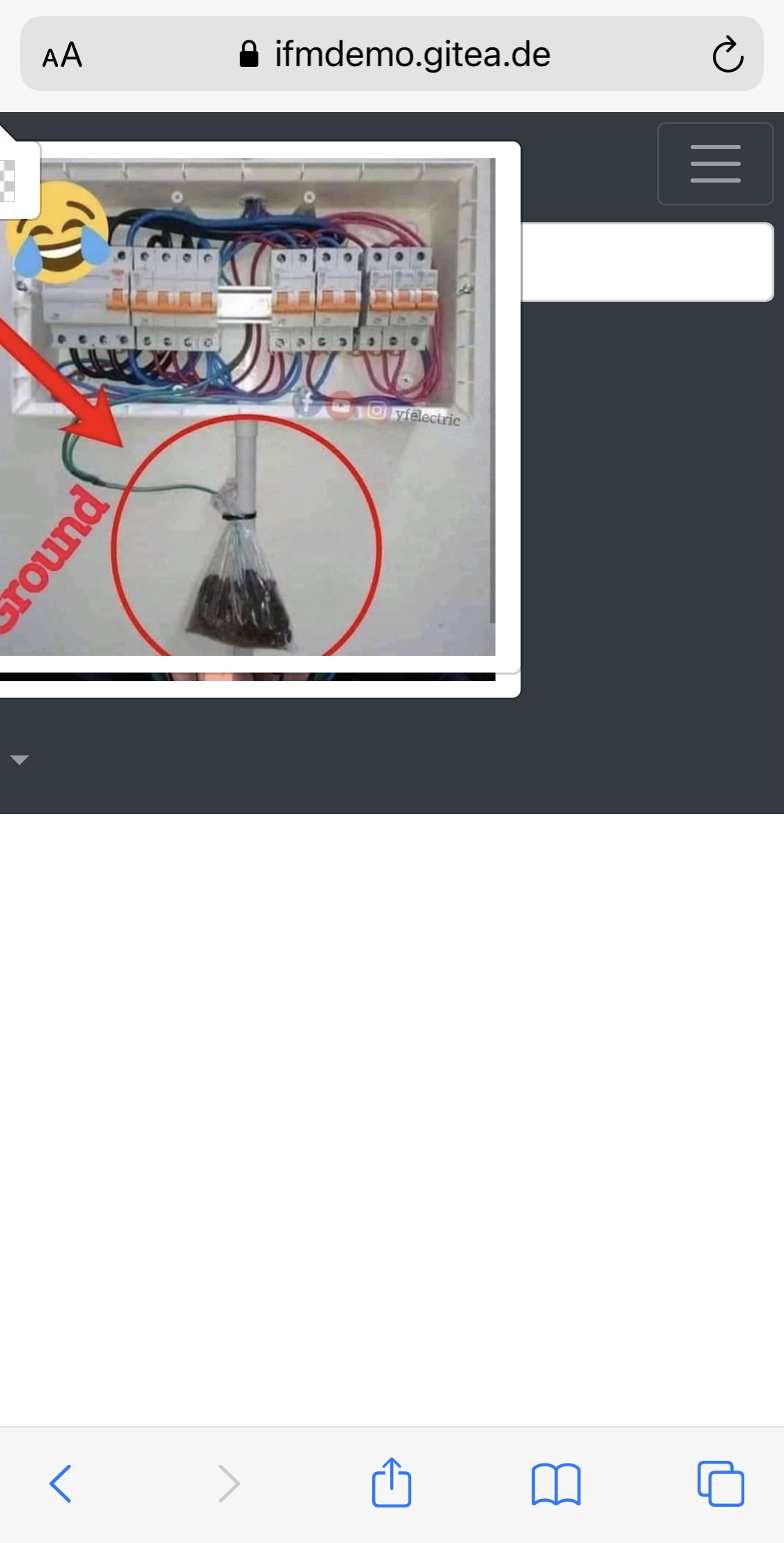
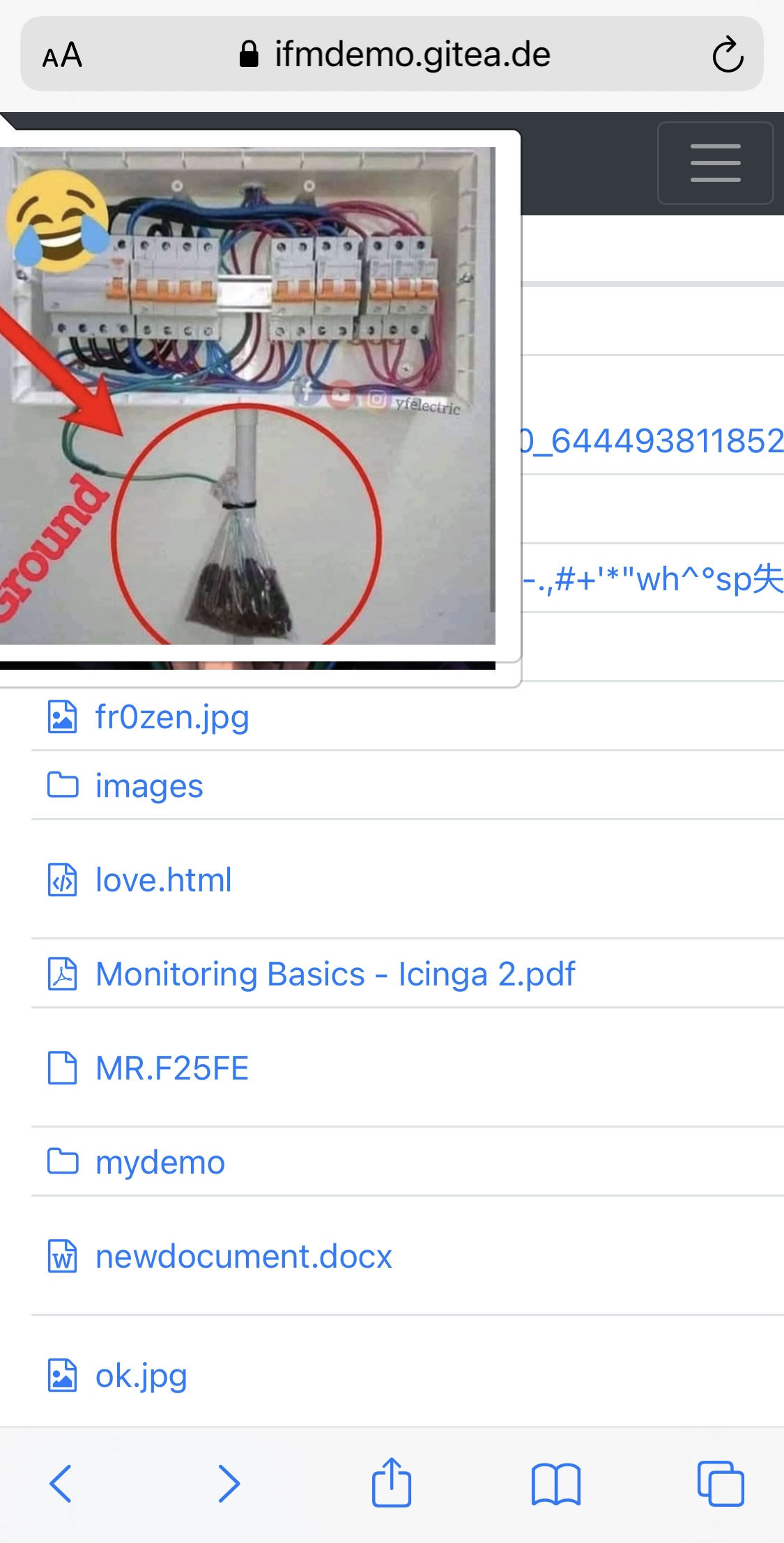
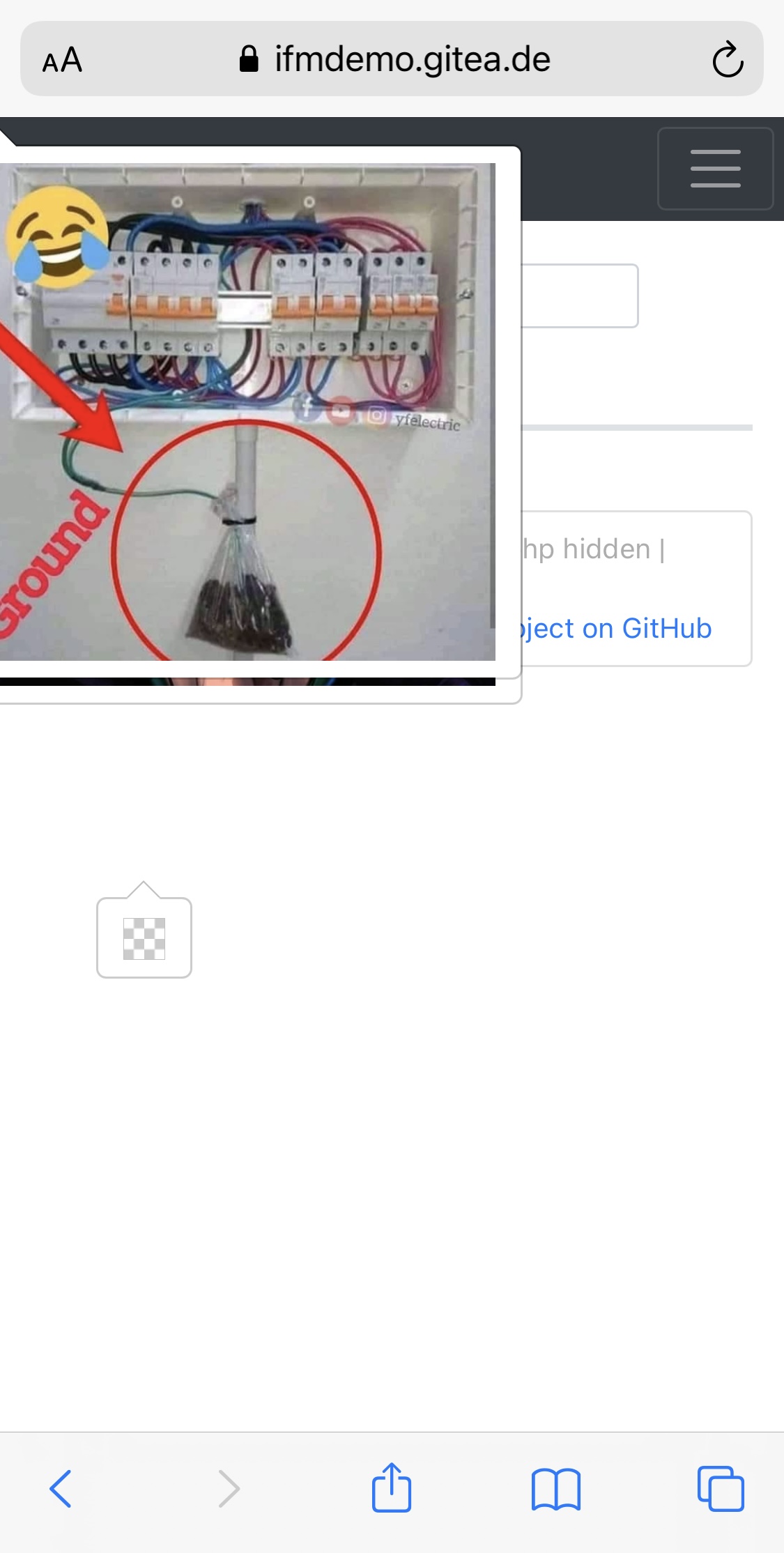
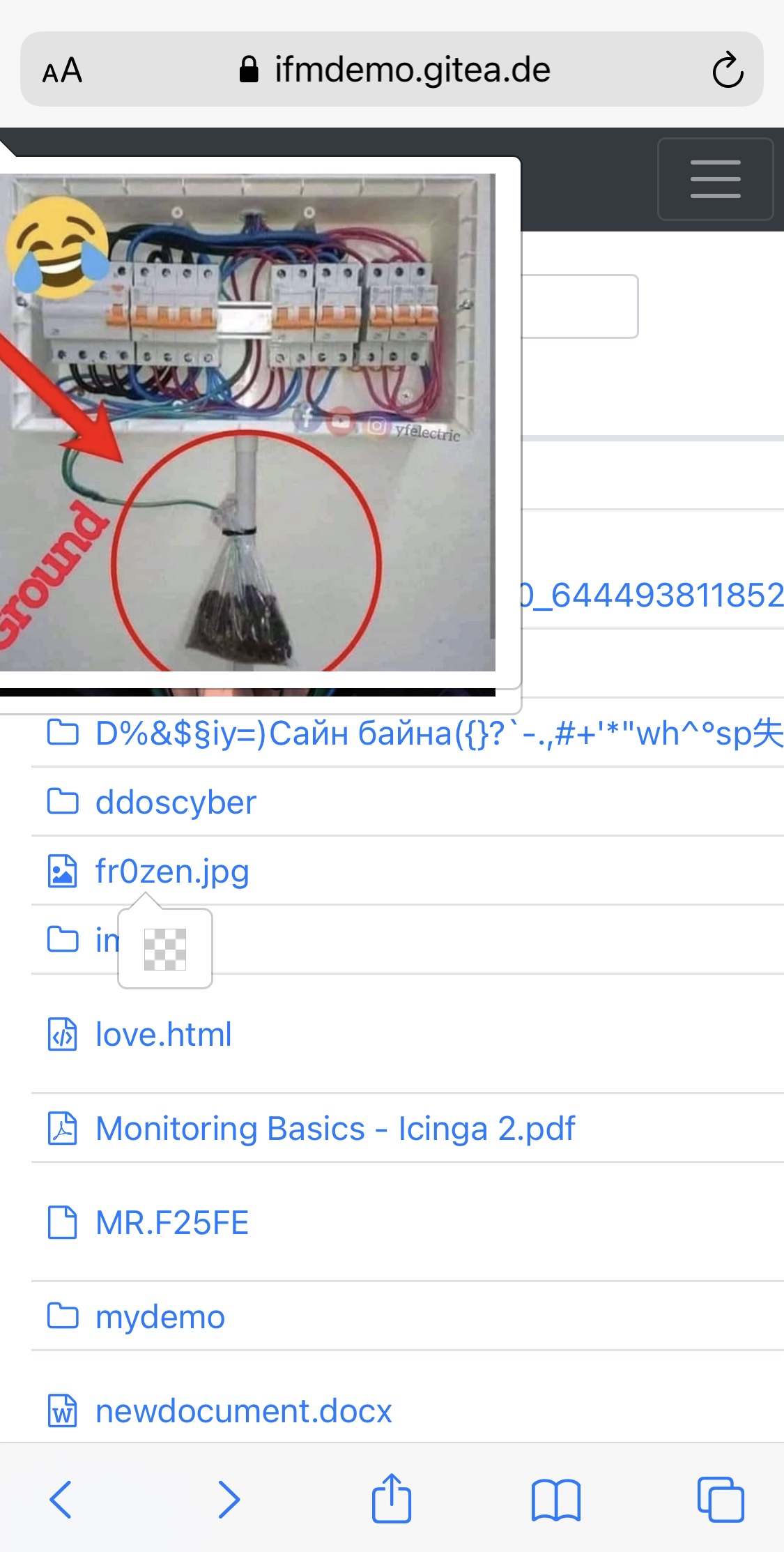

Hi, @maggie0002. On my mobile chrome if I click on picture I get this picture as new web page without popover. I try to disable popover on mobile, check my changes in pull request #161.

I can't confirm that, since I have no iphone; on android there is no preview. But I guess the pull request from @novashdima (#161) should solve that.

Hi, @maggie0002. On my mobile chrome if I click on picture I get this picture as new web page without popover. I try to disable popover on mobile, check my changes in pull request #161.
Checked it with that pull request and has resolved the issue. Only tested on iPhone 12 mini using Safari, but think it's safe to assume it will be ok now for other iPhones too. Tested it loading the page which defaults to the 'mobile version', then requested Safari fetch the 'desktop version' of the website, which also appears to be problem free.
Thanks.
I just discovered that this is happening occasionally on the desktop too. Using Safari I occasionally find images stuck on the screen. You can navigate in and out of folders and it remains there the whole time until you refresh the page. Not sure how to reproduce it exactly, but clicking around in and out of folders and files while intermittently hovering to display a picture and it occurs (in Safari at least).
Not sure what to suggest, as for mobile it was decided just to disable it rather than try and fix it. Perhaps worth considering whether this feature brings any significant benefit, it may be more trouble that its worth? I see value in being able to preview files, but perhaps a thumbnail view as an alternative to the last view would be more valuable anyway. Alternatively, could try upgrade to v2 of popper (https://popper.js.org/docs/v2/migration-guide/)?
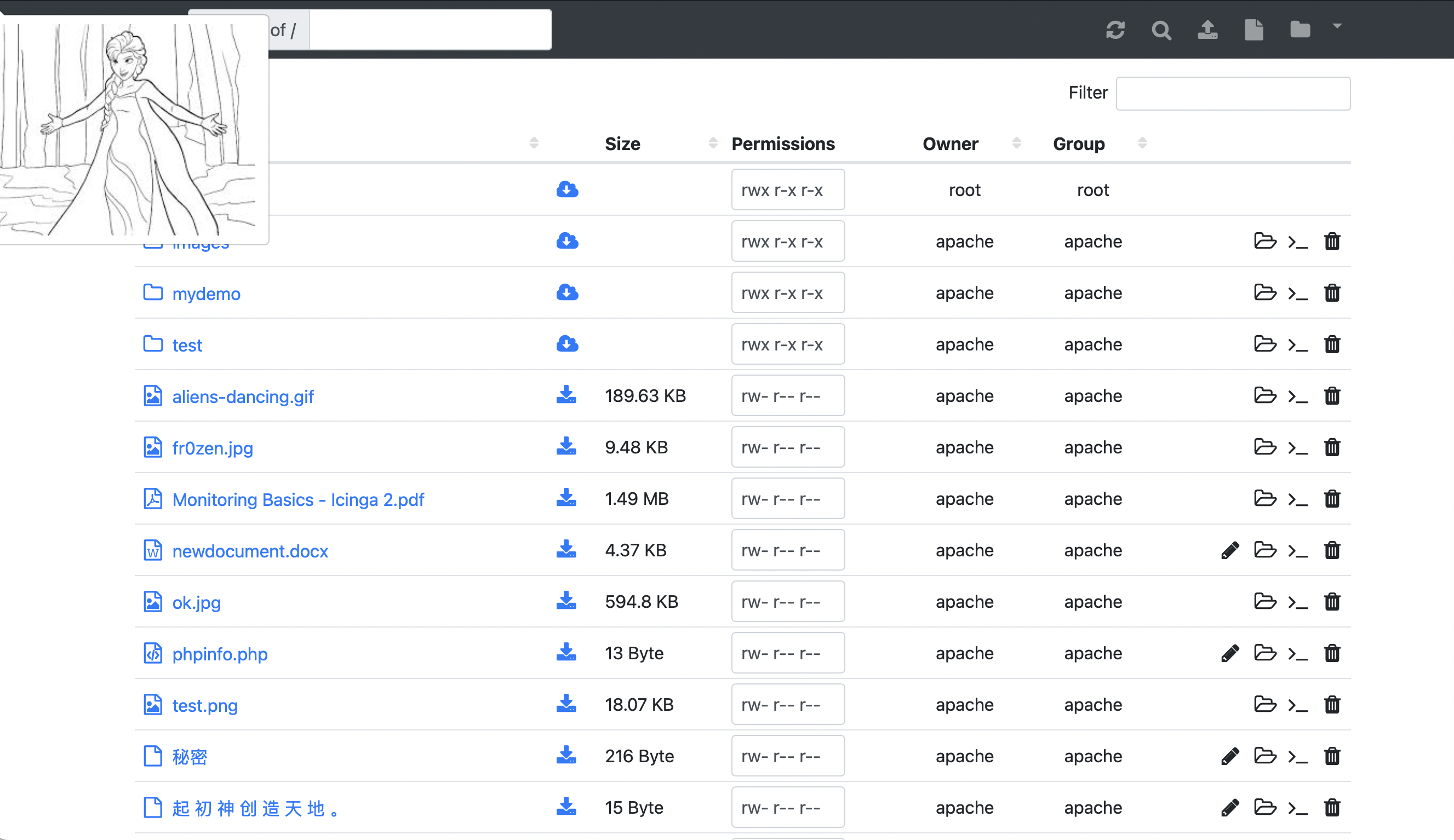
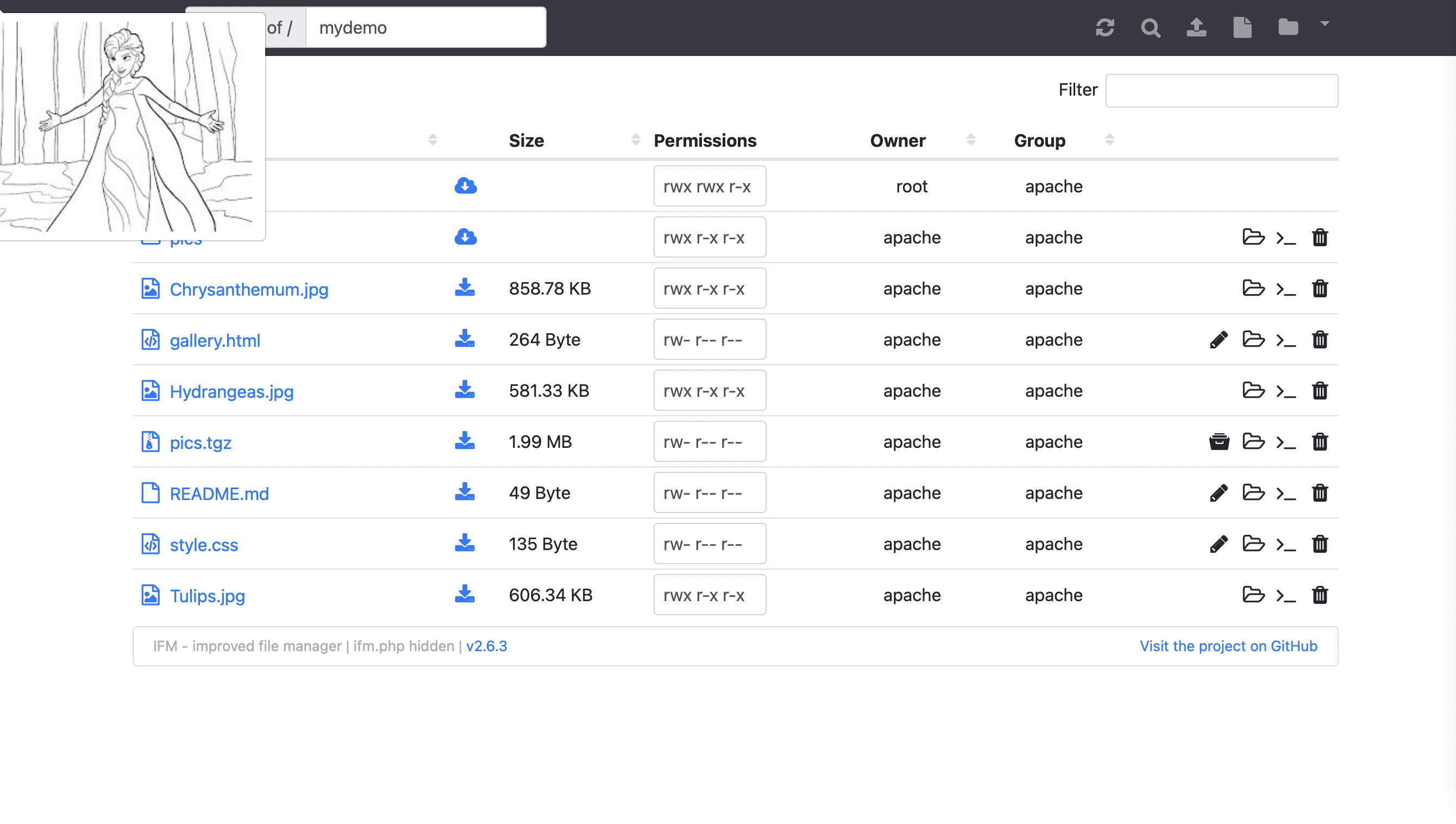
I couldn't replicate that in Safari, so for now I'd close this issue.