

 misbah4064
'NoneType' object has no attribute 'shape'
AttributeError Traceback (most recent call last)
AttributeError: 'NoneType' object has no attribute 'shape'

You are probably running into an issue while reading the image from the webcam. Try printing the"success" and"success2" flags. You'll see if the camera is being read properly or not.
Regards Misbah
On Thu, Jun 18, 2020, 4:00 AM malikamazayn [email protected] wrote:
AttributeError Traceback (most recent call last) in 18 success, img = video.read() 19 success2, bg = oceanVideo.read() ---> 20 bg = resize(bg,ref_img) 21 if flag==0: 22 ref_img = img
in resize(dst, img) 4 5 def resize(dst,img): ----> 6 width = img.shape[1] 7 height = img.shape[0] 8 dim = (width, height)
AttributeError: 'NoneType' object has no attribute 'shape'
— You are receiving this because you are subscribed to this thread. Reply to this email directly, view it on GitHub https://github.com/misbah4064/backgroundRemoval/issues/1, or unsubscribe https://github.com/notifications/unsubscribe-auth/ADGX4RXUIK556XG2QSNTVI3RXHJTZANCNFSM4OBL2ZDQ .

It's because there's some issue while reading the image from the camera. See if the camera is working properly, if it is then see if it's available for opencv to detect. One of my videos I went through reading images from camera. See if this helps: https://youtu.be/H-_ou21IXs0
Regards Misbah
On Thu, Jun 18, 2020, 5:06 AM malikamazayn [email protected] wrote:
its printing False for success, and true for success 2.
— You are receiving this because you commented. Reply to this email directly, view it on GitHub https://github.com/misbah4064/backgroundRemoval/issues/1#issuecomment-645920241, or unsubscribe https://github.com/notifications/unsubscribe-auth/ADGX4RSBEQ3ZYC5X7UAZ6G3RXHRLZANCNFSM4OBL2ZDQ .
Change cv2.VideoCapture(1) to cv2.VideoCapture(0). It is a MacOS bug for Coaca applications. Still if your unable to get it. drop comment

well after changing cv2.VideoCapture(0) , i am only able to see the video rather than video + Web cam image.
well after changing cv2.VideoCapture(0) , i am only able to see the video rather than video + Web cam image.
facing the same issue, did you find a solution for it ?

Run the program and step out of the frame so it is just your background on the screen, then press 'D' on your keyboard and step into the frame.

Run the program and step out of the frame so it is just your background on the screen, then press 'D' on your keyboard and step into the frame.
Thanks, that did move the needle but the output video contained lot of background.
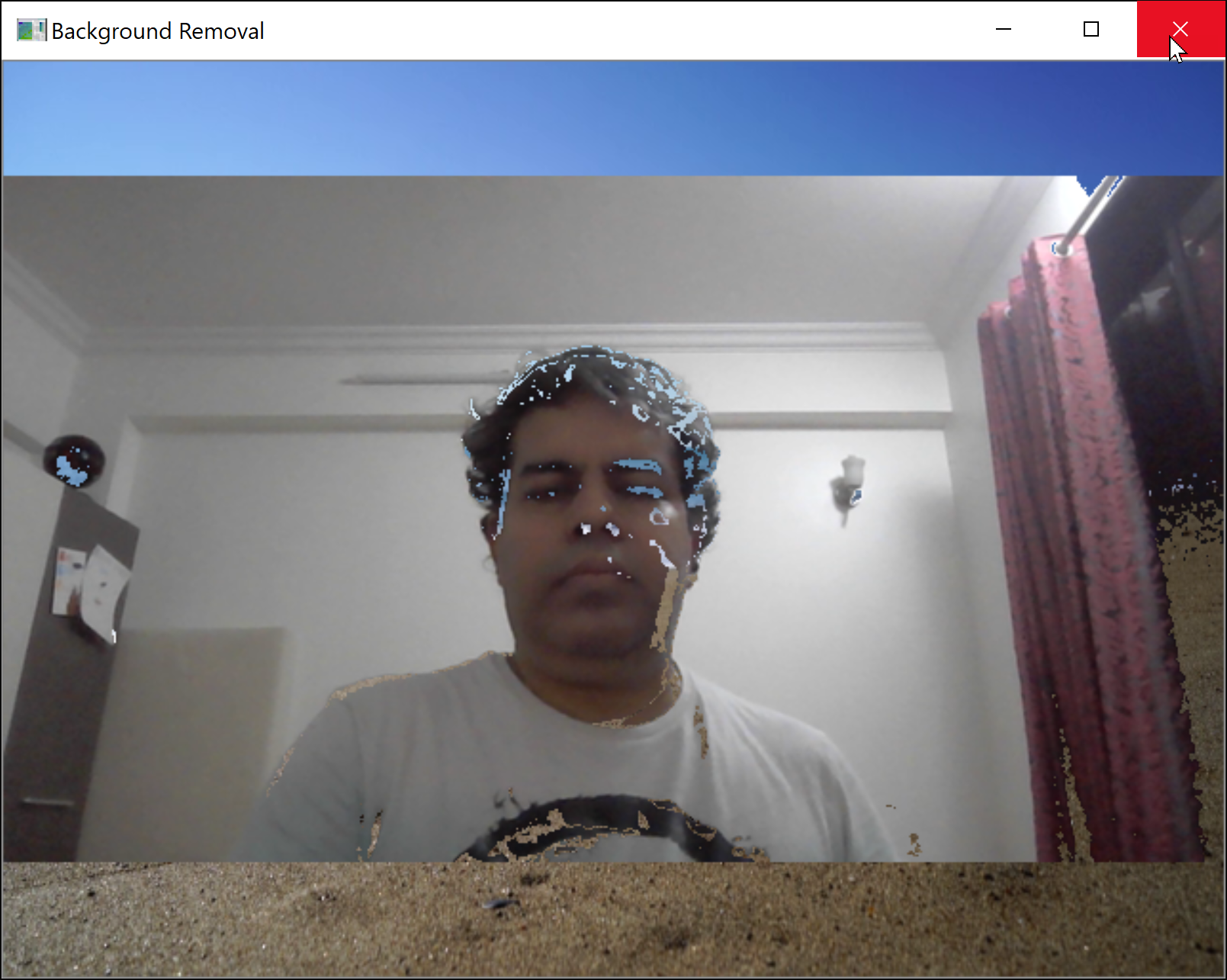
How should I use it with Google Meet? If I run the program first, then google meet is not able to detect camera since it is busy and vice versa too.

In backgroundRemoval_video.py, change line 12 "video = cv2.VideoCapture(1)" to video = cv2.VideoCapture(0)
