

 minorua
Clip to DEM - enhancement request
The canvas extent is used to generate the surface on which the image is draped. If the DEM does not fill the canvas, the region beyond the DEM is treated as 0. This is a real problem if the DEM is well above sea level, such as this one with minimum elevation 2740M.
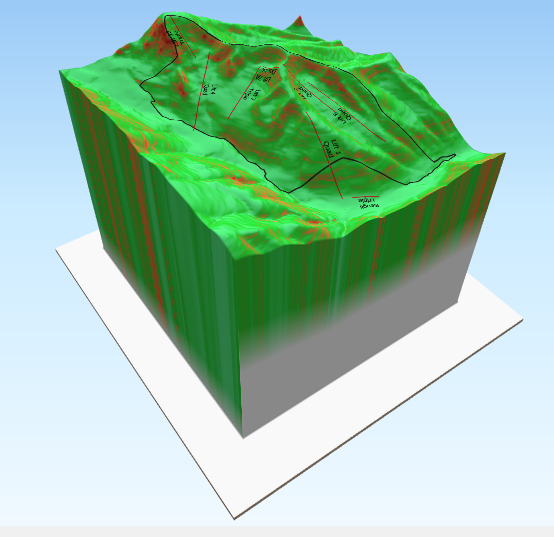
Offsetting the elevation (using vertical shift) doesn't help - it just moves the "apron" to negative values.
The solution requires the user to adjust the canvas so that it has the same aspect ratio as the DEM and then to scale the view so the DEM exactly fills the canvas. Setting Vertical shift to auto then gives this:
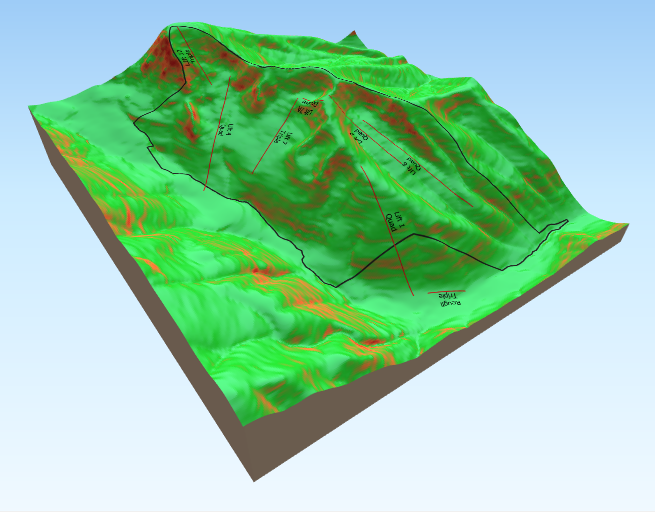
It would be nice to automatically trim to the DEM extent if it is less than the canvas extent.


Yes, I've tried that, but there are two admittedly minor issues:
- You need to create a polygon layers with matching extend to have something to clip to.
- At least in my experience you need to first create a polygon with matching extent, you then need to buffer that layer inward by 10-20 meters to get a clip that doesn't wrap the image around the sides.
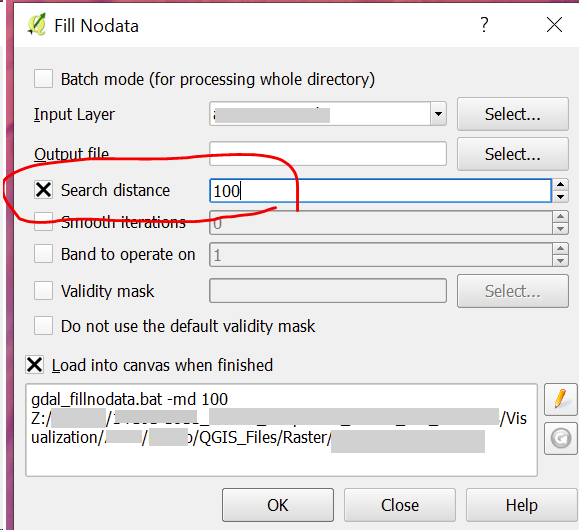
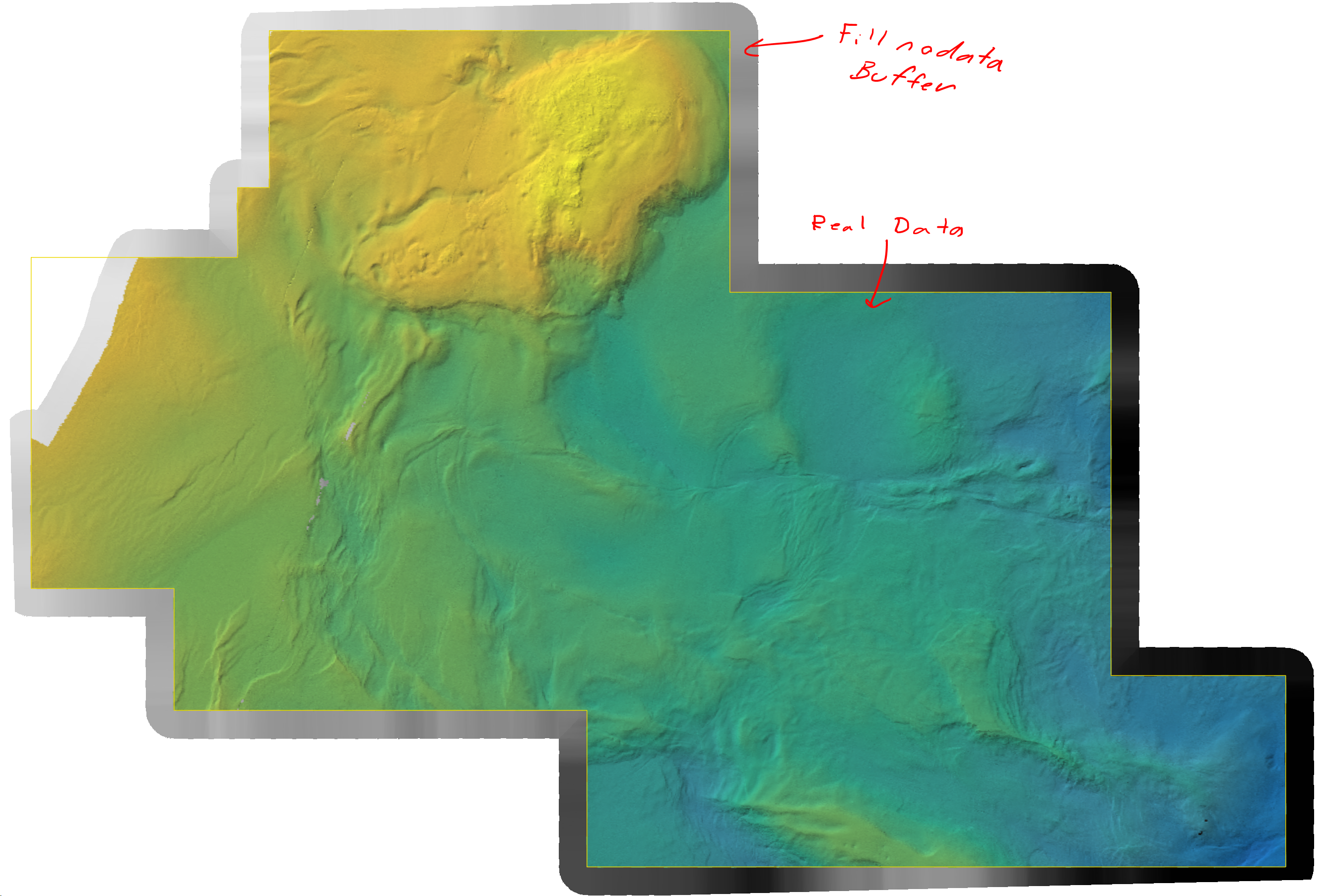
Another hacky thing you can do is to use the 'Raster>Fill nodata...' tool. If you set a search distance it will interpolate to fill gaps in your DEM but also produce a buffer zone along the outside edge of your elevation source. That keeps ThreeJS from rendering any no data points along the edge as 0.

In modern versions you can clip the whole scene to a layer's extent. This might fix this, if your layer is rectangular.
Hi, After I solved the problem like Llaves, the problem is back with the 2.7.1 version of the plugin. But now, I can't find the vertical shift setting to solve it.
This is not a NoData problem.
Has anyone solved this problem with the new version ?
