
smile
 smile copied to clipboard
 mijorus
An emoji picker for linux, with custom tags support and localization. I'll also put some random emojis here 🦁🐾🦔🦇
Smile


Download

Note: Flathub and Github are the only official release channels for Smile. Any release on external marketplaces or packaging formats are unofficial and not supported by me.
Features
Smile is a simple emoji picker for linux with custom tags support.
Custom tags
... Wait what?
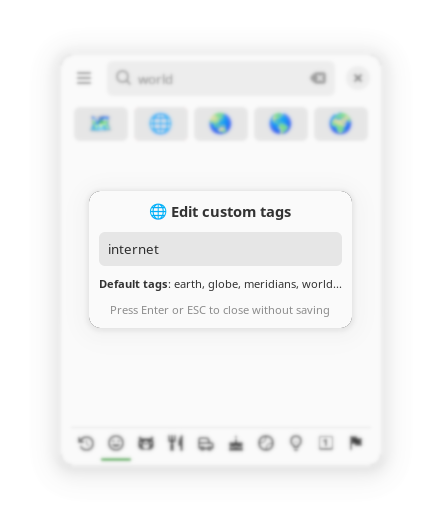
No matter how many tags we put, there is always going to be that one emoji you use every day which you expect to show up when you enter a specific query, but it doesn't. Smile wants to fix that, allowing the users to set their own custom tags for a specific emoji.
An example?
Do you want 🌐 to show up when you search for "internet", but it is only tagged as "globe"? Select the icon using the arrow keys and press Alt + T to insert "internet" as custom tag.
Custom shortcut
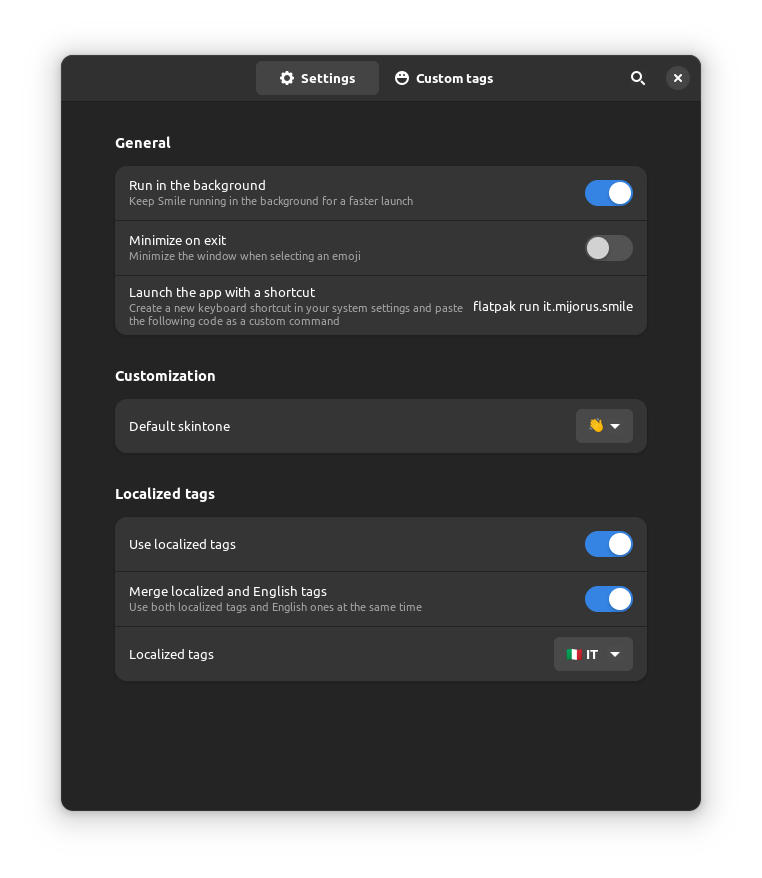
This app does not register its own system-wide shortcut, but you can create one simply by going in the system settings. Most, if not all, distrubutions let the user add shortcuts that trigger custom commands.
You can create a shortcut for Smile by launching this command: flatpak run it.mijorus.smile
I believe that having all the shortcuts in once central panel is a much better user expecience than apps registering their own shortcuts separately.
Skintone selector
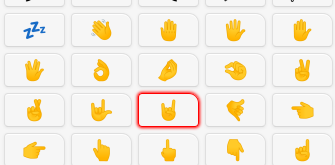
Press Alt + E or Right Click on any emoji with the rounded top-right corner (see screenshot below).
Multi selection
Use Shift + Enter to select multiple emojis; use Ctrl+Enter to quit without selecting an additional emoji

Changelog
Please check out https://smile.mijorus.it/changelog
Source

Third party licences
Awesome resources that made Smile possible:
- Openmoji for the emoji list and english tags
- Emojibase for the translated tags available since version 1.70
Building
You will need:
- flatpak
- flatpak-builder
- flatpak-builder
- org.gnome.Platform 41
- org.gnome.Sdk 41
git clone https://github.com/mijorus/smile.git
cd smile

# kill any instance of Smile
flatpak kill it.mijorus.smile

# to run the app:
flatpak-builder build/ it.mijorus.smile.json --user --force-clean
flatpak-builder --run build/ it.mijorus.smile.json smile

# to install the app
flatpak-builder build/ it.mijorus.smile.json --user --install --force-clean
Thanks to
- Emote for the inspiration and some code
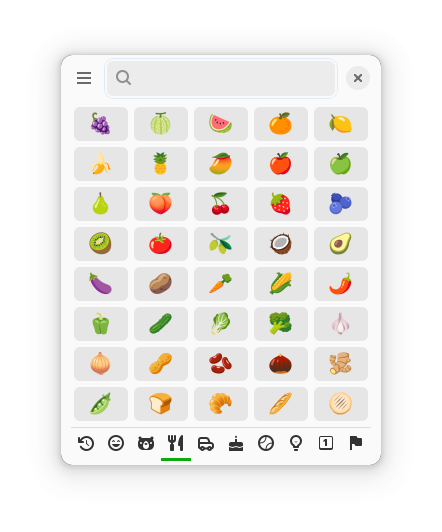
Some more screenshots


 mijorus