migueldeicaza
Object Detection Example, Input image preprocessing
In the Object Detection Example, an image preprocessing step is executed before feeding the image tensor to the network. I guess that the image is preprocessed in such a way:
- Scale the image to 244 x 244 pixel
- Each byte of RGB is substracted by a mean value of 117 (The code for pre-processing is defined in ImageUtil.cs).
But in the official notebook example from Tensorflow Object Detection (object_detection_tutorial.ipynb), the image is simply reshaped to (1,W,H,3) before feeding to the network for inference. No scaling or mean subtraction is performed.
For curiosity, I made a new CreateTensorFromImageFile2 function as follows:
        public static unsafe TFTensor CreateTensorFromImageFile2(string inputFileName, TFDataType destinationDataType = TFDataType.Float)
        {
            Bitmap bitmap = new Bitmap(inputFileName);

            BitmapData data = bitmap.LockBits(new Rectangle(0, 0, bitmap.Width, bitmap.Height), ImageLockMode.ReadOnly, PixelFormat.Format24bppRgb);

            var matrix = new byte[1, bitmap.Height, bitmap.Width, 3];

            byte* scan0 = (byte*)data.Scan0.ToPointer();

            for (int i = 0; i < data.Height; ++i)
            {
                for (int j = 0; j < data.Width; ++j)
                {
                    byte* pixelData = scan0 + i * data.Stride + j * 3;
                    matrix[0, i, j, 0] = pixelData[0];
                    matrix[0, i, j, 1] = pixelData[1];
                    matrix[0, i, j, 2] = pixelData[2];
                }
            }
            bitmap.UnlockBits(data);

            TFTensor tensor = matrix;
            return tensor;
        }
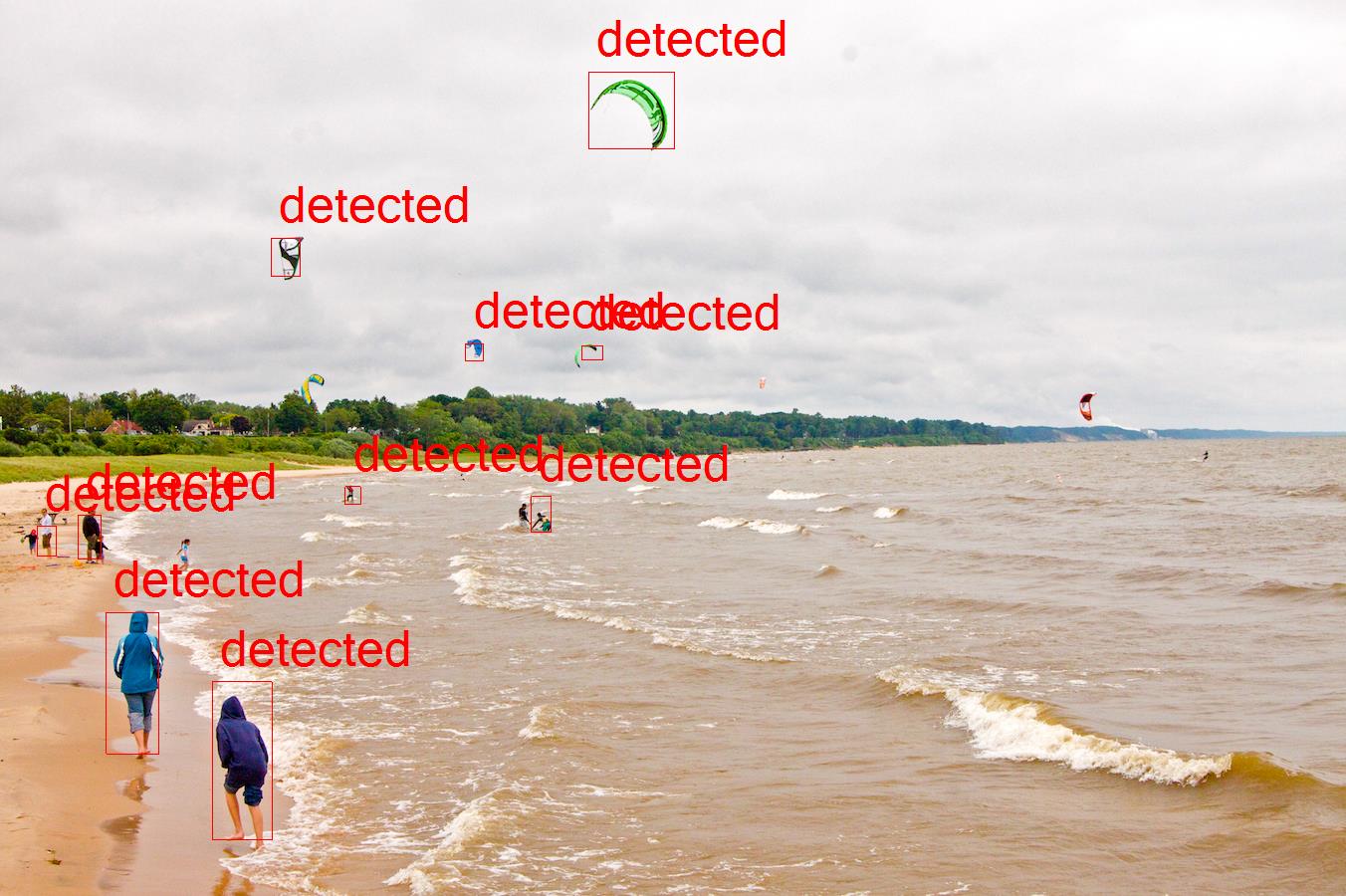
To my surprise, the output of the new method seems to be a little better than the original one. I attached below 2 outputs for reference.
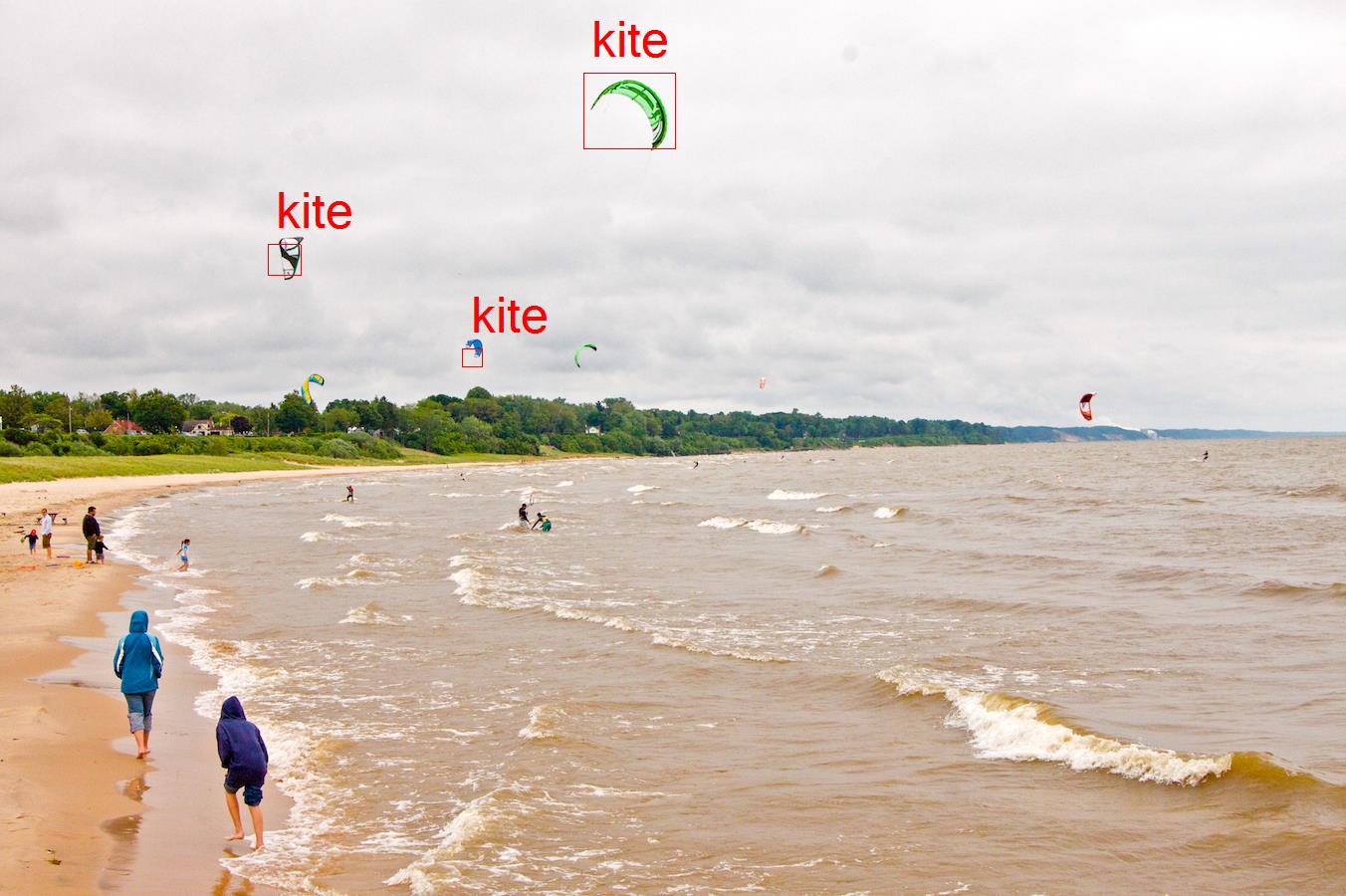
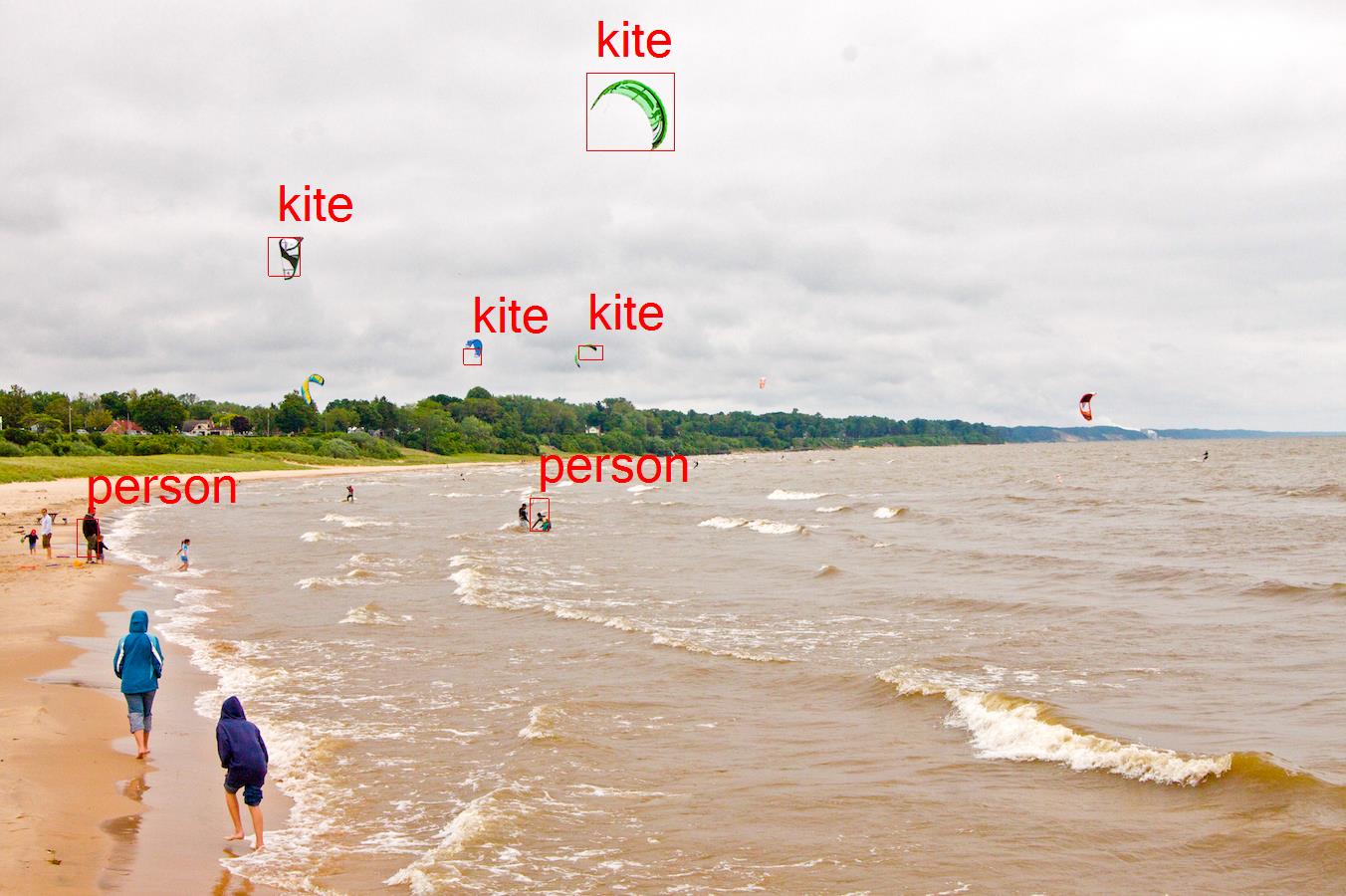
The 1st one is from the original example, and the 2nd one used the new CreateTensorFromImageFile2 function to load image as tensor.
EDIT: I tried the original tensorflow object detection api, and the result is MUCH better than the previous 2. I attach the result below. I think that the difference might not rely on the image preprocessing, but something else.
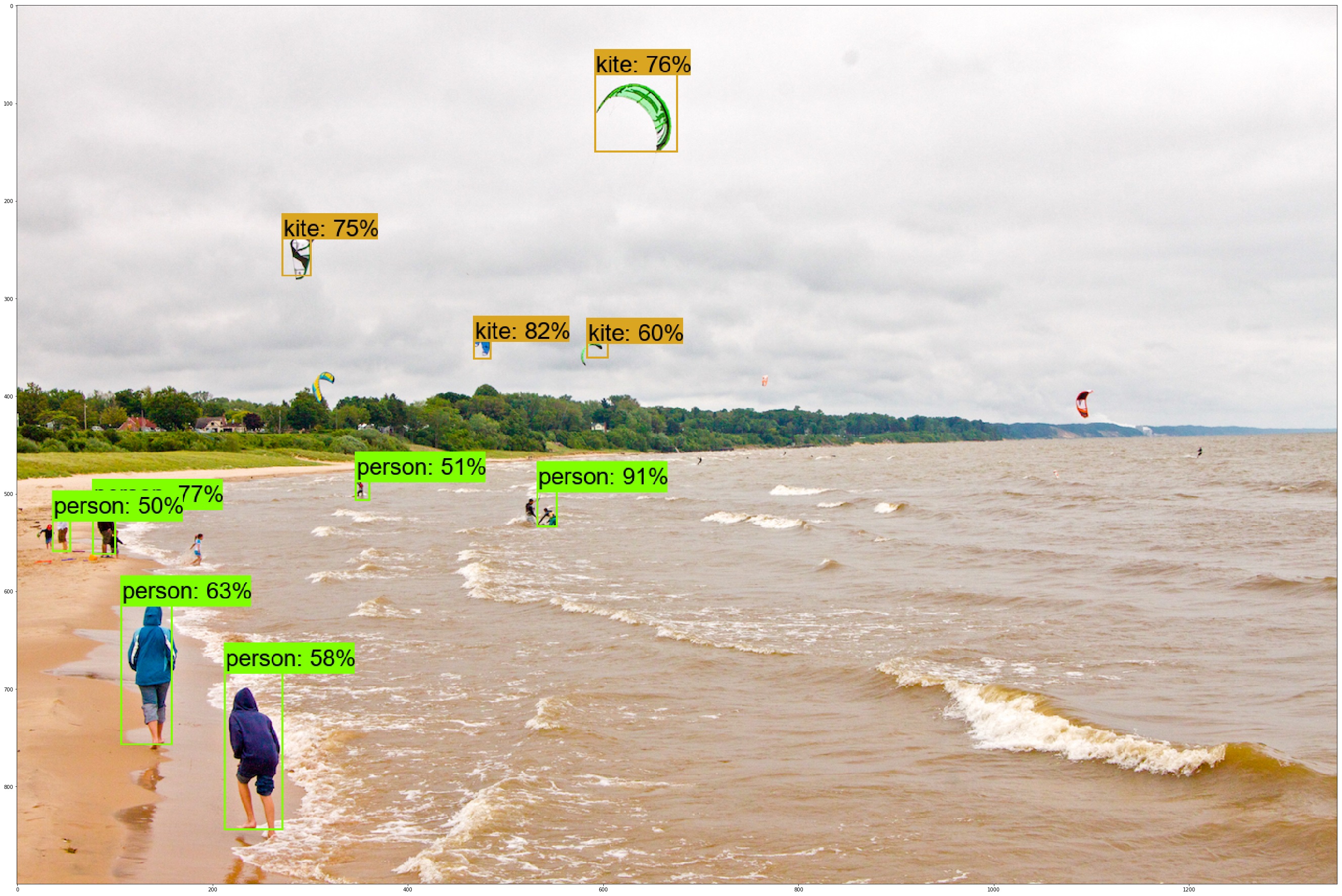
Has anybody encountered this problem ?

I think I found the problem. The bitmap is encoded as BGR while I retrieve the value as RGB. So the correct code snippet is:
matrix[0, i, j, 0] = pixelData[2];
matrix[0, i, j, 1] = pixelData[1];
matrix[0, i, j, 2] = pixelData[0];
Now the result look congruent to the original tensorflow notebook result: