

 microsoft
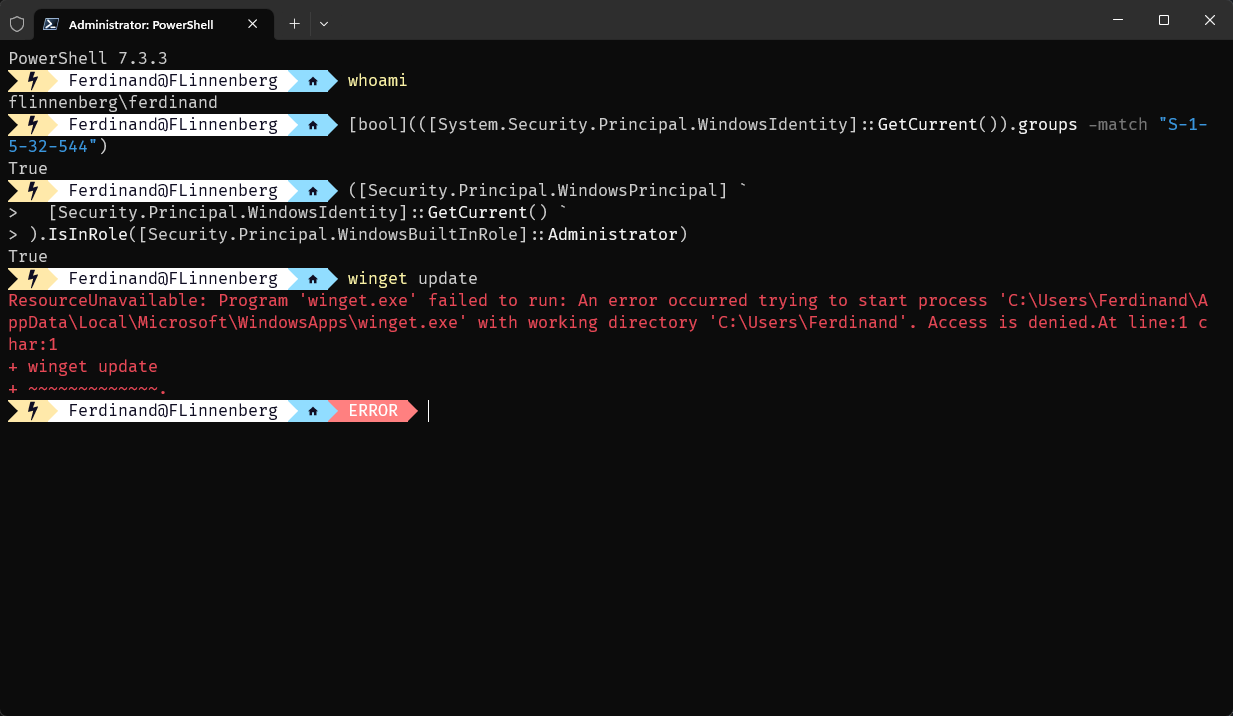
ResourceUnavailable: Program 'winget.exe' failed to run: An error occurred trying to start process. Access is denied.At line:1 char:1
Brief description of your issue
After upgrading to 22H2 (22621.1344), i am unable to run winget.
Steps to reproduce
- Open a Terminal (as admin or normal user)
- Execute
winget
Expected behavior
Winget should work
Actual behavior
ResourceUnavailable: Program 'winget.exe' failed to run: An error occurred trying to start process 'C:\Users\Ferdinand\AppData\Local\Microsoft\WindowsApps\winget.exe' with working directory 'C:\Users\Ferdinand'. Access is denied.At line:1 char:1
+ winget
+ ~~~~~~.
Environment
Windows 11: 22H1 (22621.1344)
Im unable to run the winget version command, due to the above command

@Scarjit do you know which version you had installed prior to the Windows Update?

If you install the latest stable release, does it get fixed?
https://aka.ms/getwinget
Yes, a reinstall fixed it
Thanks, at least we know we have a workaround until we find a root cause.

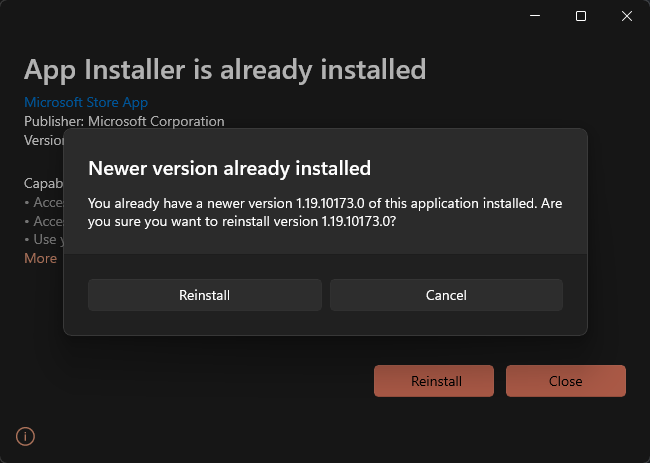
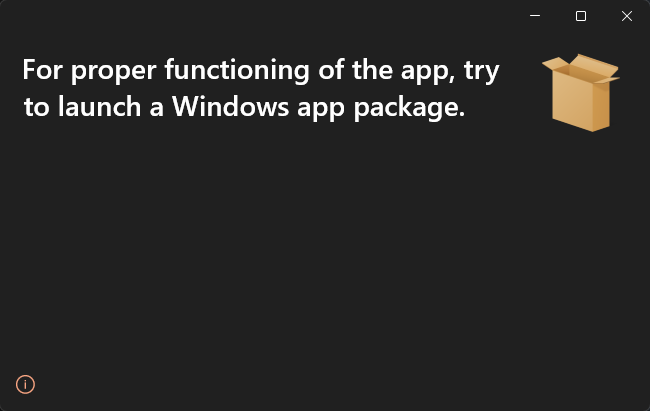
@denelon: I got the same error. Probably some permissions that got messed up, so i would like to try a clean re-install.
Too bad there is no way to unistall winget.

The "for proper functioning" UI is a false negative. That message has no bearing on whether WinGet "should" work or not. You might try doing a downgrade to the earlier version and then do a winget -v to make sure it worked followed by an "upgrade" to the version you want.
I believe we've seen an example where it looked like more than one version of App Installer was "registered" on a system, and we need to figure out what causes that so we can avoid that particular problem as well.
FYI we just released WinGet 1.5-ReleaseCandidate(1) and WinGet 1.6-preview(1) to GitHub.
I installed the previous 1.5 release 2 days ago to fix the issue with winget dirs not beeing accessible. After that i ran into this permission issue (refering to the main issue here, not Scarjits comment) and reinstalling the 1.5 release gets blocked because "App Installer is already installed".
My winget was unusable for 2 weeks or something now and I don't saw enough benefit in further trying to solve this for me. So I disabled winget yesterday as far as possible and switched back to using choco, to stay productive. Thus i wont try the new one for now.
Maybe I'll take another try when winget matured into a state thats usable on a productive system, or at least has a way to do a clean reinstall in such cases.
Yeah so I ran into this same issue today. I'm not sure if it started happening after an update or not as I don't run winget often. Not being able to reinstall winget from the MSIX just like people attempted above is kind of makes this a pain. I could attempt to forcefully uninstall and reinstall Microsoft.DesktopAppInstaller through PowerShell but I'm not quite sure if that's a good idea and if that could make things worse.

If you install the latest stable release, does it get fixed?
https://aka.ms/getwinget
Thanks. I have the same issue. And reinstall winget fixed the issue.

You should try to use the user path insted of the more general path, in your environment variables I've changed this:
- C:\Program Files\WindowsApps\Microsoft.DesktopAppInstaller_1.20.2201.0_x64__8wekyb3d8bbwe
to
- C:\Users<my-user-folder>\AppData\Local\Microsoft\WindowsApps\Microsoft.DesktopAppInstaller_8wekyb3d8bbwe
and it works

Just had same the problem. Nothing above helped. What fixed it for me was installing 1.7.3481-preview and then downgrading to latest release again 🤷♂️
