

 microsoft
Bracket Pair Colorization - window.zoomLevel when set -1 or lower
Does this issue occur when all extensions are disabled?: Yes/No
- VS Code Version: 1.73.1 (Universal)
- OS Version: macOS 13.0.1 (22A400)
Steps to Reproduce:
- add
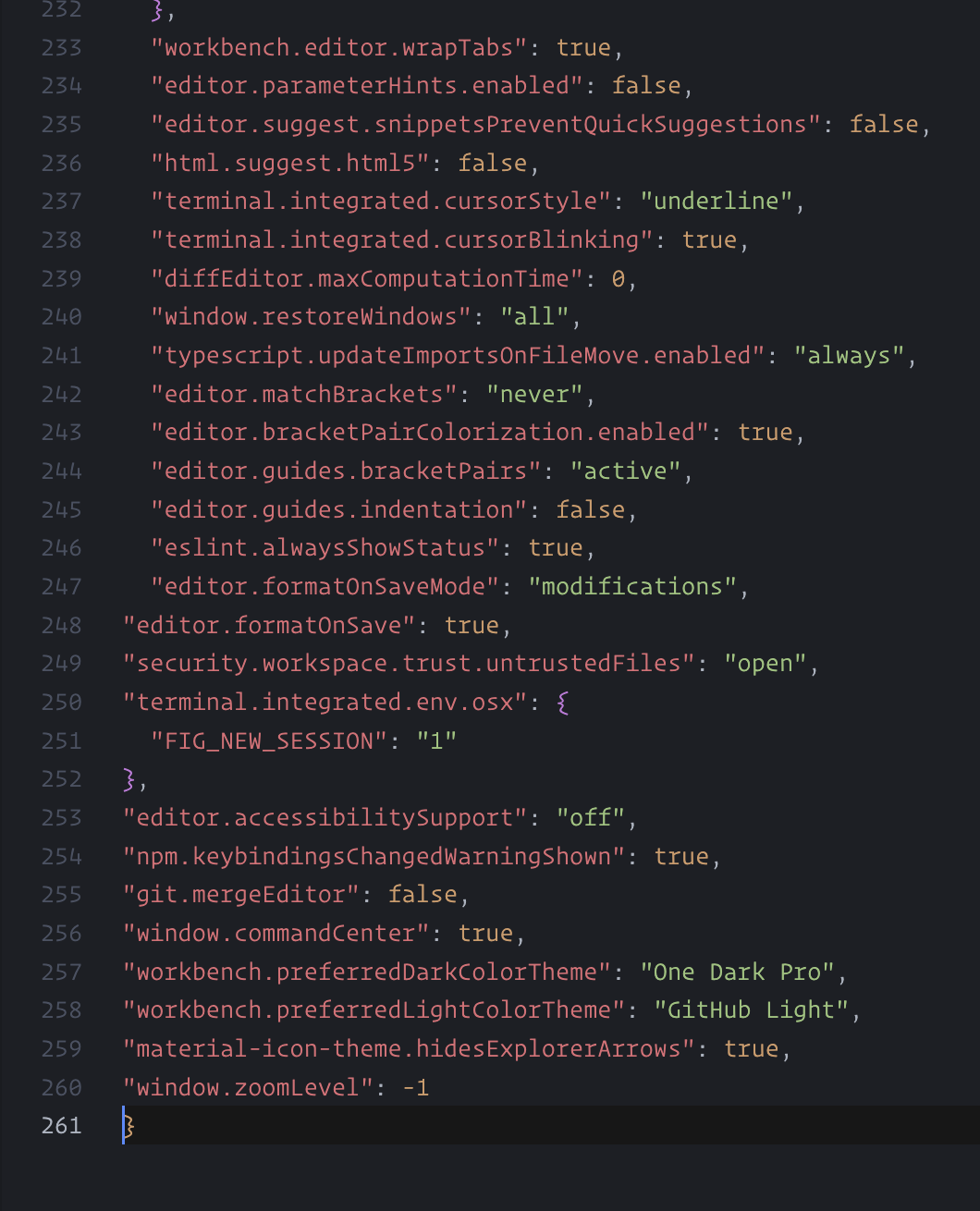
"window.zoomLevel": -1
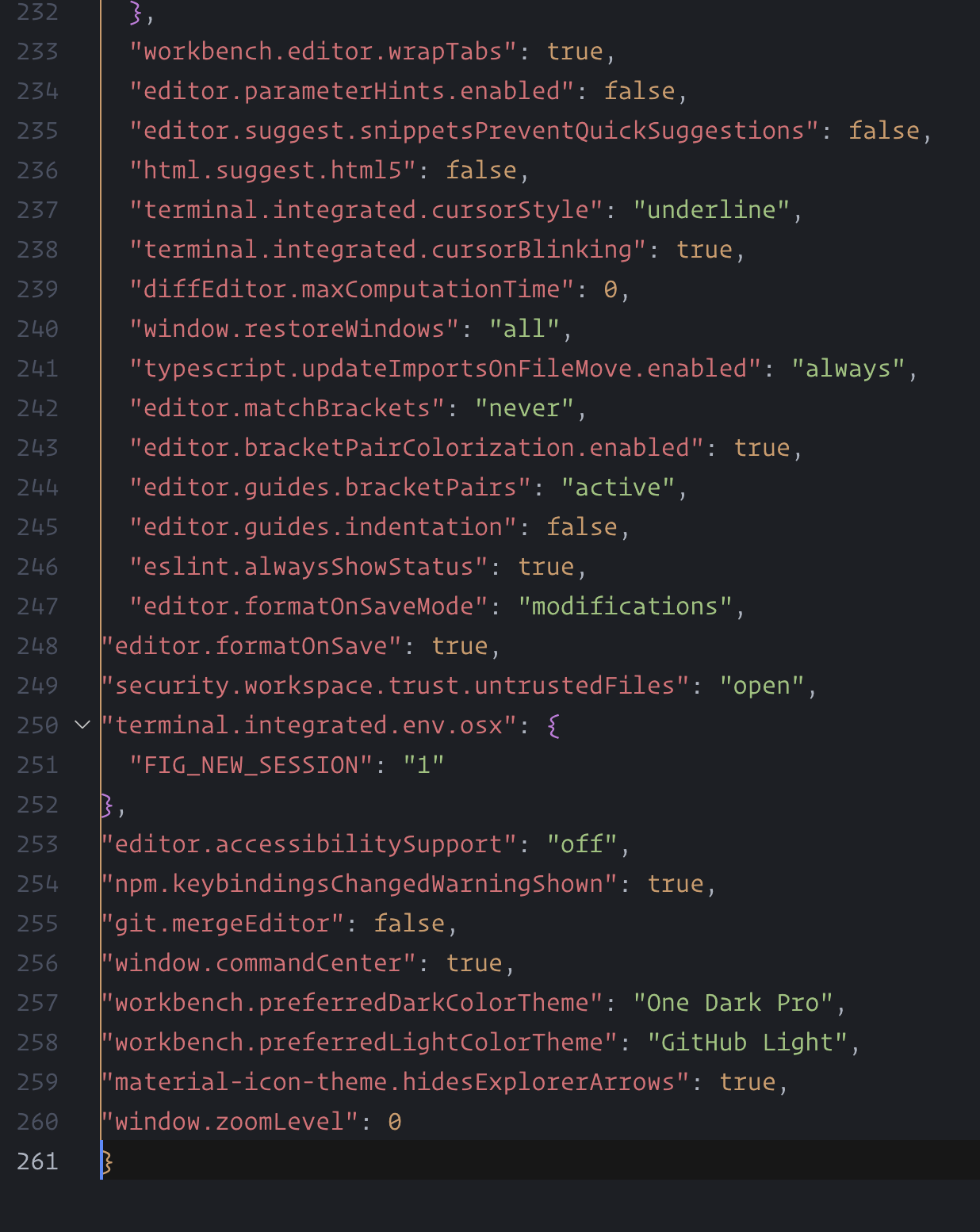
window.zoomLevel set to 0 or higher
window.zoomLevel set to -1 or lower



@hediet Hmm it seems to be working for me now as well 😂 I had changed window.zoomLevel to "window.zoomLevel": -0.8 and it was working and then adjusting when needed with command +/- but now it seems to be working as expected.
edit: I was able to reproduce by having the zoomLevel at -2 and my font size at 16.5, I recently lowered to 15 and that's why it's working now. When I changed it back to 16.5 the vertical line hides again.
I also found another open issue in regards to this
This feature request is now a candidate for our backlog. The community has 60 days to upvote the issue. If it receives 20 upvotes we will move it to our backlog. If not, we will close it. To learn more about how we handle feature requests, please see our documentation.
Happy Coding!
