

 microsoft
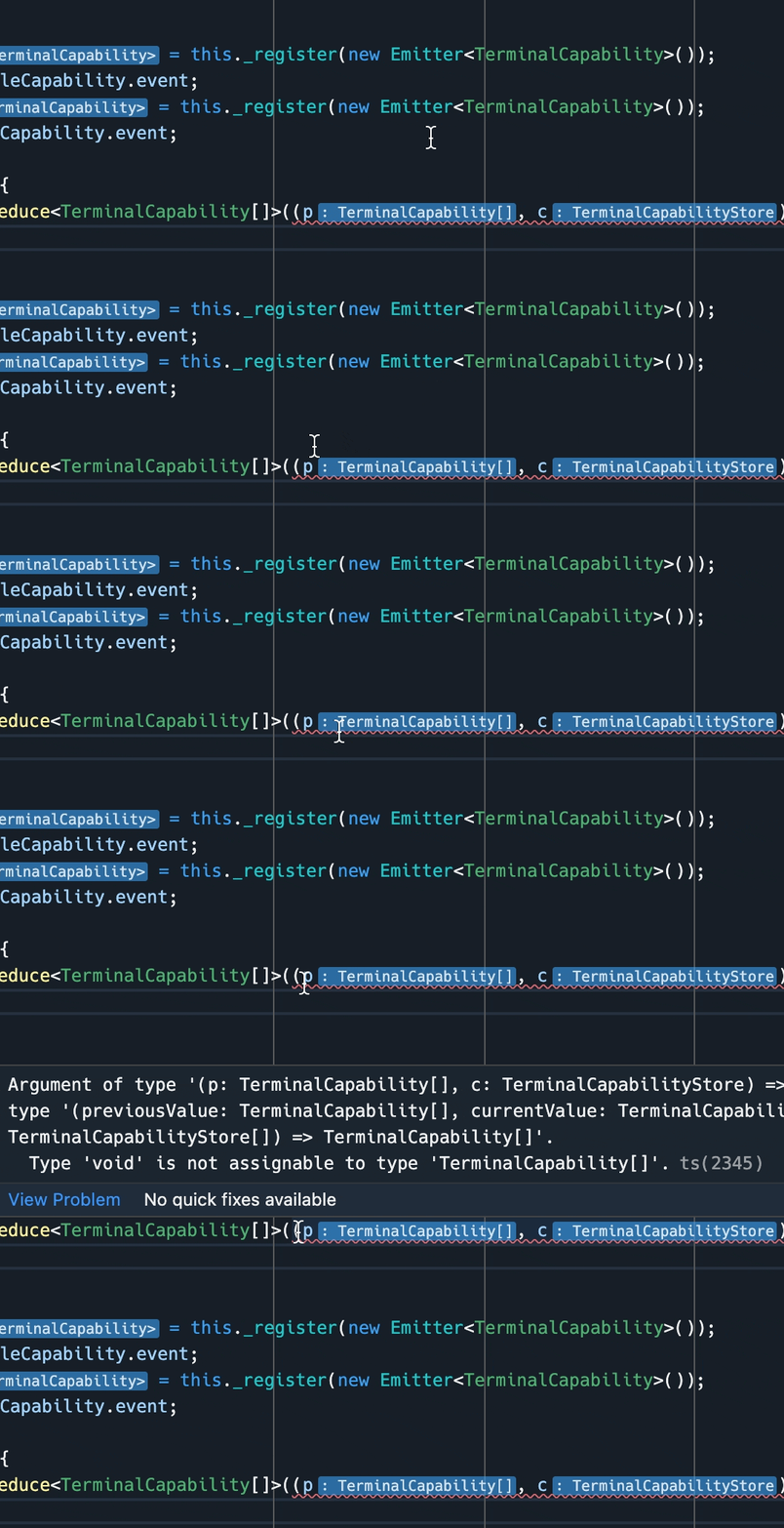
Inlay hints should show problems for the range in the hover

Came here to report the same thing
https://user-images.githubusercontent.com/8007967/165316556-6e10bcb9-3737-448f-bc73-09a88cb92773.mp4

This happens because inlay hint have their own hover which are anchored on a ForeignElement. The diagnostics hover explicitly checks for that and bails out. @alexdima Would be OK to pretend to be a "normal" range hover anchor so that I can get all the hovers together? Or should the diagnostics hover not check for the hover type?

@jrieken The HoverForeignElementAnchor is used both by inlay hints (via InlayHintsHoverAnchor) and ghost text (directly instantiates it). I think in the case of inlay hints you would want that markers are rendered in the hover, but perhaps ghost text wouldn't want that they appear in the hover, it might want to show only these actions:

My suggestion would be to add something to HoverForeignElementAnchor to be able to distinguish the two cases.


@Tyriar Please update this issue with a real code snippet that allows to reproduce this, @lramos15 please update this issue with what you have tried. Thanks
@Tyriar Please update this issue with a real code snippet that allows to reproduce this, @lramos15 please update this issue with what you have tried. Thanks
I just found a reduce function in VS Code sources such as return this.viewItems.reduce((r, item) => r + item.minimumSize, 0); and replace the returned value with the void keyword such as
return this.viewItems.reduce((r, item) => void, 0);
Something like this only gives a squiggle for the return value, not the arguments or anything with inline hints. To clarify, this will only work for squiggles that spawn across inline hints
let a = [1, 2, 3];
a.reduce((r, item) => void, 0);

Hmm, maybe it's because it's in a function so the return value becomes incorrect? This in splitview.ts

Looks good to me.
Version: 1.75.0-insider Commit: acbbdaa41a459aab86072e8d97255cd2ea1d9529

