

 microsoft
Open interactive windows in locked editor groups by default
The drive to add locked editor groups was driven by terminals being supported in editor windows. Users were frustrated that terminals were easily overlapped by newly opened files. Same arguments could be made for interactive window sessions.

Locked editor groups are an editor-agnostic concept, so you can already lock an editor group that contains an interactive window composite editor:
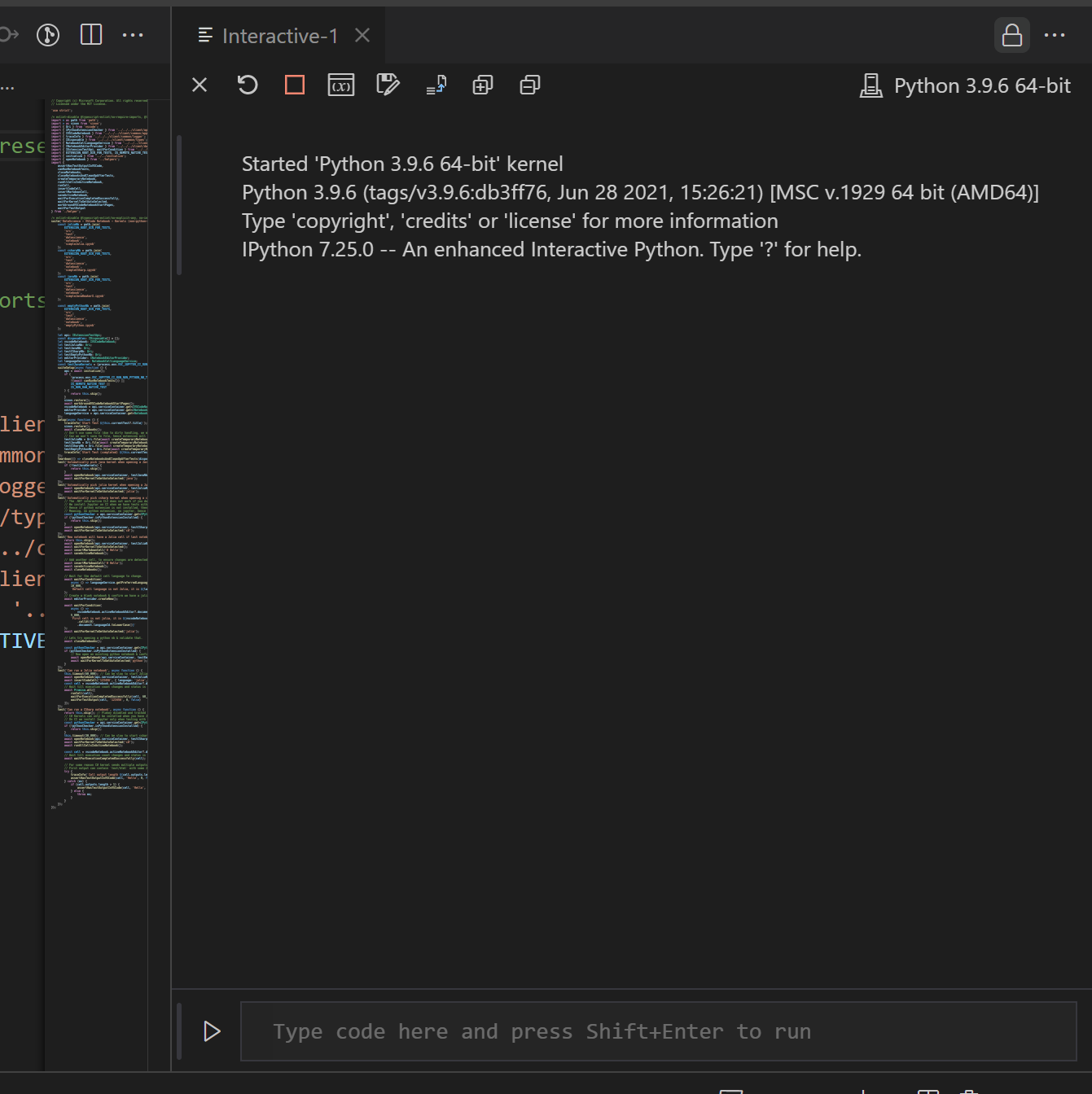
I just tested this out in the latest Insiders with the interactive window and it seems to work as advertised:
"A locked group refuses to open anymore editors unless explicitly specified by the user or API (e.g. via drag and drop). Instead, the next neighbouring group that is closest to the locked group will be picked unless that group is locked too."

We should follow suit with the terminal window version of this. If they lock the group by default, we should too. If not we can just close this bug.
We might be able to do this by adding 'interactive' to this list: https://github.com/microsoft/vscode/blob/4858eac2d2977b8c7f912c4eae2ab48b305ee7ef/src/vs/workbench/browser/workbench.contribution.ts#L197