

 microsoft
Open Gradle view missing progress bar waiting to load
Extension Name: vscode-gradle Extension Version: 3.11.0 OS Version:windows10 VSCode version:1.65.2
Describe the bug Open the Gradle sidebar and the plugin is loading Gradle project information. But there is no progress indicator in the view, making it impossible to know if it is currently available.
To Reproduce
- Open a gradle project.
- Open Gradle Sidebar.
Expected behavior There is a progress display to let people know if the plugin is available. A progress bar similar to a refresh button.
Screenshots
Output from "Gradle for Java"
Does the bug still exist if you disable all other extensions? Yes
Additional context The previous version had a progress bar, but this version is lost



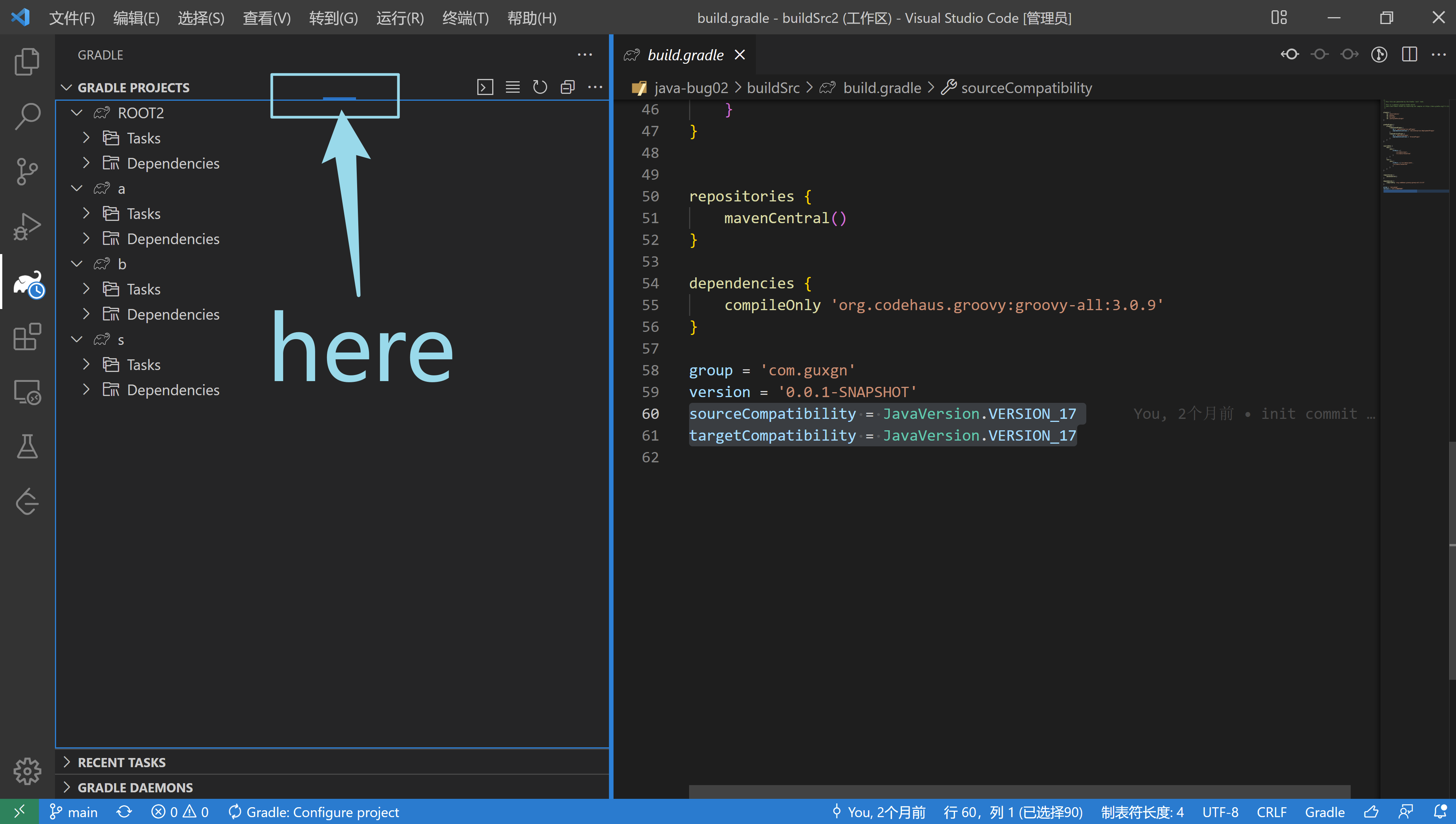
@CsCherrYY because, the status bar at the bottom is not easy to attract people's attention. Generally, everyone's eyes are staring at the top item information.
Get it. But I can see the progress bar in my PC.
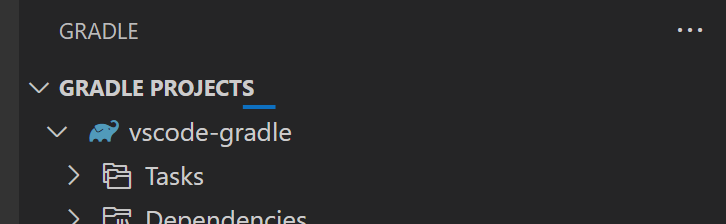
In your case, could you see the progress bar when refreshing?
@CsCherrYY I found that when the gradle plugin is initializing for the first time, and then open the Gradle sidebar, the top progress bar is not there.
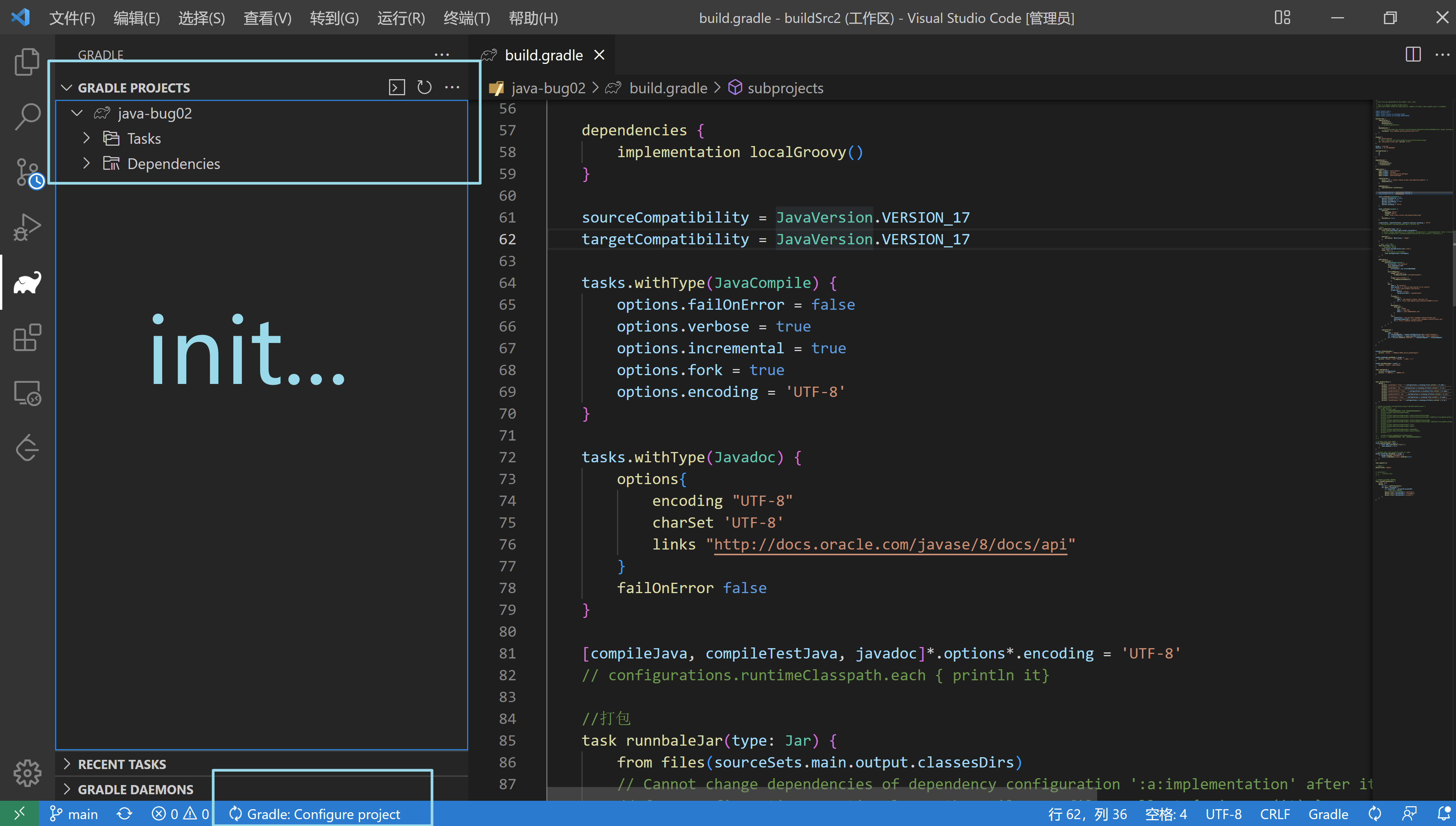
Emmm I still can't reproduce this.. I can see the top progress bar when initializing.
This UI behavior is exactly controlled by VS Code, it will show loading status when executing vscode.TreeDataProvider.getChildren() (the process we get the Gradle build)
https://github.com/microsoft/vscode-gradle/blob/890ad4a75f9d8547350a9192e1e1c2b094a7f09e/extension/src/views/gradleTasks/GradleTasksTreeDataProvider.ts#L144
So I think it would not be changed by the extension.