

 microsoft
High CPU and janky experience while using Edge Tools Screencast
Environment (please complete the following information):
- MacOS 12.3
- 15" Macbook Pro (2017)
- VS Code: 1.65.2
- Edge dev tools v1.4.5
Describe the bug:
I just cloned this repo and while playing around with the edge dev tools / debugger, I'm noticing high CPU rates. Especially so when the screencast is in view. Navigating the sample app is quite janky / unresponsive. This has a massive impact on the overall experience of using the screencast.
Repro steps:
Clone https://github.com/codepo8/simple-to-do, open vscode and start debugger with http-server
Expected behavior:
For the overall experience to feel snappy without high cpu levels
Additional context:

Thanks for filing this issue Daniel. It seems like something we will need to investigate further. Pinging @codepo8 here as he might have questions for you that would help narrow this down.

I am getting the same problem. Reset all devtools settings to default but same Version 103.0.1264.62 (Official build) (64-bit)

I got excited about this feature after discovering it this morning! But yes, I experience the same sluggishness and I'm not advocating it to the team for now:
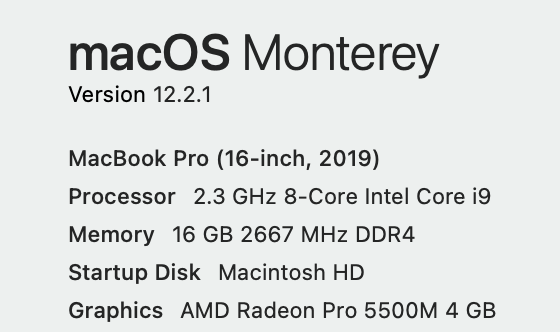

Same issue, on MacOS 13.3.1 (Macbook Pro M2), VSCode version 1.78.1
The CPU usage is very high in headless mode.
When I launch the debug session on Edge without the headless feature, I have much less CPU usage:
