

 microsoft
Change "screencast" UI string to "browser"
Environment:
- OS (e.g., Windows 10): Win11
- Extension version (e.g., 1.2.3): 2.1.1
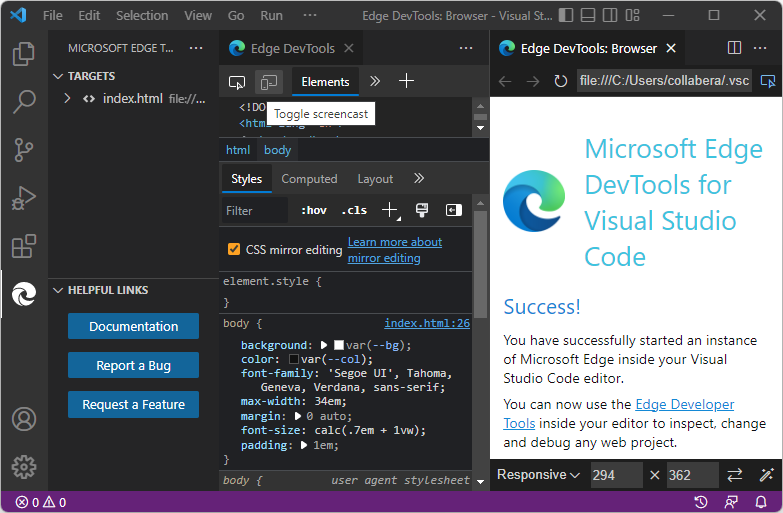
Describe the bug: A couple tooltips say "Toggle screencast" but should say "Toggle browser".
Repro steps: Instance 1: Activity Bar > Microsoft Edge Tools > Launch Instance button > Targets list > Hover on right side of target, hover over left icon. Actual result: Tooltip reads "Toggle screencast".
Instance 2: In Edge DevTools tab, hover over icon in upper left > Actual result: Tooltip reads "Toggle screencast".
Expected behavior: Tooltip should read "Toggle browser".
Additional context: Find "screencast" in files such as UI strings files, to see if there are any other instances that should be changed.



As the screencast is not a fully fledged browser, we need to capture the limitations of the browser preview in the docs. I will work on that and come back to the docs team. Meanwhile we will fix this accordingly to be in sync with the docs.

We should fix this soon so that we don't have a discrepancy between the docs and the tool.