
vscode-edge-devtools
 vscode-edge-devtools copied to clipboard
 microsoft
Page looks blurry on retina screen
Environment (please complete the following information):
- OS (e.g., Windows 10): Windows 11
- Extension version (e.g., 1.2.3): v2.1.1
Describe the bug:
The page looks blurry when screen scaling is set to a value over 100%.
Repro steps:
- Go to Windows Settings.
- Set screen scaling to a value > 100%
- Open any html file using Microsoft Edge Tools
Expected behavior:
Page should not look blurry on any screen scaling value.
Additional context:
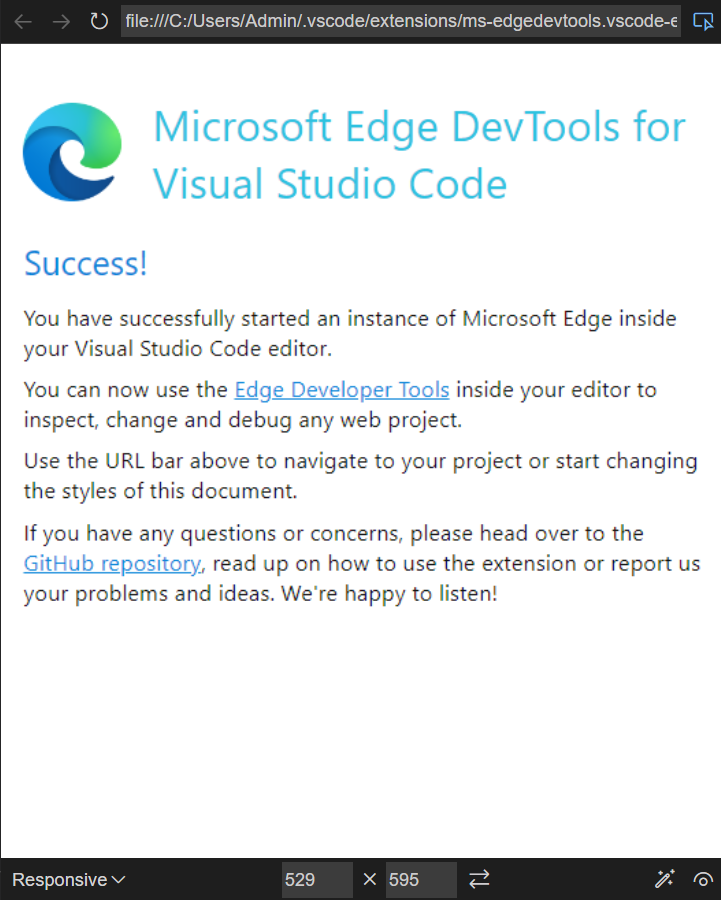


i am also having this issue seems like there is a scaling issue in high dpi displays when i changed the dpi scaling in windows setting to 100% it seems to be fixed. but when it is scaled at 150% it becomes blurry
scaling at 100%
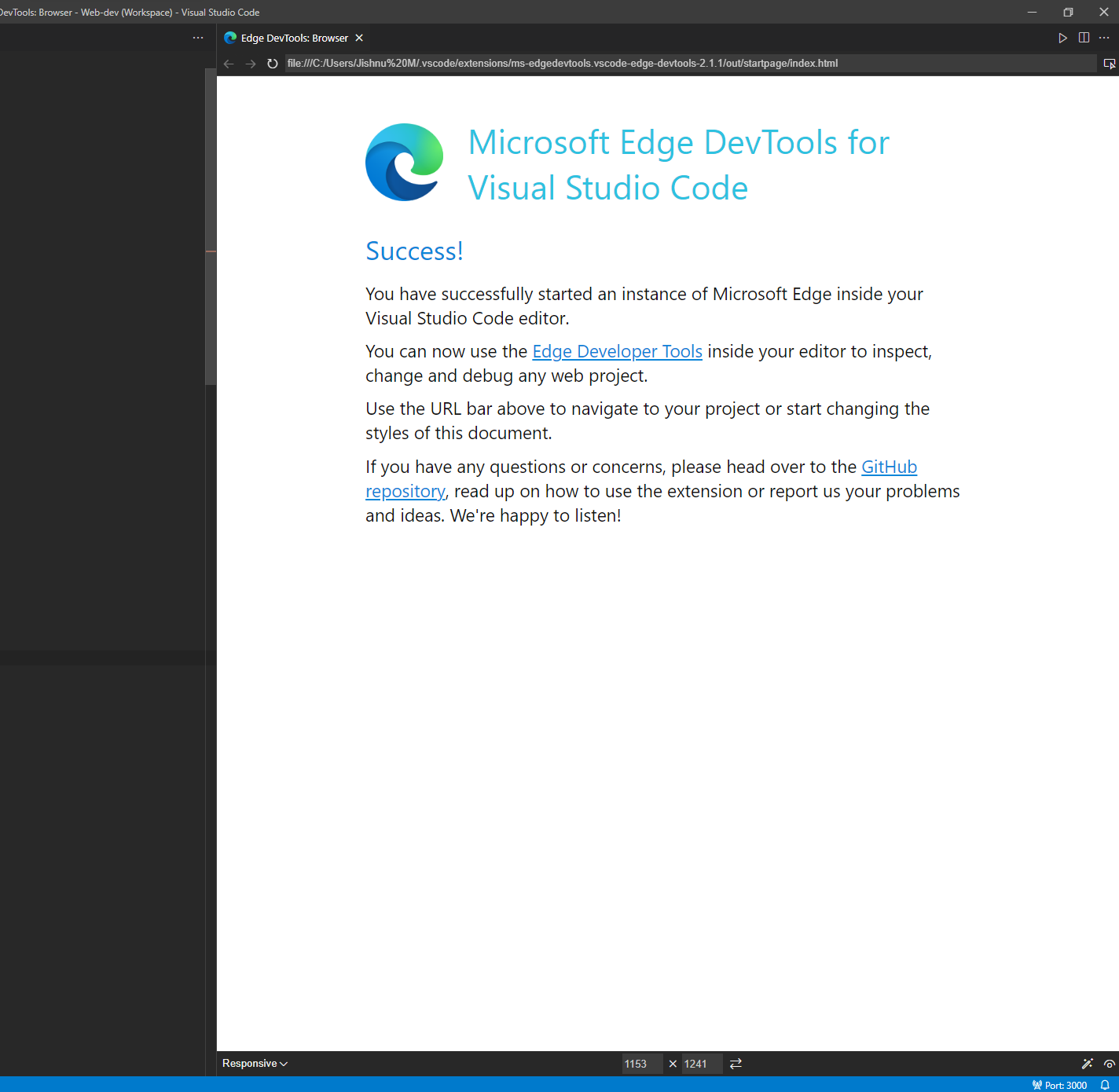
scaling at 150%


Also experiencing this issue:
browser (at 200%)
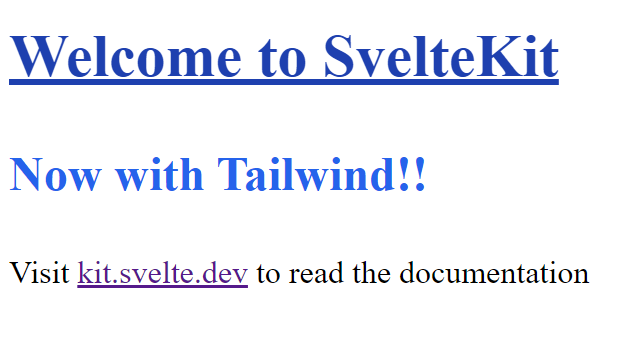
VSCode Edge Devtools
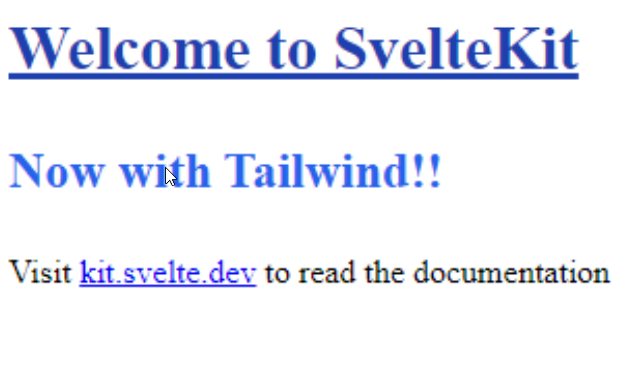
for repro just zoom in inside VSCode and the devtools browser should zoom in as well.
