

 microsoft
Media and other keys autoscroll the terminal
Description
Keys that aren't meant to insert characters seem to jump the terminal to the bottom where input is being awaited. This includes media buttons.
Steps to reproduce
Open any terminal tab (tested with both Ubuntu and Powershell) and run anything to fill up the screen (e.g. run ls 5 times). Scroll up until the text input area is off the page.
Press any non-typing character that isn't a modifier (tested with "calculator" key, play/pause, and volume control keys)
Expected Behavior
These keys should have no effect on terminal
Actual behavior
Terminal scrolls to the bottom of the page where a new line is
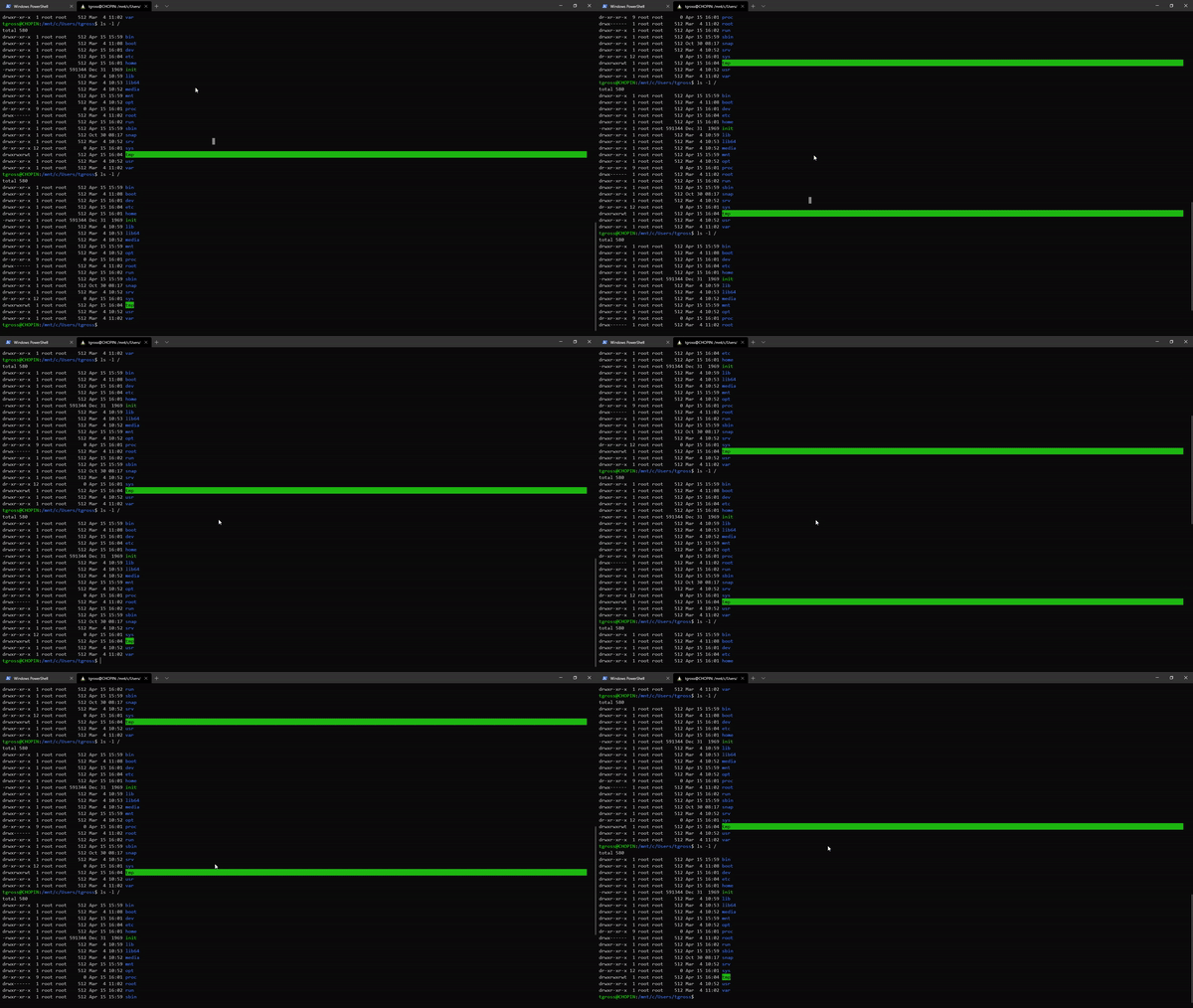
In this video I press the mute key or the calculator key, causing the terminal to jump
Version Info
Windows Terminal Version: 0.10.781.0

Yeah, that's a fair pull. We should only scroll on "input" if there actually was input.


Nope. We'll make sure to update this thread when there is. In the meantime, might I recommend the Subscribe button?
 That way you'll be notified of any updates to this thread, without needlessly pinging everyone on this thread ☺️

This is also happening to me when clicking within a PowerShell window to highlight text.

Pretty sure this is due to the IsInputKey function. It needs to be swapped to a whitelist, or we need to add the volume vkey. Tagged it up for 1.26, because it's probably easy to fix.
