

 microsoft
Extension icons are clipped - seeking clarification on required icon size
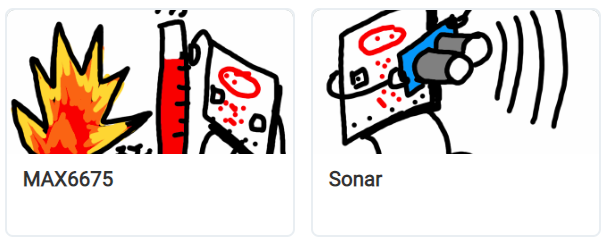
Describe the bug On the extensions dialogue, and especially on the gallery page (https://makecode.microbit.org/extensions), lots of icons are clipped so that important parts of the design are missing.
MakeCode extension icons are specified to be 300x200 pixels and less than 100kb in size (https://makecode.microbit.org/extensions/approval), though few existing extension icons fit that spec.
The spaces available on the extensions dialogue and the extensions gallery appear to have aspect ratios of about 1.63 and 1.95, not 1.5, which means a 300x200 icon will be clipped top and bottom to about 300x184 and 300x155.
To Reproduce Visit the extensions dialogue or the gallery.
Expected behavior Extensions icons are the specified size, and not clipped if they are.
Screenshots
micro:bit version (please complete the following information): not hardware related
Desktop (please complete the following information):
- OS: [e.g. iOS] Windows
- Browser [e.g. chrome, safari] Chrome
- Version [e.g. 22] 105

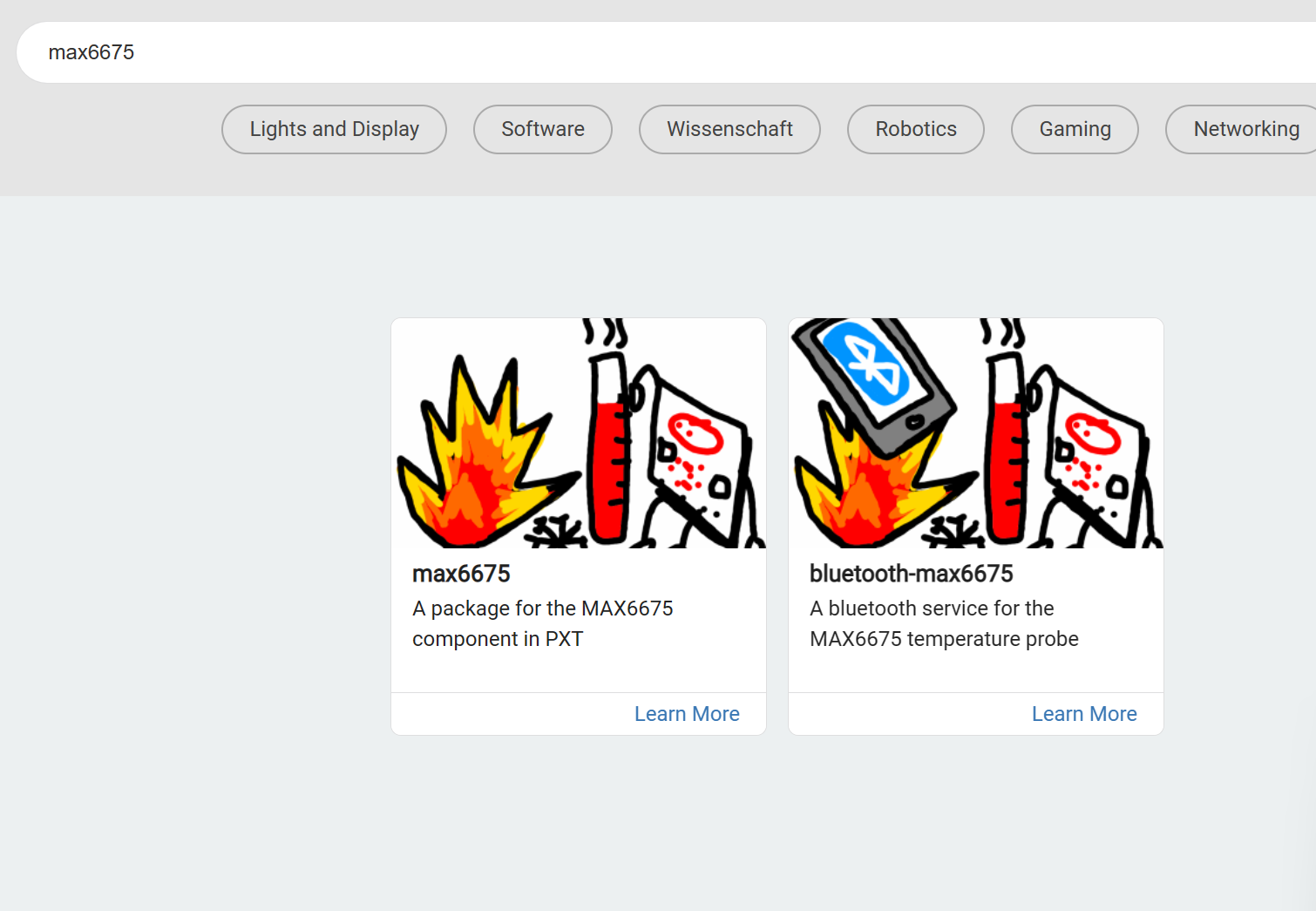

Thanks @abchatra The clipping is worse in the gallery, but also present in the extension dialog. max6675 and sonar icons are actually 320x240, so the clipping is worse than with the 300x200 specification.