

 microsoft
Feature: Add extensions to search
Currently you have to open the advanced dropdown or go to the settings menu to add an extension.
Search is a prominent feature of the editor. Could this be extended to included searching extensions to aid discoverabilty?
For example, if I wanted to connect a weight sensor I might use the search to see if there are any blocks that I can use. Currently the search isn't very useful for this sort of query
Could we add a button in the search results that leads people to the extension gallery? eg

might end up here
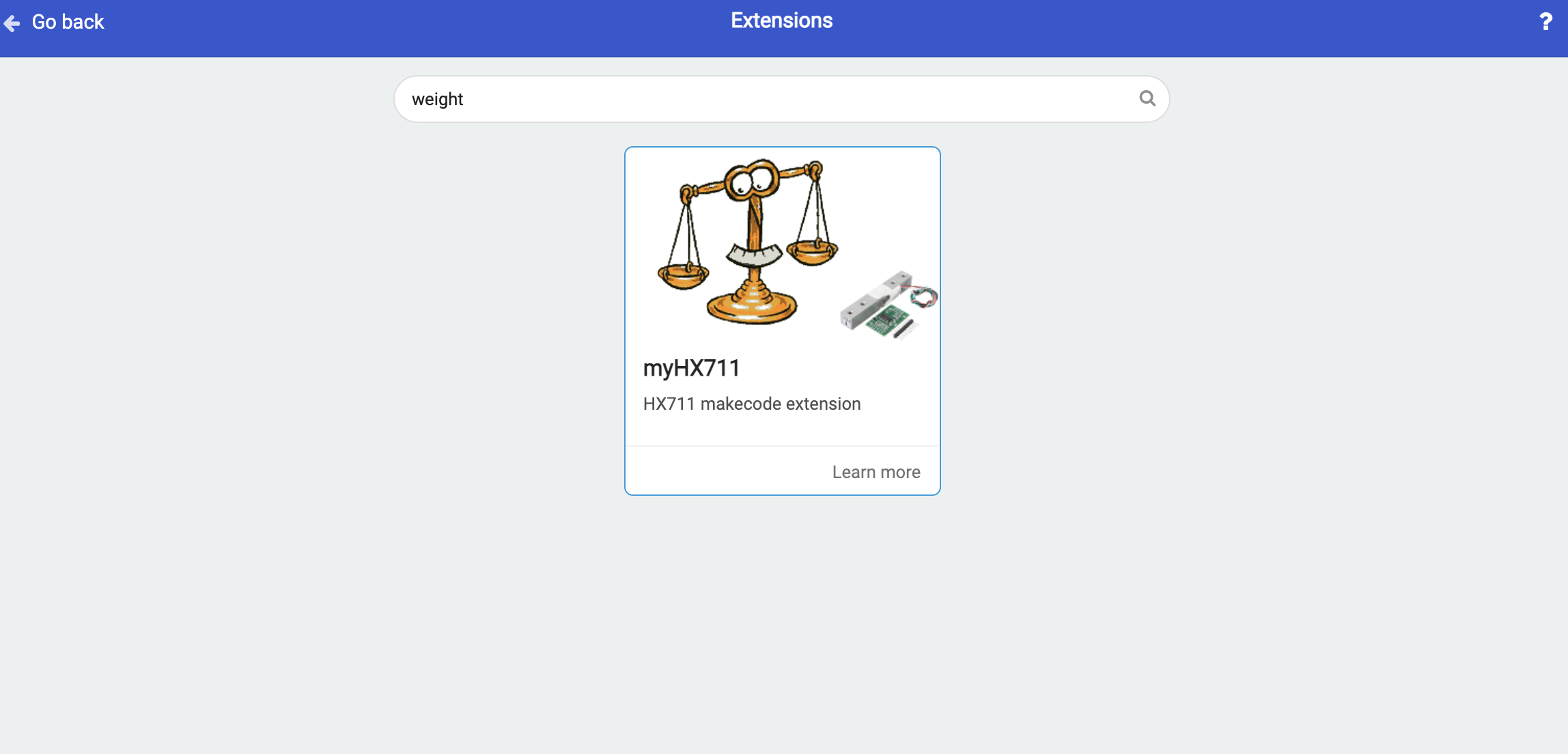
Maybe we even surface the relevant extensions in the search rather than the extra step of going to the gallery


This could be useful to offer advanced functionality via extensions and have that visible via the toolbox.

@unthinkmedia @abchatra Another requirement for the proposed new search process would be to filter by micro:bit board version (v1, V2, works with both)
@unthinkmedia as mentioned on our call. We think this would be a good one to think through and implement