
o365-moodle

o365-moodle copied to clipboard
 microsoft
Cannot create site event on calendar
Moodle version: 3.11.7 (Build: 20220509) MS plugins: local_o365 3.11.4
When creating a site level event an exception is thrown and event cannot be created (Issue does not occur with personal/category/course events)
Replication steps:
- Navigate to the site calendar {hostname}/calendar/view.php?view=upcoming
- Click New Event
- From the 'Type of event' dropdown, select site
- Fill in the rest with any info
- Click save and the error shows
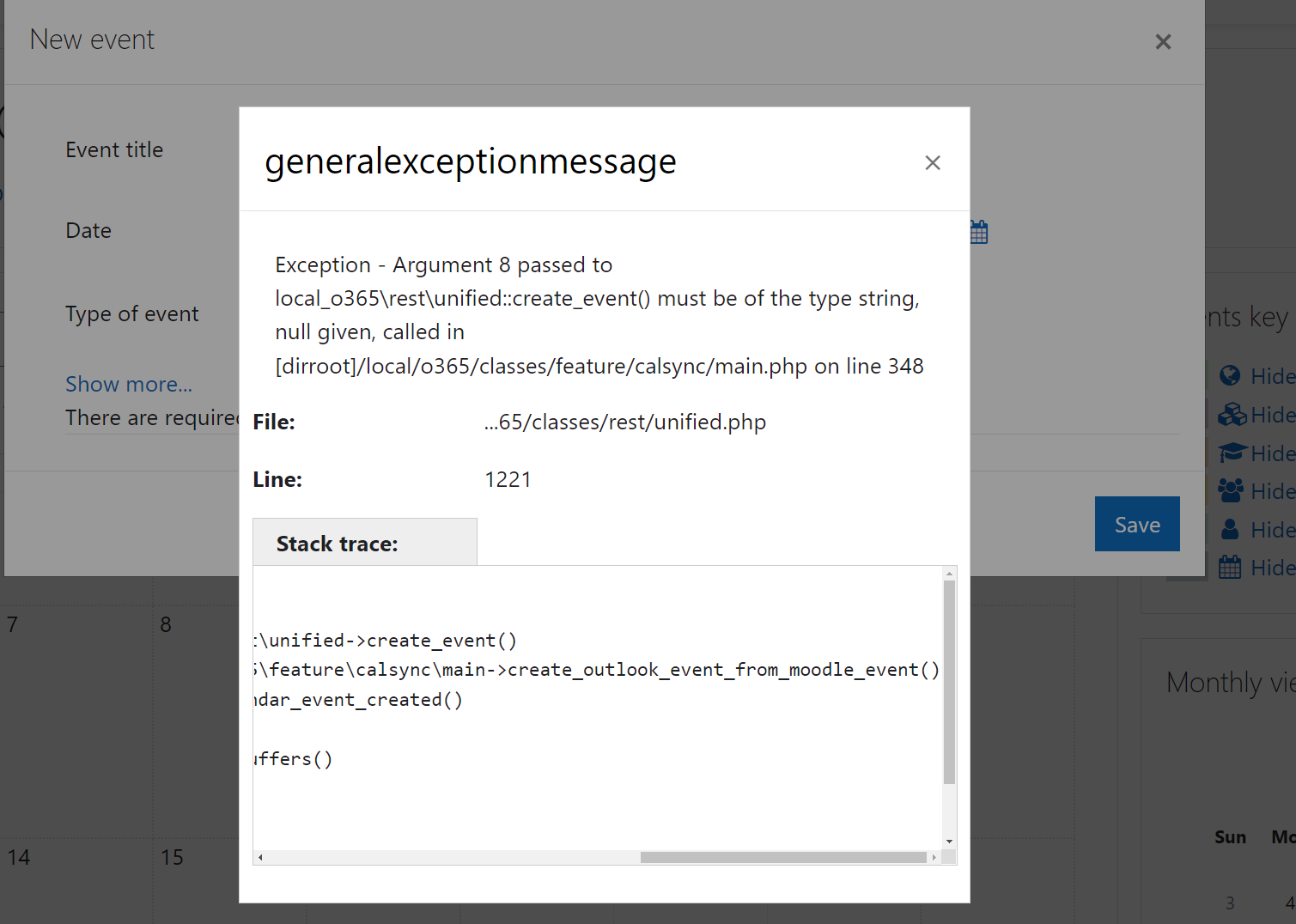
Exception - Argument 8 passed to local_o365\rest\unified::create_event() must be of the type string, null given, called in [dirroot]/local/o365/classes/feature/calsync/main.php on line 348
File: ...65/classes/rest/unified.php
Line: 1221

Stack trace:
Error code: generalexceptionmessage
* line 1221 of /local/o365/classes/rest/unified.php: TypeError thrown
* line 348 of /local/o365/classes/feature/calsync/main.php: call to local_o365\rest\unified->create_event()
* line 120 of /local/o365/classes/feature/calsync/observers.php: call to local_o365\feature\calsync\main->create_outlook_event_from_moodle_event()
* line ? of unknownfile: call to local_o365\feature\calsync\observers::handle_calendar_event_created()
* line 155 of /lib/classes/event/manager.php: call to call_user_func()
* line 75 of /lib/classes/event/manager.php: call to core\event\manager::process_buffers()
* line 834 of /lib/classes/event/base.php: call to core\event\manager::dispatch()
* line 556 of /calendar/lib.php: call to core\event\base->trigger()
* line 928 of /calendar/externallib.php: call to calendar_event->update()
* line 261 of /lib/externallib.php: call to core_calendar_external::submit_create_update_form()
* line 81 of /lib/ajax/service.php: call to external_api::call_external_function()

Hi @thebenkahn,
I acknowledge this is a bug in the local_o365 plugin.
A fix has been provided in the pull requests linked to the issue, and will be included in the next release.
Regards, Lai

Hi all,
The fix to the issue has been included in the release from today. Please upgrade your plugins to the latest version to see the changes.
I'm going to close the issue now.
Regards, Lai