

 microsoft
Looking for pointers
Hi All,
Sorry for my email, but there seems to be a lot of conflicting resources in setting up Moodle to work with OneNote Class notebook. I have Microsoft oauth2 configured with a Azure Web application. Users can login using the Microsoft account successfully. How can I get a OneNote class notebook created for each Moodle group? Is it now necessary to have Teams integration fort this?
I look forward to hearing from you. Best wishes, Steve

Hey Steve In my opinion, setting up the full Teams integration and having users access the Notebook via the Microsoft block is the best approach. There is still a Class Notebook LTI floating around but it was never supported or even usable in my opinion.
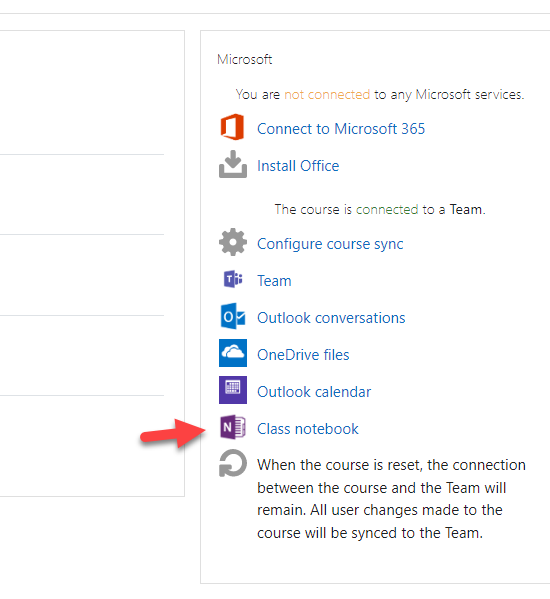

Thanks for your comment @thebenkahn. Yup, I've got the Microsoft block added. And the OneNote submissions now, but I was hoping the OneNote submissions would create the pages within the students class notebooks, but its within a different OneNote altogether A Moodle OneNote (not class notebook style).
Yes I have used the Lti in the past and it worked quite well setting assignments and then marking them in OneNote and the results where sent back to Moodle. But this feature has been removed on latest versions of OneNote. No connections option or Create Assignment button.
Frustrating as I almost have everything I need, Moodle, Virtual Programming Lab self marking code, just need the class notebook and grading to sync now and I'll be very happy.
Hi @Stevewentworth,
First of all, I can confirm the approach that @thebenkahn mentioned would be the closest to what you require.
Through our talks with the Microsoft education team, it is their intention to achieve as much integration features via Teams as possible. As a result, many of the previous features that were build on Microsoft Groups have been shifted to be based on Teams. OneNote integration is one of these features. So to answer your question - the only way to properly use the OneNote integration feature in the current versions of the plugins would be to set up Teams integration on the Moodle course.
Regards, Lai
