

 microsoft
TabView throw a 'System.ArgumentException' while removing an item from it's TabItemsSource
Describe the bug
I created a WinUI3 app using the template selector and added a tabview to work with files in the main page, i did this by making the tabitemsource a ObservableCollection of <Document>, the thing is that if i navigate to other page and then return to the main page, if i decide to open two or more tabs and then close one of the unselected tabs, the app
Exception thrown: 'System.ArgumentException' in WinRT.Runtime.dll
WinRT information: The parameter is incorrect.
I think this is a bug, since i can open and close as many tabs as i want when i am on the main page (selected tabs or not) without issue, but if i navigate to other page an then return, closing new opened tabs or changing the selected tab and then closing it, throw this error if unselected.
Steps to reproduce the bug
- Open app.
- Open a directory.
- Click settings icon to go to settings page.
- Click settings icon to go back to main page.
- Open some documents
- Close unselected document.
Expected behavior
The document should close successfully but for some reason it does not.
Screenshots
- Open app.
- Open a directory.

- Click settings icon to go to settings page.
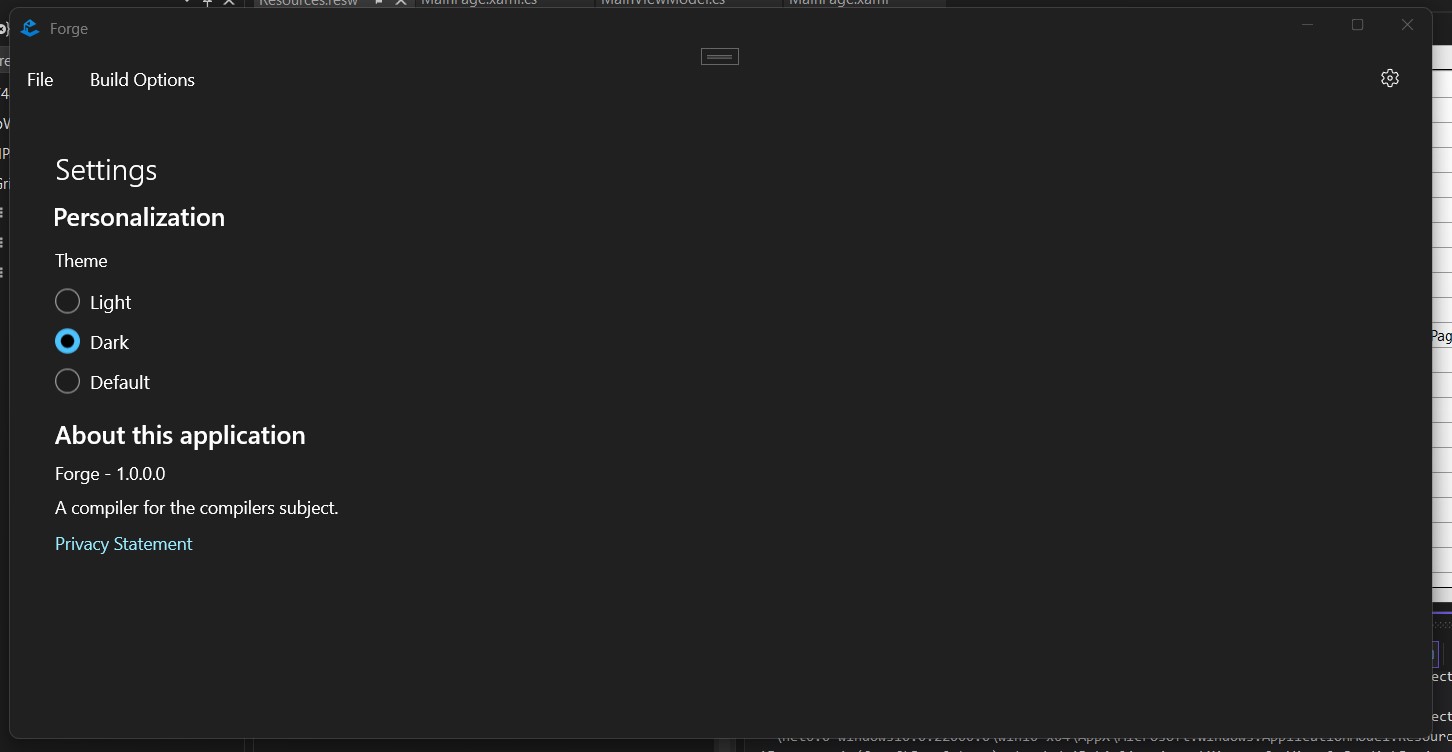
- Click settings icon to go back to main page.
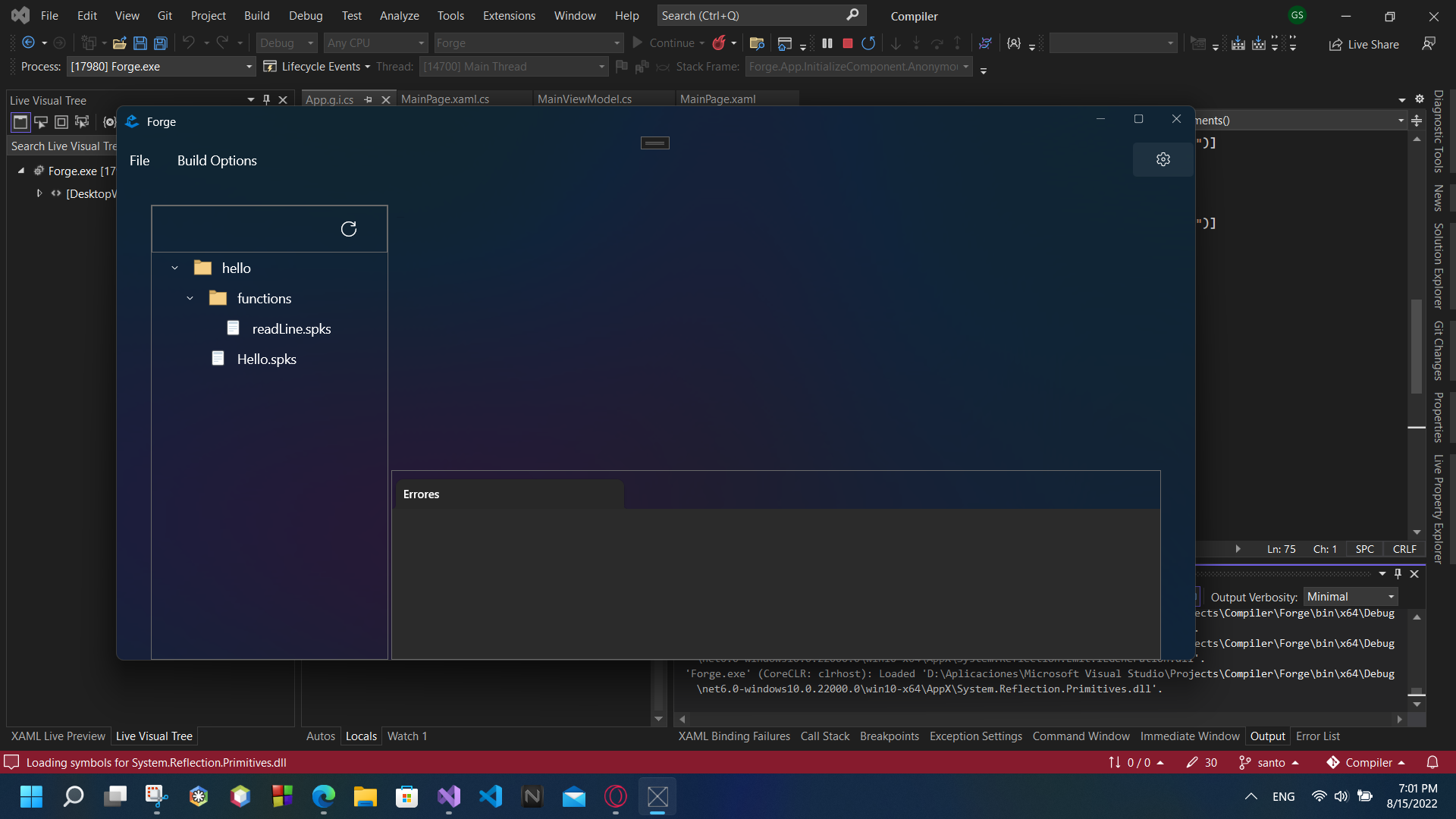
- Open some documents

- Close unselected document.

NuGet package version
WinUI 3 - Windows App SDK 1.1.4
Windows app type
- [ ] UWP
- [ ] Win32
Device form factor
Desktop
Windows version
Windows 11 (22H2): Build 22000
Additional context
Code:
TabView Control
<TabView x:Name="codeTabs"
         IsAddTabButtonVisible="False"
         CloseButtonOverlayMode="OnPointerOver"
         TabCloseRequested="TabView_TabCloseRequested"
         HorizontalAlignment="Stretch"
         VerticalAlignment="Stretch"
         TabItemsSource="{x:Bind ViewModel.Files}"
         SelectedItem="{x:Bind ViewModel.SelectedDocument, Mode=TwoWay}">
    <TabView.TabItemTemplate>
        <DataTemplate x:DataType="models:Document">
            <TabViewItem Header="{x:Bind FileName}">
                <TabViewItem.Content>
                    <local:FilePage FileName="{x:Bind Path}" Text="{x:Bind Text}"/>
                </TabViewItem.Content>
            </TabViewItem>
        </DataTemplate>
    </TabView.TabItemTemplate>
</TabView>
TabView_TabCloseRequested
    private void TabView_TabCloseRequested(TabView sender, TabViewTabCloseRequestedEventArgs args)
    {
        SparkFileService.Instance.CloseFile(args.Item as Document);
    }
CloseFile
    public void CloseFile(Document document)
    {
        var openDocument = OpenDocuments.Where(d => d.Path == document.Path).FirstOrDefault();
        if (openDocument != null)
        {
            OpenDocuments.Remove(openDocument);
        }
    }
Fix
    private void TabView_TabCloseRequested(TabView sender, TabViewTabCloseRequestedEventArgs args)
    {
        var document = args.Item as Document;
        var selectedDocument = ViewModel.SelectedDocument;
        ViewModel.SelectedDocument = document;
        SparkFileService.Instance.CloseFile(document);
        ViewModel.SelectedDocument = selectedDocument;
    }
This is a fix to the problem, since this bug only reproduce with unselected tabs, the solution i found was making the tab to close the selected tab and then closing it.
