

 microsoft
Proposal: Allow adding interactive areas to the TitleBar
Summary
Currently with Preview 4 we can extend into the titlebar with custom UI content - however any buttons, textboxes or others will not receive mouse inputs.
Rationale
Having profile, search, and a few other quick-access features in the title bar are pretty common place now, but isn't possible with Preview 4. While we can add info there now, none of it receives mouse input.
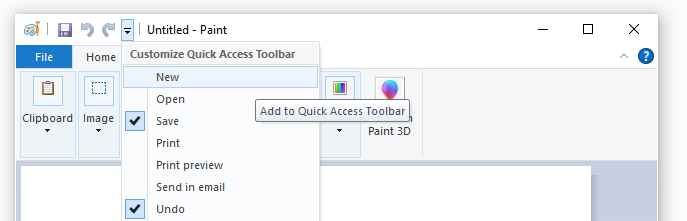
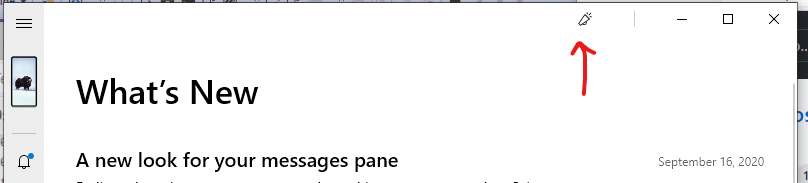
Here are some common scenarios where this is done today:
MS Edge Tabs:

Mail App back button:

MS Paint:
Your Phone:
Word:

Scope
Must allow buttons, dropdowns and text/searchboxes
| Capability | Priority |
|---|---|
| This proposal will allow developers to accomplish commong title-bar patterns used in many other Windows Apps and familiar to users | Must |
| This proposal will allow end the developer to maximize content area by moving common features to the title bar | Must |
Important Notes
Open Questions

Can't you already do this with the Extend Into Titlebar API and SetTitleBar API?
The panel containing these controls should receive the touch and drag input, but controls within would still be tap-able

@dotMorten I made a templated control to customize the TitleBar with interactable objects for UWP at first impression it needs two panels: one for the draggable area and non-interactive items and other one for put any kind of content rendering through ContentPresenter control and I just need to manipulate they Z-Index. I'll try here and report the results, just commenting if you want to try too.

@mdtauk No. As mentioned above they don't receive input. Looks like once you call SetTitleBar, all mouse input is diverted to dragging the window around.
@marck7jr I should point out this if for Win32 not UWP
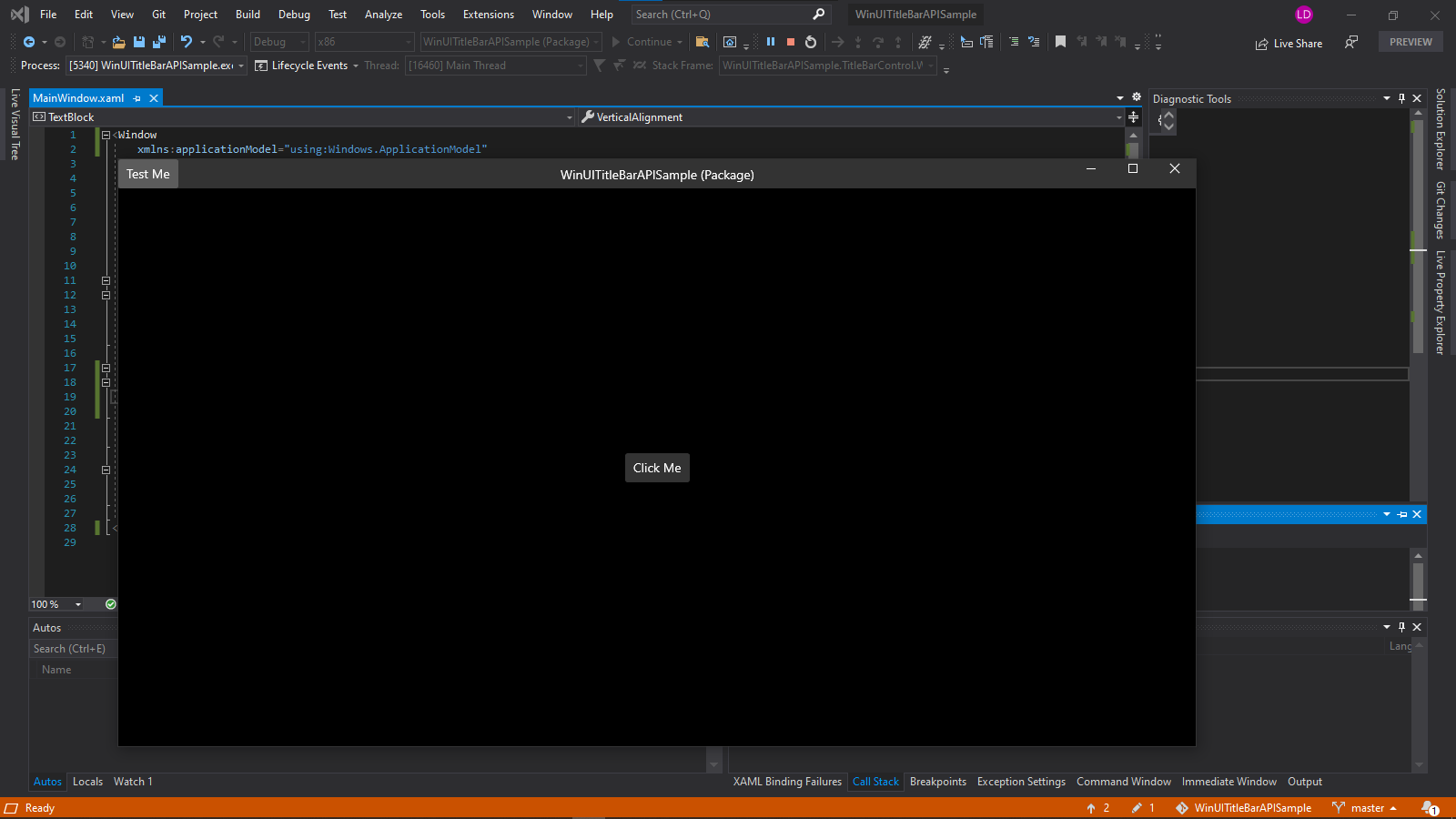
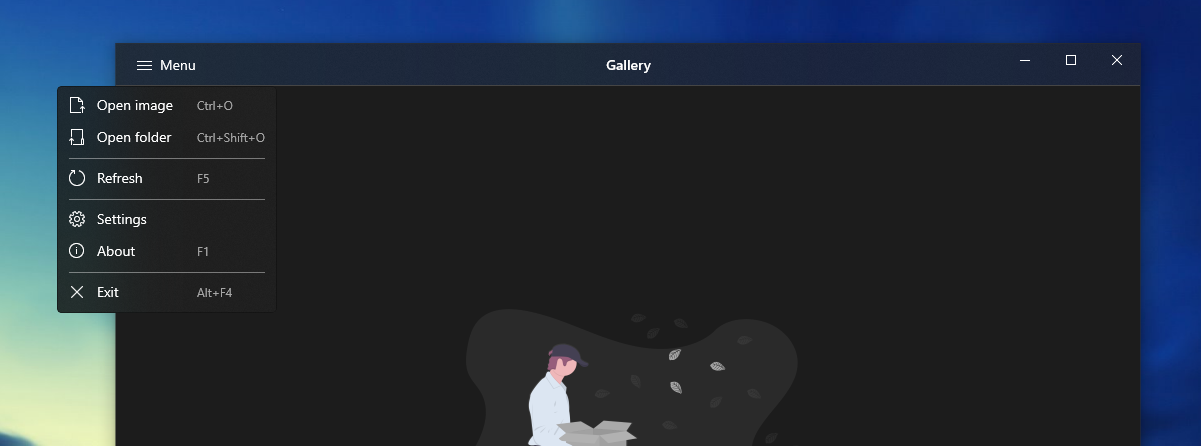
@dotMorten I tried to "recreate" the templated control that I am using in another project and it "works" but events like Click didn't fire, but the curious is events like PointerEntered works fine (but is a little tricker to force the button to get the "Hover" state style). I made a little simple project with the templated control sample, it can help to test this API in the future.
WinUI Desktop:
UWP:
Thanks @dotMorten for opening the proposal. Thanks @marck7jr for the sample code.
Possible Solutions
- Extend the Window object with a property which is a collection of draggable areas, no just one. Something like SetTitleBars.Add(UIElement).
- UIElements has a property to get the input regardless it's on the TitleBar (doable?)

Thanks @dotMorten for opening the proposal. Thanks @marck7jr for the sample code.
Possible Solutions
- Extend the Window object with a property which is a collection of draggable areas, no just one. Something like SetTitleBars.Add(UIElement).
- UIElements has a property to get the input regardless it's on the TitleBar (doable?)
Can you not allow setting the panel as the Titlebar, and use a Transparent brush to allow for grabbing. Then any controls within that panel are rendered above, and so accept hit targets? This is how UWP does it.
UWP handles this very well. If this is going to be implemented better to keep the same structure for consistency.


