
fast
 fast copied to clipboard
 microsoft
docs: fix data grid custom columns sample in component explorer
🙋 Documentation Request
The custom columns sample of the data grid doesn't seem to work. Cell content go missing when switching between custom columns.
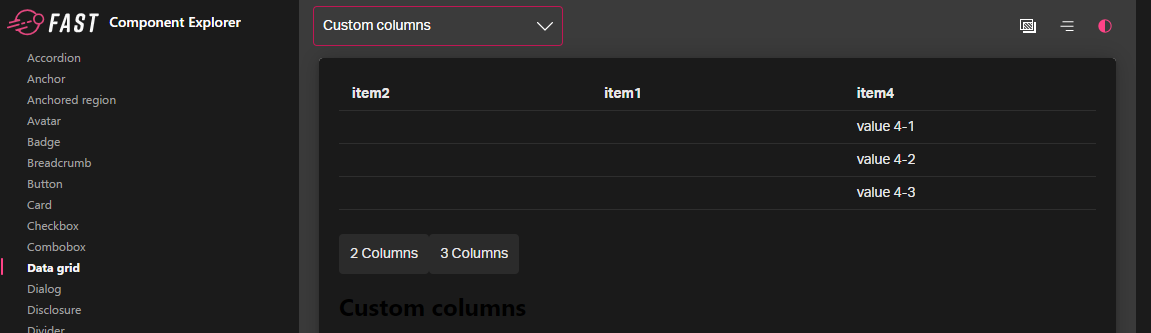
It may be that the problem is in the data grid component.
How to repeat:
- Go to https://explore.fast.design/components/fast-data-grid
- Select Custom components in the dropdown:

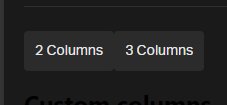
- Click the Three columns button:
- The first two columns lack values in their cells.
💁 Possible Solution

Thanks for reporting this @izaxon ! @scomea Any idea whether this is an issue with the grid itself or something in the explorer?

@EisenbergEffect This is an issue with the grid itself. Here is a cleaner example: https://codepen.io/yonatankra/pen/vYredxP?editors=1111 It also happens locally for me.

There looks to be an issue with swapping in a new array instance for columnDefinitions vs mutating the existing array. This variation of the example works as expected - https://codepen.io/scomea/pen/poKWYJp?editors=1111 Ideally the grid should tolerate a swap as well, so I'll look into it.
