

 microsoft
Unintuitive UI/UX for "Advanced Options" in Agent Configuration
What feature would you like to be added?
The Agent Configuration UI in AutogenStudio lacks clarity, particularly for the "Advanced Options" section. As a user, it was not immediately obvious that "Advanced Options" is clickable, given the current theme and design. This caused significant confusion and time delay while trying to locate and utilize the feature.
Steps to Reproduce
- Open the Agent Configuration panel in AutogenStudio (dark theme)
- Look for the "Advanced Options" section at the bottom of the form.
- Observe that there is no visual indicator or affordance to suggest it is clickable or expandable.
Actual Behavior The "Advanced Options" section appears static and non-interactive, making it difficult for users to identify it as a clickable feature.
Why is this needed?
Expected Behavior
- There should be a clear visual cue, such as an arrow or highlighting, to indicate that "Advanced Options" is an interactive element.
- The design should be intuitive for new users, avoiding unnecessary confusion.


Hi @himanshud2611 ,
Thanks for the note. That is indeed a bug that needs to be fixed. The issue seems to be with darkmode. (that section is legible when you switch from dark to light mode).
P.S. An updated version of AutoGen Studio is being written (see here). It is still early but this is where much of the development effort will be focused going forward. To learn more about it, see issue #4006 and discussion #4208 .

Closing this for now given the update to the new version of AutoGen Studio (resources below).
See this video for a walkthrough of features - https://youtu.be/oum6EI7wohM
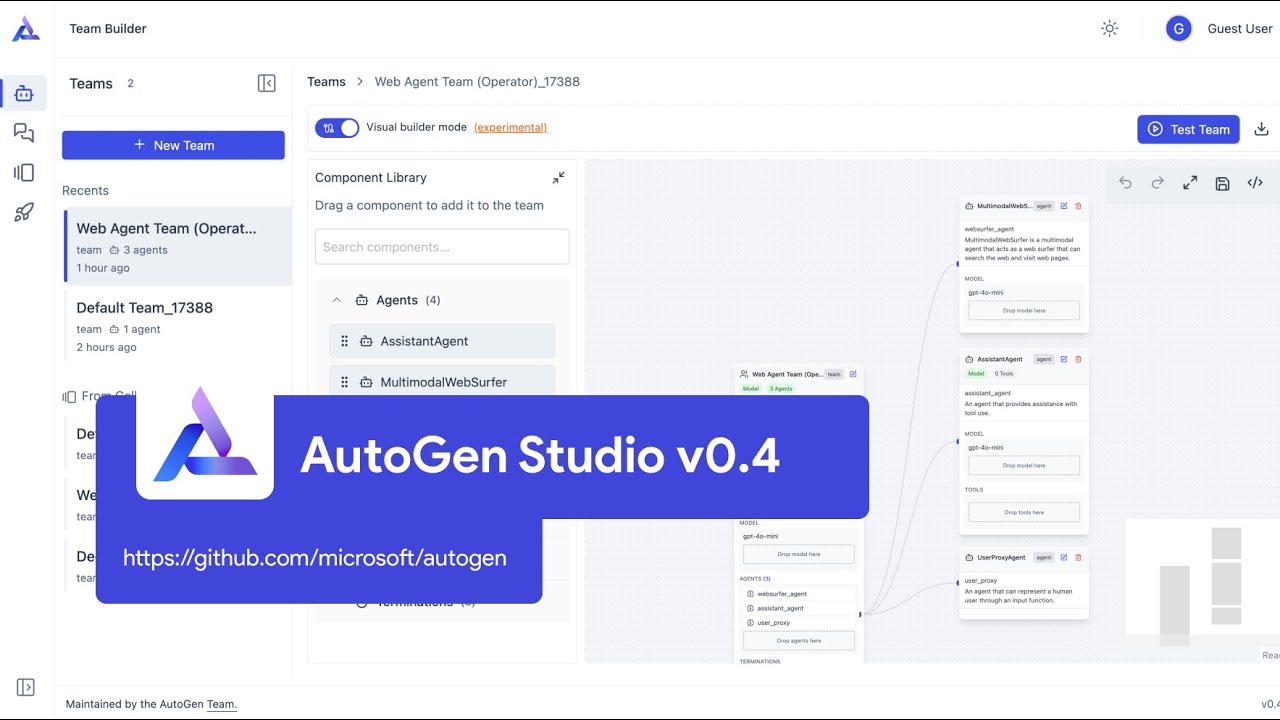
- AutoGen Studio documentation - https://microsoft.github.io/autogen/dev/user-guide/autogenstudio-user-guide/index.html
- To learn about how code executors work ... https://microsoft.github.io/autogen/dev/user-guide/core-user-guide/design-patterns/code-execution-groupchat.html
- How to convert any agentchat python code and use it in autogen studio - https://microsoft.github.io/autogen/dev/user-guide/autogenstudio-user-guide/usage.html#declarative-specification-of-componenents