
PowerToys

PowerToys copied to clipboard
 microsoft
Quick Accent overlay not showing in front of start menu
Microsoft PowerToys version
0.67.0
Installation method
GitHub
Running as admin
None
Area(s) with issue?
Quick Accent
Steps to reproduce
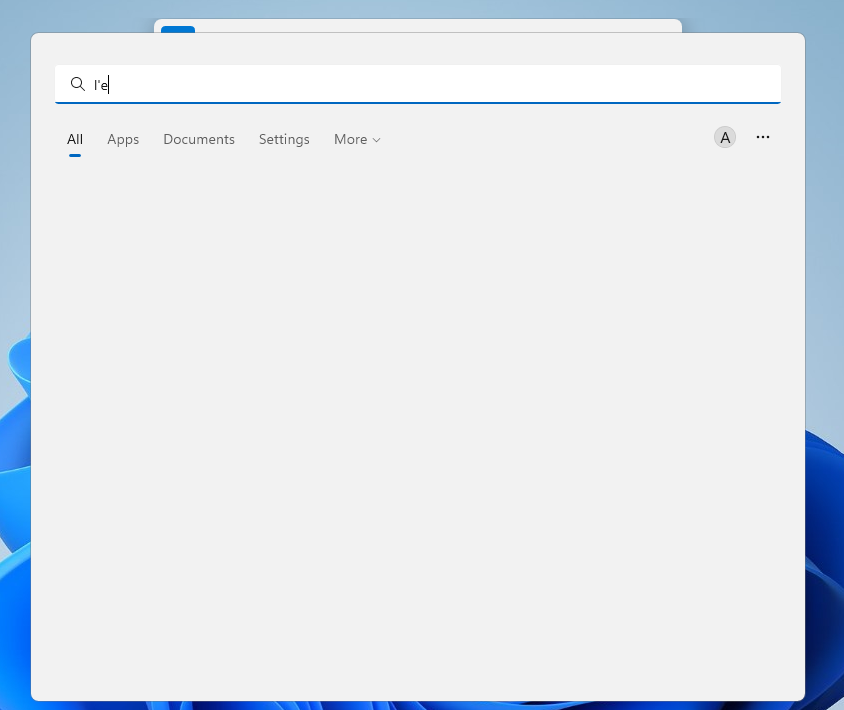
- Open Windows start menu
- Press a base accent character (like "e") and type space to open the overlay
The Quick Accent overlay will appear behind the start menu
✔️ Expected Behavior
The Quick Accent overlay appears in front of start menu.
❌ Actual Behavior
The Quick Accent overlay appears behind the start menu.
Other Software
Windows (11) start menu process
