

 microsoft
Electron app don't respect `Override Windows Snap` using `Relative position`
Microsoft PowerToys version
0.60.1
Running as admin
- [x] Yes
Area(s) with issue?
FancyZones
Steps to reproduce
0.60.1, but was also seen in 0.60.0, and possibly earlier versions.
Refer to the custom layout below. Using this, I can move any window in any direction. However, VS Code, Slack, Front App, and WhatsApp have a limitation (I believe all of these are Electron apps to the best of my knowledge).
The limitation is that when one of these apps is in the following position (see screenshot), I am unable to use the Windows+RightArrow shortcut to move it to the right.
I can move it in any other direction (e.g., left) but I cannot move it to the right.
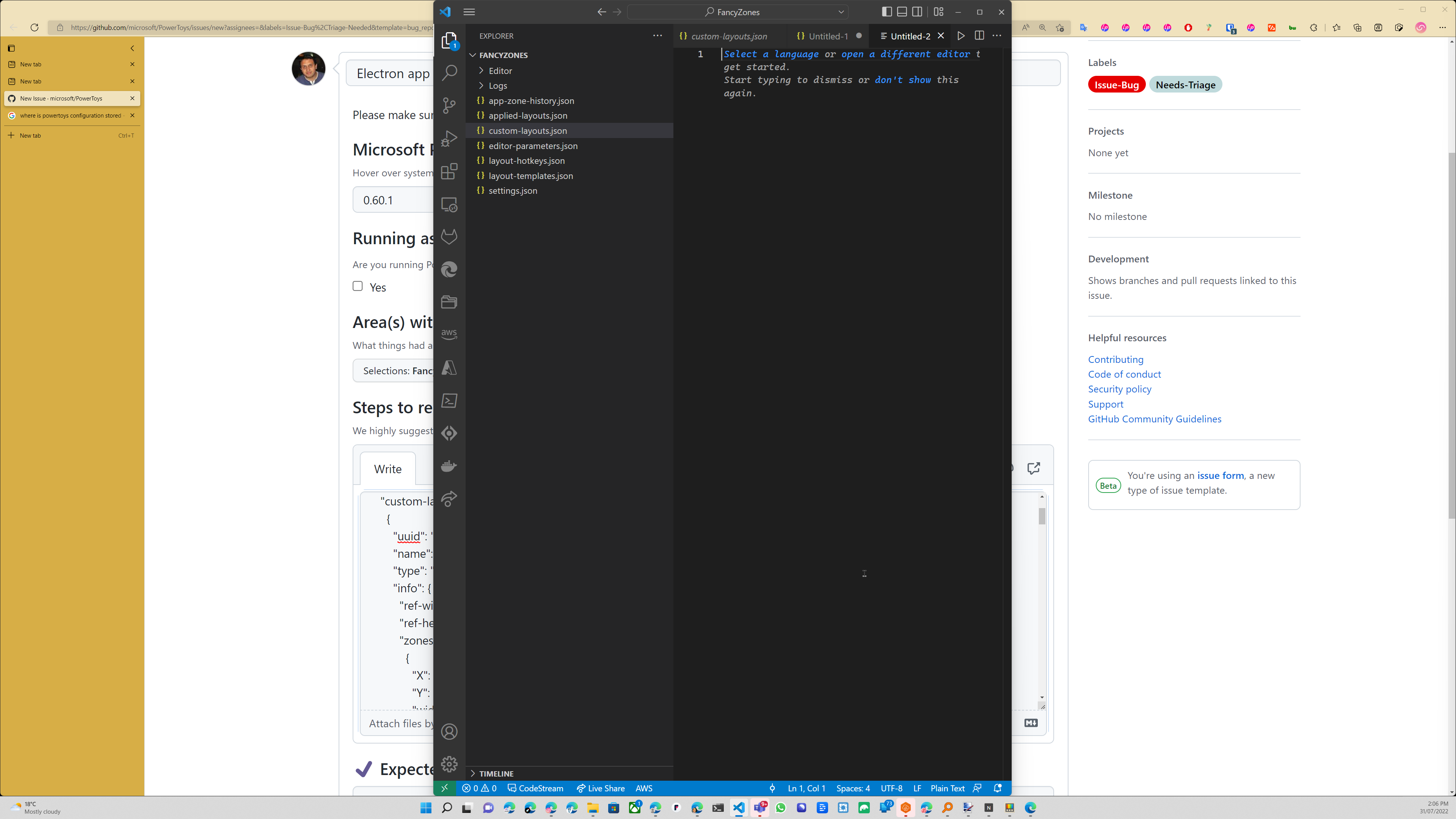
I use the following custom layout:
{
    "custom-layouts": [
      {
        "uuid": "{DE55F100-0128-468B-867E-68A586854F4E}",
        "name": "Big (with fullscreen)",
        "type": "canvas",
        "info": {
          "ref-width": 2194,
          "ref-height": 1186,
          "zones": [
            {
              "X": 0,
              "Y": 0,
              "width": 1097,
              "height": 593
            },
            {
              "X": 1097,
              "Y": 0,
              "width": 1097,
              "height": 593
            },
            {
              "X": 0,
              "Y": 593,
              "width": 1097,
              "height": 586
            },
            {
              "X": 1097,
              "Y": 593,
              "width": 1097,
              "height": 586
            },
            {
              "X": 0,
              "Y": 0,
              "width": 872,
              "height": 1186
            },
            {
              "X": 872,
              "Y": 0,
              "width": 1311,
              "height": 1186
            },
            {
              "X": 0,
              "Y": 0,
              "width": 1311,
              "height": 1186
            },
            {
              "X": 1311,
              "Y": 0,
              "width": 872,
              "height": 1186
            },
            {
              "X": 0,
              "Y": 0,
              "width": 653,
              "height": 1186
            },
            {
              "X": 653,
              "Y": 0,
              "width": 872,
              "height": 1186
            },
            {
              "X": 1530,
              "Y": 0,
              "width": 653,
              "height": 1186
            },
            {
              "X": 653,
              "Y": 0,
              "width": 872,
              "height": 1186
            },
            {
              "X": 653,
              "Y": 0,
              "width": 872,
              "height": 593
            },
            {
              "X": 653,
              "Y": 593,
              "width": 872,
              "height": 586
            },
            {
              "X": 0,
              "Y": 0,
              "width": 653,
              "height": 593
            },
            {
              "X": 0,
              "Y": 593,
              "width": 653,
              "height": 586
            },
            {
              "X": 1530,
              "Y": 0,
              "width": 653,
              "height": 593
            },
            {
              "X": 1530,
              "Y": 593,
              "width": 653,
              "height": 586
            },
            {
              "X": 0,
              "Y": 0,
              "width": 1530,
              "height": 1186
            },
            {
              "X": 653,
              "Y": 0,
              "width": 1530,
              "height": 1186
            },
            {
              "X": 0,
              "Y": 0,
              "width": 2194,
              "height": 1186
            }
          ],
          "sensitivity-radius": 20
        }
      }
    ]
  }
✔️ Expected Behavior
I should be able to move the window in any direction using the windows and arrow keys
❌ Actual Behavior
I can move any window in any direction with the arrow keys, except for a few apps (all of which happen to be Electron apps to the best of my knowledge).
With the Electron apps, I can move them in any direction however when they are in the position in the screenshot above, then I am unable to use Win+RightArrow to move them to the right. The window does not move.
Other Software
Most (if not all) of the Electron apps were most probably installed using choco (in an administrative powershell window of course). Not sure if that makes a difference.
Update: installing using choco would not have made a difference because I can confirm that this issue did not exist in

~BTW I did not have this issue in earlier versions i.e., 0.5?.x. To the best of my knowledge~ I can confirm that this issue did not exist in 0.58.0.
Update: I can confirm that WhatsApp was not installed using choco. Hence my comments about choco would seem to be a red herring.
Found a workaround, which was to rebuild my zone layout from scratch. I'm going to close this issue since:
- I don't have the problem anymore, and
- No one else has reported any issues.
I think it's still relevant to note that the issue only applied to electron apps.
If I have this issue again, I'll come back. Hopefully not.