

 microsoft
When Emulator is launched from Win CommandLine it's output is sent to the shell is was launched from
Version
Windows, 4.1.0
Describe the bug
If the Emulator is launched from the shell, it's console output will be written to the shell. It is also parented, process chain wise, to the shell. so if you [cmd]+C the shell, it will kill the Emulator.
To Reproduce
Steps to reproduce the behavior:
- Open the Windows Command Prompt
- Change into a directory that has a runnable bot. Echo sample works just fine
- Launch the Emulator by simply typing the name of he bot's bot file at the command line
- Emulator launches, note the console output is showing up in the Windows Command Prompt shell
- From the command shell that launched Emulator, press [CTL]+C. Note the Emulator is terminated
Expected behavior
Emulator would not write output to the launching command prompt.
[bug]

Processes launched from a terminal are attached by default and stdout/stderr are piped to it and killing the parent process (terminal) rightfully kills any child processes. This is an OS controlled functionality and not a defect.
In order to run a CLI as a detached process, we'd need to use a daemon to launch the Emulator or a .sh/.cmd that launches and detaches it. This might be a more involved process depending on the mechanisms available for cross platform compatibility.

I've got a local branch that provides this functionality. I still need to test cross platform though.

I cut a build from my branch and tried it out, and it seems my approach breaks when inside of the packaged version.
I did some digging and it looks like Node's child_process.spawn() method doesn't work inside of asar archives. Source
We will need to find an alternative. Maybe it's possible to package the app with the launch script outside of the asar so that it can call spawn()?
I think we should punt this to 4.4 for now. I think it would be a pretty risky change to put in this close to the 4.3 deadline. Also there isn't a lot of demand for this feature.
Regarding progress:
I have an experimental branch working on Windows, but would need to figure out how to accomplish the same functionality on Mac / Linux
@tonyanziano can you push up your experimental branch with some context so we can take a look?

I've pushed up my branch at toanzian/cli.
However, on Windows, it requires dropping a .cmd script into your/emulator/install/directory/bin, and changing your registry entry for the emulator protocol so that it points to that .cmd script.
I have the equivalent .sh script to be used with Mac and Linux, but I don't know how to instruct those operating systems to invoke a script when executing a custom protocol.
====
Basically, when you invoke the custom emulator protocol bfemulator://___, the operating system would then call this custom script, which instead of starting the electron app in the normal way, would invoke the cli.ts script that starts the app in detached mode.
@sgellock @tomlm what's the priority on this? the expected behavior provided doesn't seem ubiquitous with common applications (see example of starting Chrome from the terminal below). Can we discuss a bit more?
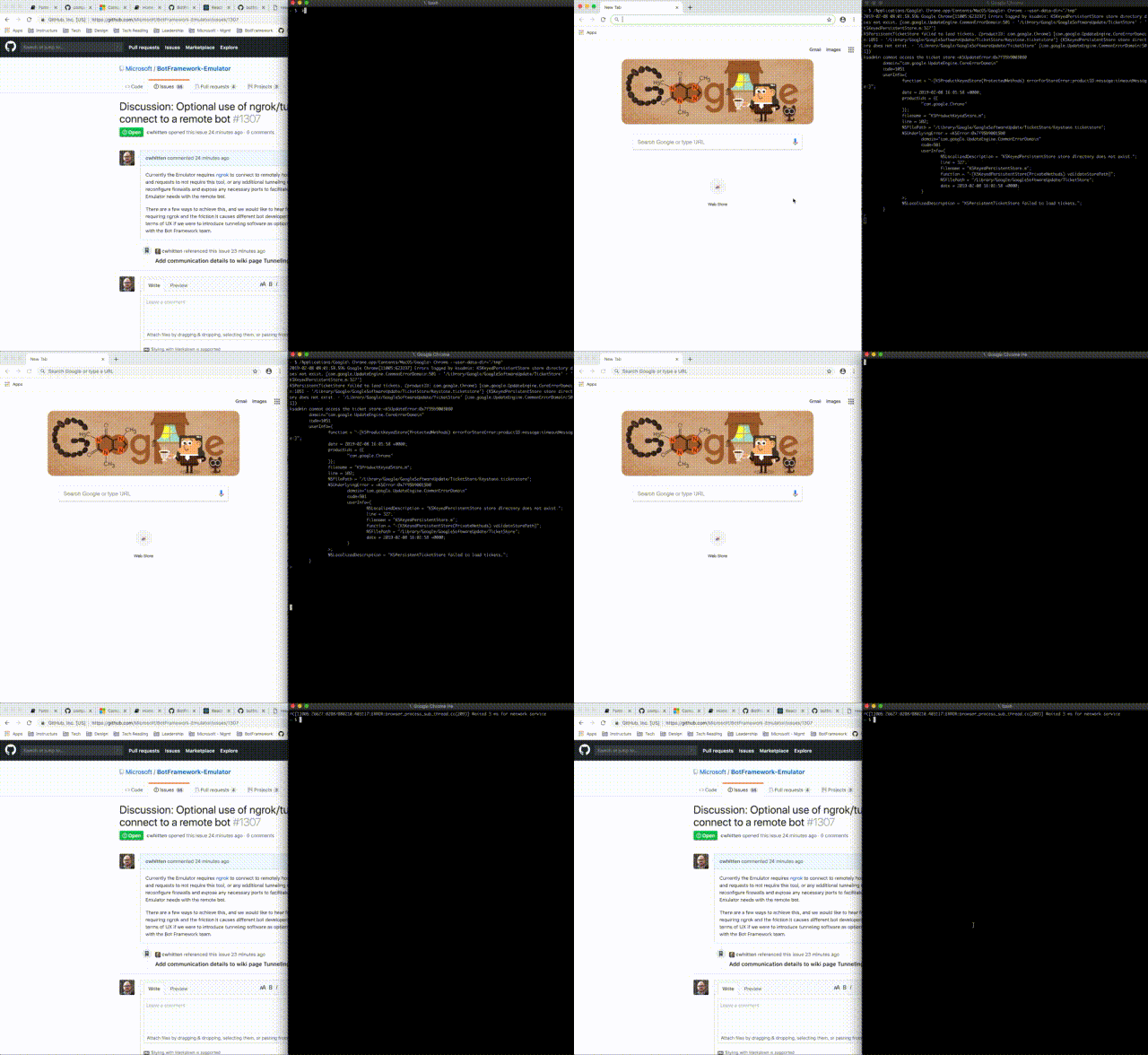
@cwhitten I think the scenario we are trying to account for is as follows:
- open a shell
- nav to your bot's project folder
- issue an 'open myProject.bot' to launch the emulator. (on windows this would be "start myProject.bot" In this scenario debug output from the emulator is being piped to the console it was launched from. this is not expected behavior. likewise, if I kill the console window because I don't want to see this output, the child process (the emulator) is killed. Although as a computer scientist this all makes sense, it's really not end user behavior we should be presenting.
My expectation is that if I "shell exec" a application that is a GUI app, that I do not get CLI behavior. I expect the processes to be decoupled.