

 microsoft
DataCaptionFields property not working on Document Page
Explanation:
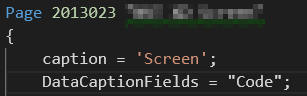
The DataCaptionFields property doesn't work when used on a page of type "Document". When the property is move to the table it's working fine.
Expected behavior:
This should also work when specified only on the page.
Screenshots:
DataCaptionFields specified on page level:
Result:

DataCaptionFields specified on table level:

Result:

Versions:
- AL Language: 2.1.86206
- Business Central: W1 14.0 (27727)

Hi daansaveyn,
You can use DataCaptionExpression property in page. It worked on page.
e.g DataCaptionExpression = ShowCaption();
procedure ShowCaption() : text begin EXIT("No."); end;

Facing similar issues in BCoP 14 with fields having a DataCaptionClass. They render in the RTC, but not in the webclient on cardPart pages used in the FactboxArea.
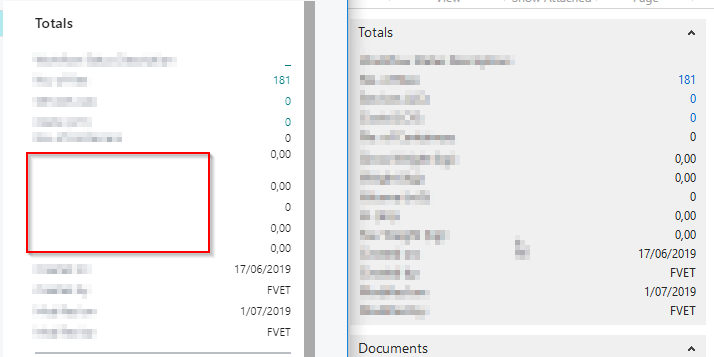


This is still an issue.
Page type card. DataCaptionFields is set and ignored. DataCaptionExpression with the same fields works.
