

 microg
Self-test is fully checked - but "... needs Google Play services" still shows up?
Describe the bug I installed Lineage OS 18.1 way before reading about microG, which inherently means that I never installed the LineageOS distribution with microG pre-installed. I kinda regret that, but due to dodgy USB on my phone and having a pretty good setup right now, I don't feel like nuking the entire installation. If possible, that is.
In order to install microG, I used:
- Magisk + Zygisk
- LSPosed via Zygisk
- whew-inc fork of FakeGApps
- Aurora Store via F-Droid with Root Installation method
Within the microG settings, all checks are set. But no matter which app I open - Discord, Spotify, Paypal or other random games like progressbar98 - they all tell me that "Google Play Services is not installed". Huh? O.o
To Reproduce Steps to reproduce the behavior, shortened:
- Install LineageOS 18.1 on Razer Phone 2
- Install F-Droid, Aurora Store
- Install Magisk, LSPosed, whew-inc FakeGApps
- Select "System Framework" and "MicroG Core Services"
- Install an app (i.e. Discord) via Aurora Store
- Open said app. Chances are you see the notification of missing Google Play services.
Expected behavior I just want to get my notifications from the apps I use - Discord being the most important one.
Screenshots Because I will post a lot of them, I decided to put them into a summary.
Screenshots

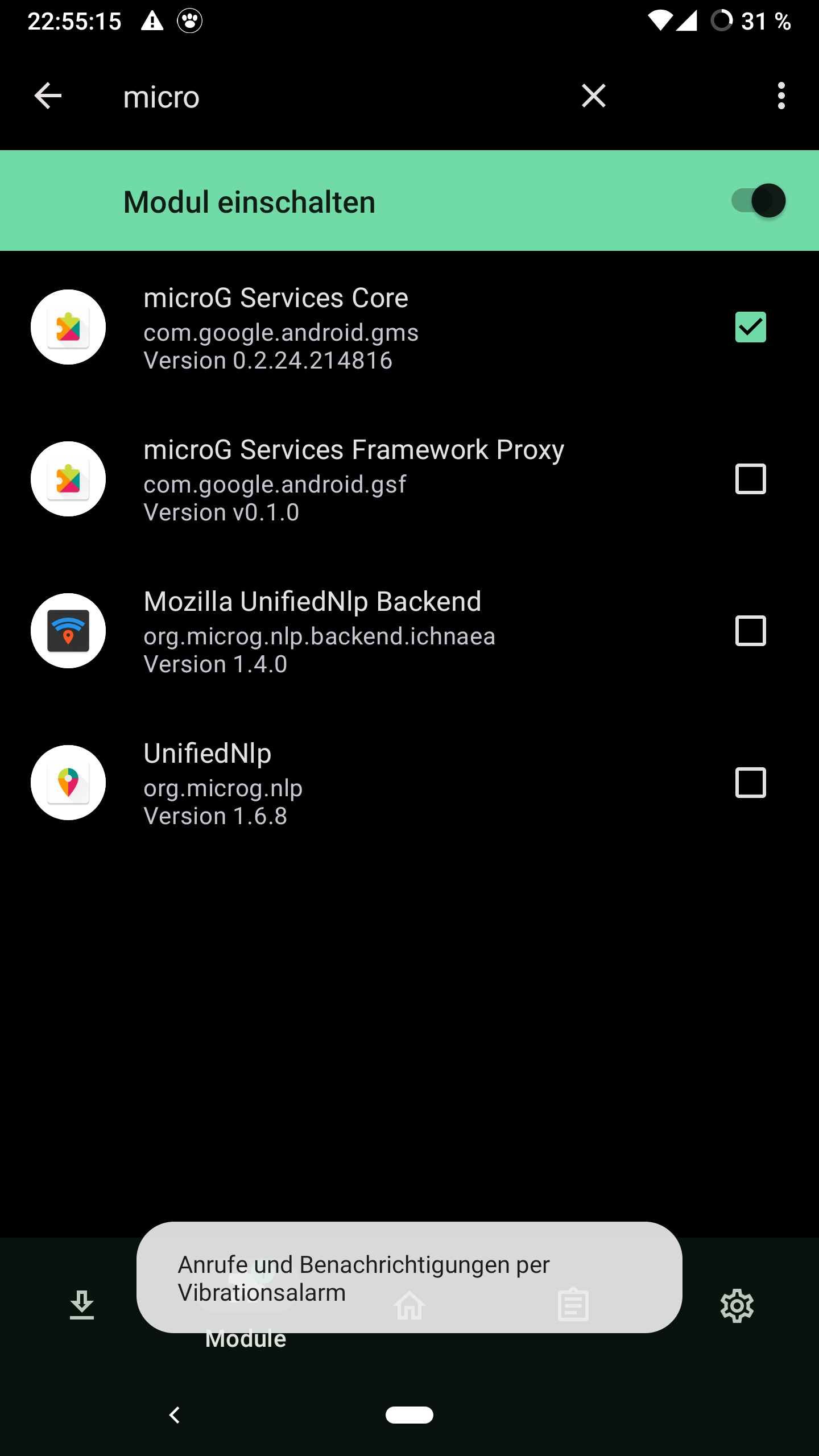

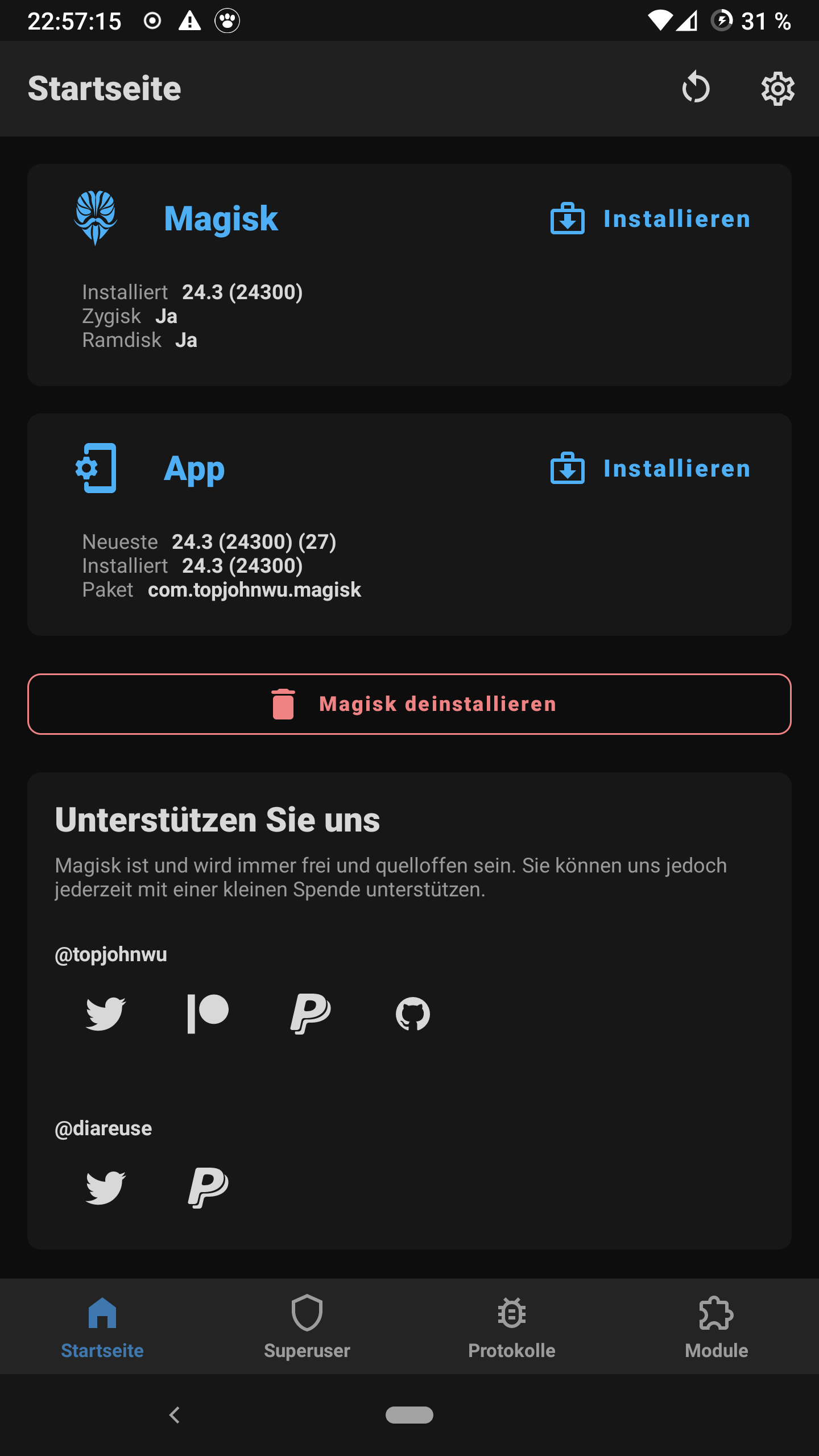

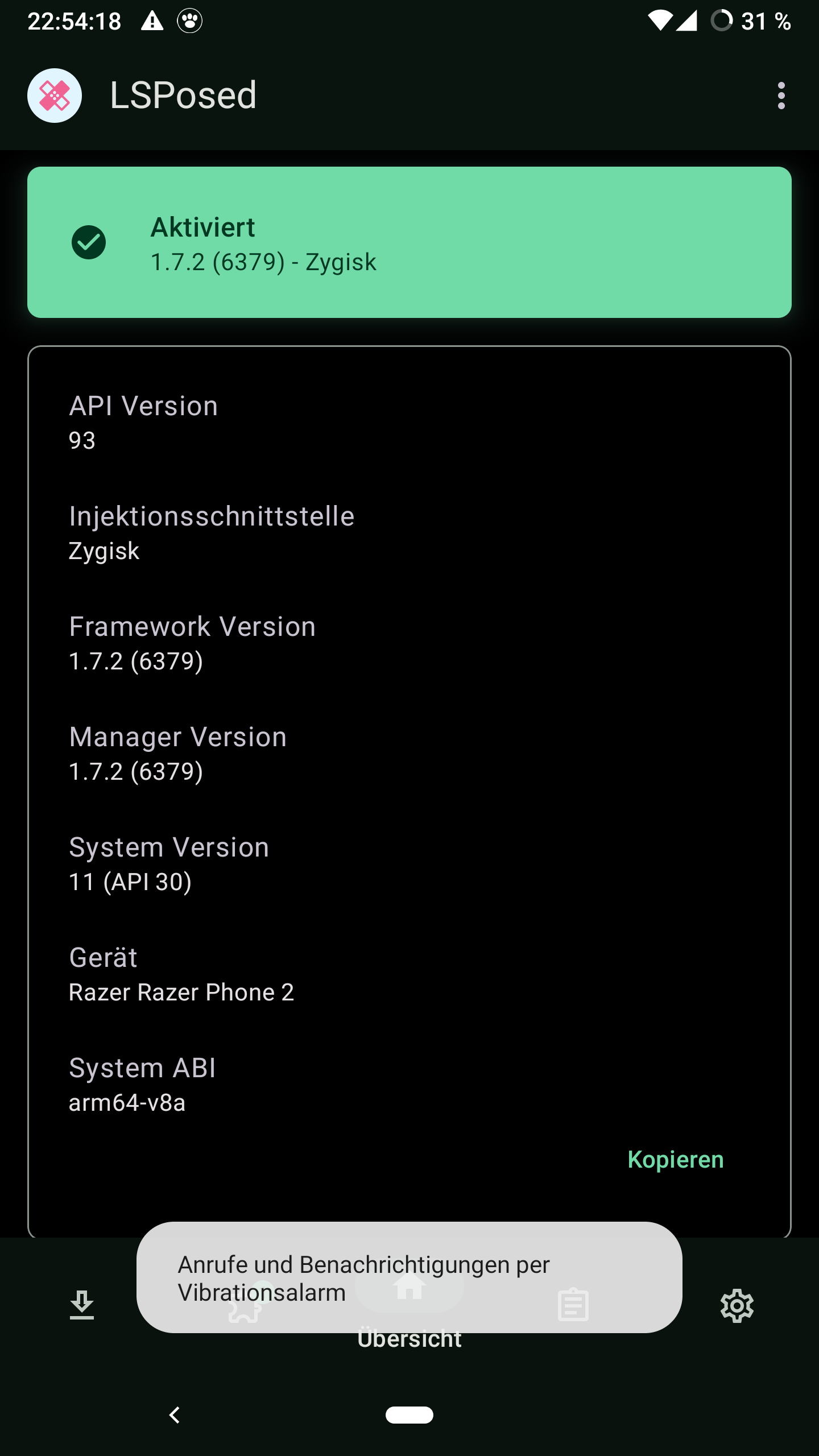
System Android Version: 11 Custom ROM: LineageOS 18.1 (NOT "microG for Lineage") Device: Razer Phone 2 (aura) Magisk: 24.3 LSPosed Zygisk: 1.7.2 FakeGApps: 3.0 via whew-inc
Additional context I do have a SeedVault backup. If possible, I'd like to avoid a full reinstall because accessibility during the setup wizard is useable but quite hard. I am visually impaired and using a phone as a magnifier for another phone to poke through setup is not fun ^^;

Just spotted this:
03-21 13:05:45.821  1917  1917 W Discord : Fetching FCM registration token failed
03-21 13:05:45.821  1917  1917 W Discord : java.io.IOException: MISSING_INSTANCEID_SERVICE
03-21 13:05:45.821  1917  1917 W Discord :      at b.i.c.s.n.b(com.google.firebase:firebase-iid@@21.0.0:60)
03-21 13:05:45.821  1917  1917 W Discord :      at com.google.firebase.iid.FirebaseInstanceId.m(com.google.firebase:firebase-iid@@21.0.0:16)
03-21 13:05:45.821  1917  1917 W Discord :      at b.i.c.s.i.a(Unknown Source:6)
03-21 13:05:45.821  1917  1917 W Discord :      at b.i.a.f.n.m.run(com.google.android.gms:play-services-tasks@@17.2.1:3)
03-21 13:05:45.821  1917  1917 W Discord :      at java.util.concurrent.ThreadPoolExecutor.runWorker(ThreadPoolExecutor.java:1167)
03-21 13:05:45.821  1917  1917 W Discord :      at java.util.concurrent.ThreadPoolExecutor$Worker.run(ThreadPoolExecutor.java:641)
03-21 13:05:45.821  1917  1917 W Discord :      at b.i.a.f.e.o.j.b.run(com.google.android.gms:play-services-basement@@17.6.0:2)
03-21 13:05:45.821  1917  1917 W Discord :      at java.lang.Thread.run(Thread.java:923)
(used adb logcat | grep -i discord for that but it feels incomplete)
I also did see FakeGApps giving Discord the fake signature a little further up.
Anything I can do here?
I figured it out and I am quite awestuck and have NO IDEA why this worked.
I used https://github.com/nift4/microg_installer_revived to install microG and somehow, that worked. I was immediately asked, even for already-installed apps, if I wanted to allow notifications.
I am truely confused. Why does a system install through magisk work, but a F-Droid install does not?
microG use a lot of privileged permissions so it can't fully work as user app. If you have an old Android you can make it working but on new Android there are low hopes.

Google SDK stub seems to be checking if the app was indeed installed via PlayStore app. Try editing the file "/data/system/packages.xml" once your package is installed. Look for your desired package in this file and set the following 2 attributes to "com.android.vending" installer="com.android.vending" installInitiator="com.android.vending" Then reboot your device and see if the error message still occurs.

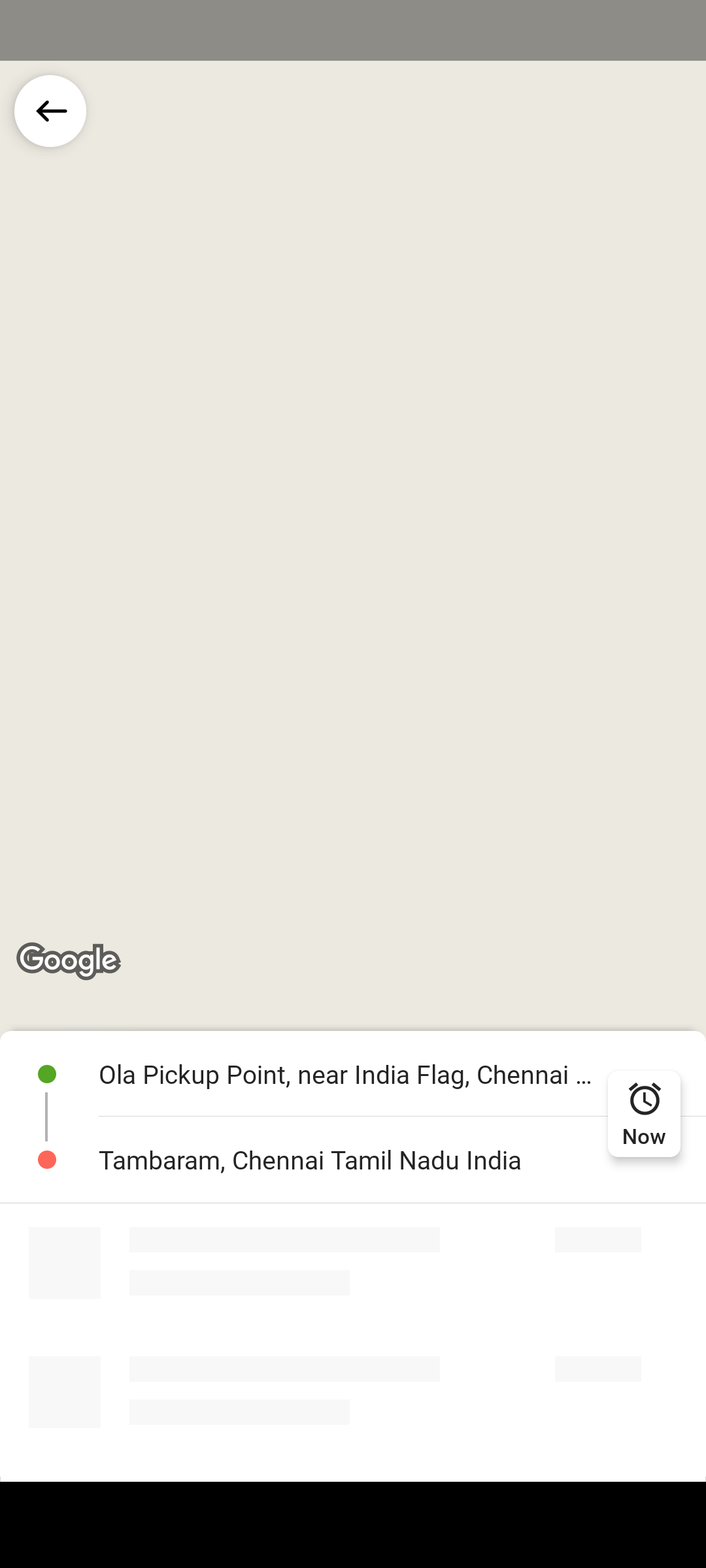
@msdhedhi I can confirm that changing the above made the apps like Rapido and Uber work seamlessly. In case of Ola, the only problem was the maps didn't appear to select "to" and "fro" and even if i input it manually, the app was just searching for rides. Can you help?

This seems to be an installation issue. I suppose you have already fixed it as of now, if not the case please update to the latest nightly build and then if the issue still apply write it here.
@Rakesh3929: If you still have the problem after updating to the latest nightly build, please open a separate ticket.