
dash-to-dock
 dash-to-dock copied to clipboard
 micheleg
Feature Request: Centered Icons in Panel Mode
Basically the title. I use the "panel mode" (which extends the dock), but all my favorite apps are on the left-hand side. It'd be cool we could choose for them to be centered.


Centered panel would definitely improve both presentation and usability.
- Centered items on the panel look much closer to original dash design than current "favorite/running apps on the left, apps icon on the right"
- I can use "Dock" instead of "Panel" to achieve similar effect. But panel look so much better and far less distracting with some bright wallpaper
- Other popular desktop OS (ChromeOS, Windows) center apps on the panel.
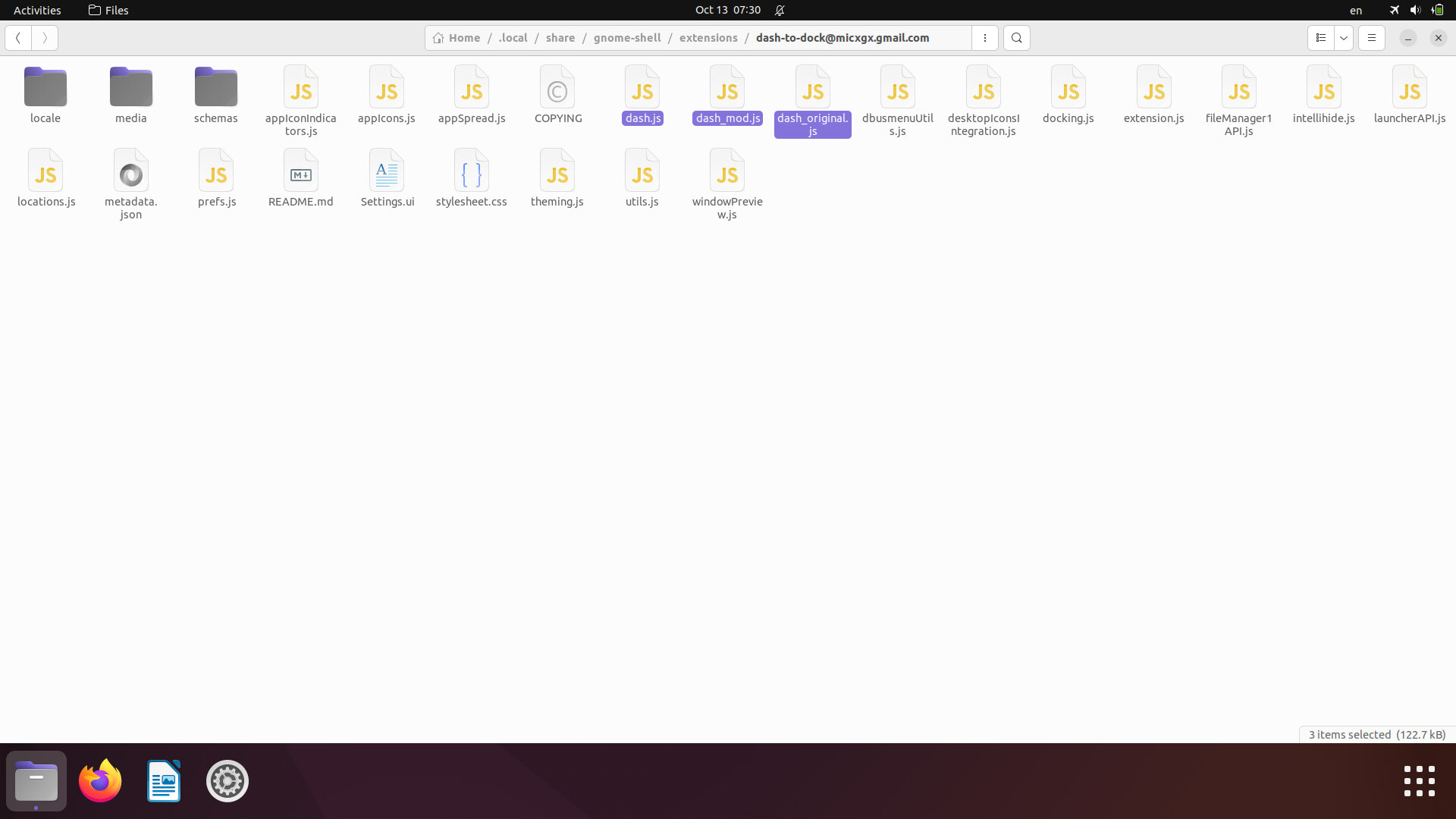 Panel at the bottom in v74
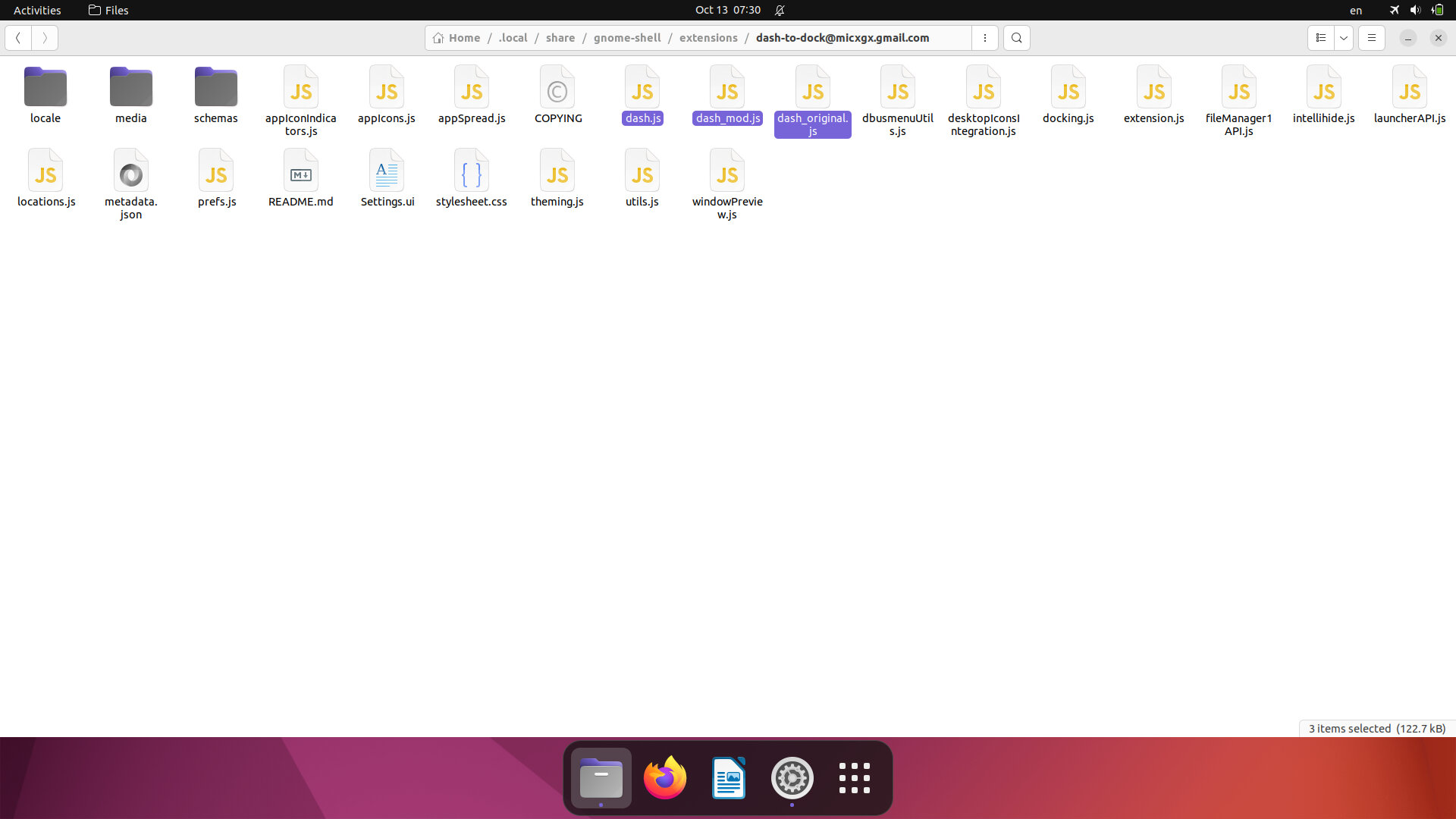 Dock at the bottom
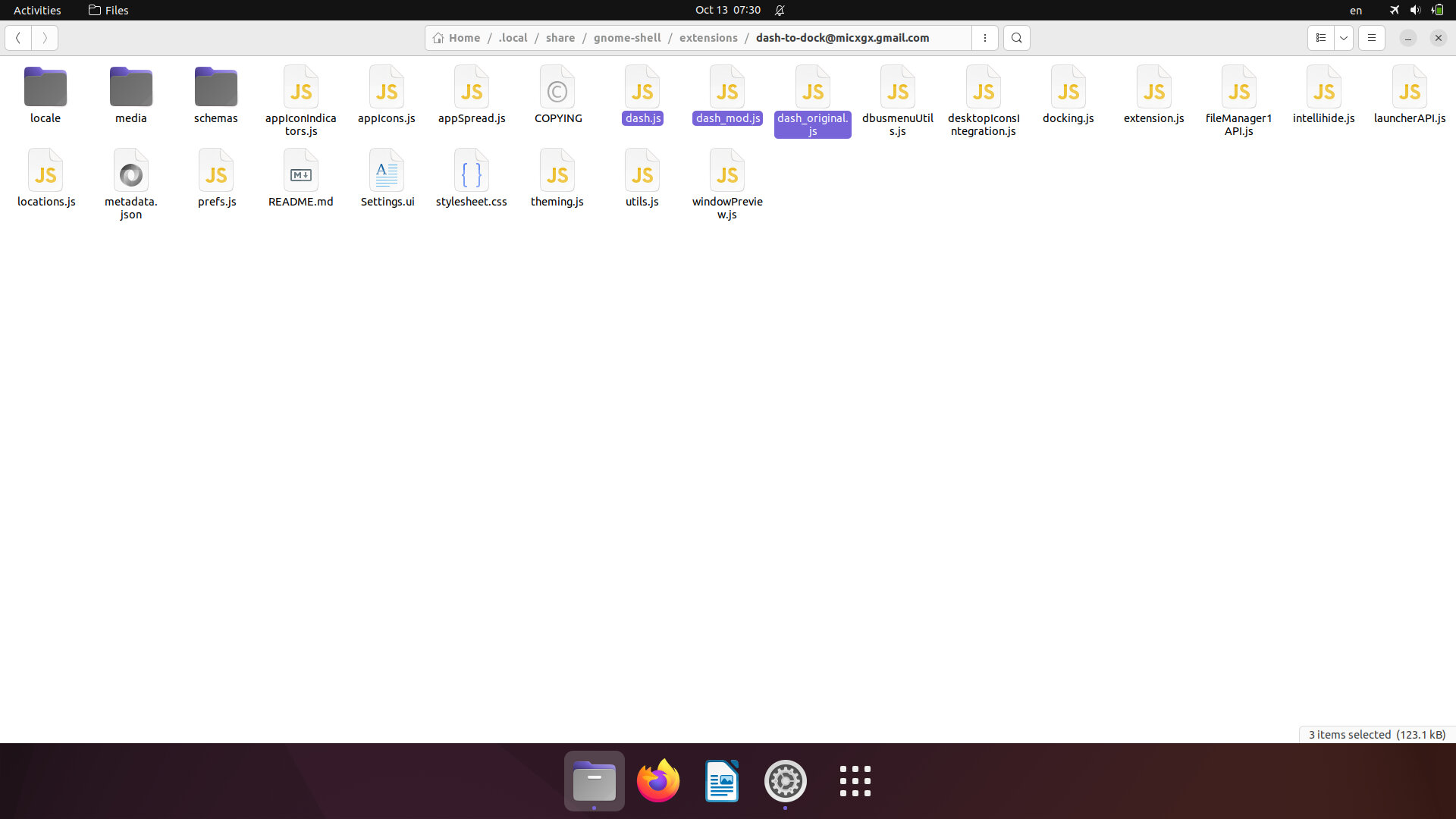 Modded panel at the bottom
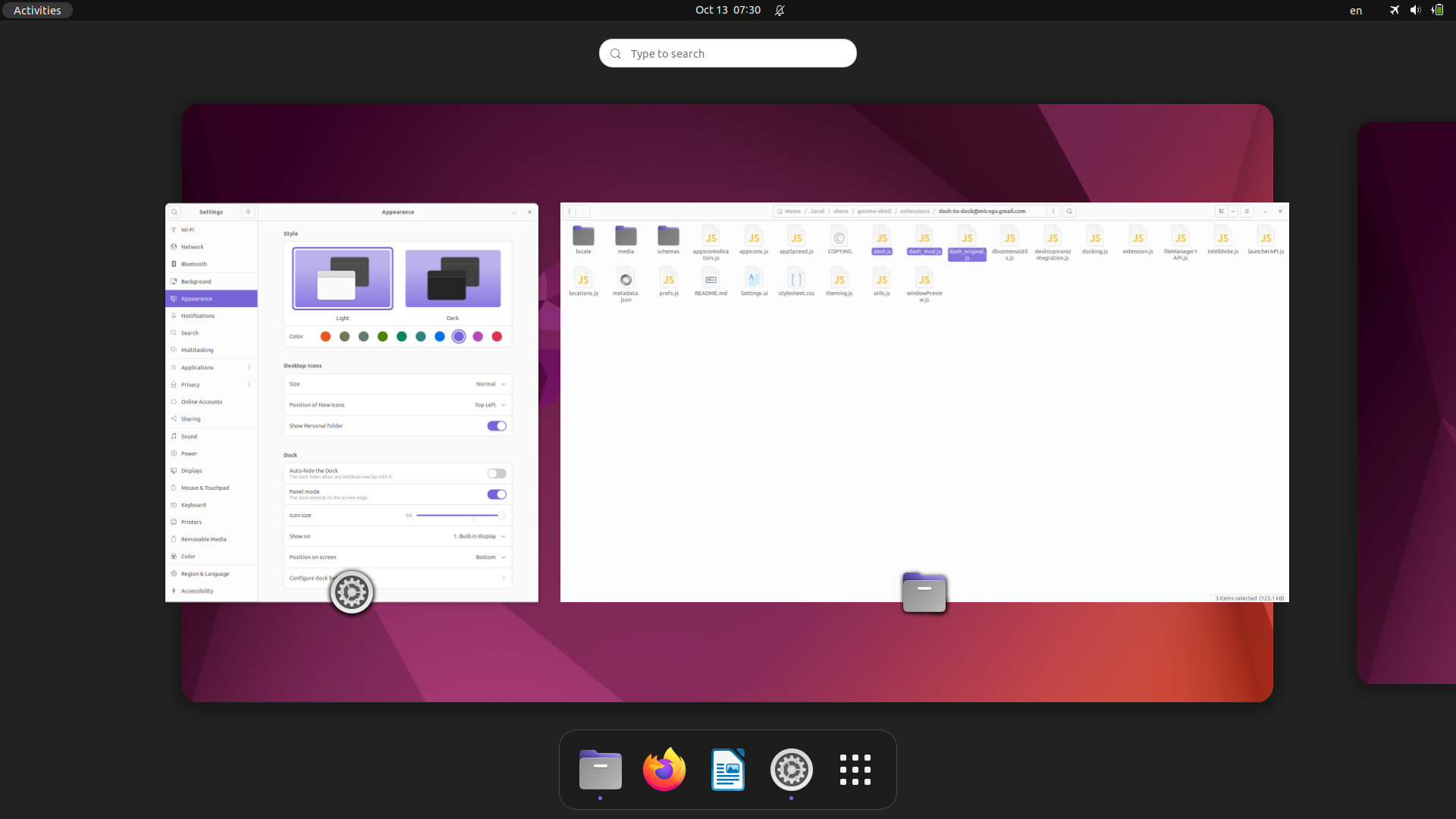 Original Dash from GNOME 42 (on Ubuntu 22.04)
I've made a simple "proof of concept" patch for version 74. It works for me but not ready for merge for multiple reasons:
- With this patch some options ("Move the application button at the beggining of the dock", "Panel mode") don't update panel properly in a real time (you also need to change "Positiion on the screen" or reload extension/Shell)
- it doesn't add option, just partly replaces current design
--- a/dash.js
+++ b/dash.js
@@ -153,7 +153,11 @@
             if (!this._isHorizontal) {
                 this._scrollView.y_align = Clutter.ActorAlign.START;
             } else {
-                this._scrollView.x_align = Clutter.ActorAlign.START;
+                if (Docking.DockManager.settings.showAppsAtTop) {
+                    this._scrollView.x_align = Clutter.ActorAlign.START;
+                } else {
+                   this._scrollView.x_align = Clutter.ActorAlign.CENTER;
+                }
             }
         }

@@ -188,7 +192,11 @@
         if (Docking.DockManager.settings.showAppsAtTop) {
             this._dashContainer.insert_child_below(this._showAppsIcon, null);
         } else {
-            this._dashContainer.insert_child_above(this._showAppsIcon, null);
+            if (this._isHorizontal && Docking.DockManager.settings.dockExtended) {
+                this._box.insert_child_above(this._showAppsIcon, null);
+            } else {
+                this._dashContainer.insert_child_above(this._showAppsIcon, null);
+            }
         }

         this._background = new St.Widget({
@3v1n0 , @micheleg What is your opinion about adding such option and maybe even making it default for horizontal panel? Thanks!


I'm ok adding an option, not to making or default though
How long before we can expect the change? I would like this as well. :)

Yes, I would love such a feature. The only extensions that achieve this are Dash to Panel and Dash to Dock for COSMIC.
However, they both come with their downsides in my opinion:
Dash to Panel:
- Looks really square and gets rid of the GNOME feel
Dash to Dock for COSMIC:
- The default GNOME workspace switcher gets messed up
There isn't a dock extension that really does the centered icons in a good way... Hope this gets added here soon.

I really want this. It's the only reason why I frequently try "Dash to Dock for COSMIC".

This is implemented in https://github.com/micheleg/dash-to-dock/pull/1998 please test it :)
This is implemented in #1998 please test it :)
Couldn't find the options to center the icons, even after installing the latest version through cloning master branch. Am I doing something wrong?

@KakeyaK the PR is not merged yet, you should install it from that branch: https://github.com/3v1n0/dash-to-dock/tree/always-centered-panel-mode
git clone https://github.com/3v1n0/dash-to-dock.git -b always-centered-panel-mode
hi, is working perfectly here, also thanks for add the option to move the show apps icon to the edge or to the center on panel mode! (using it on the center here)
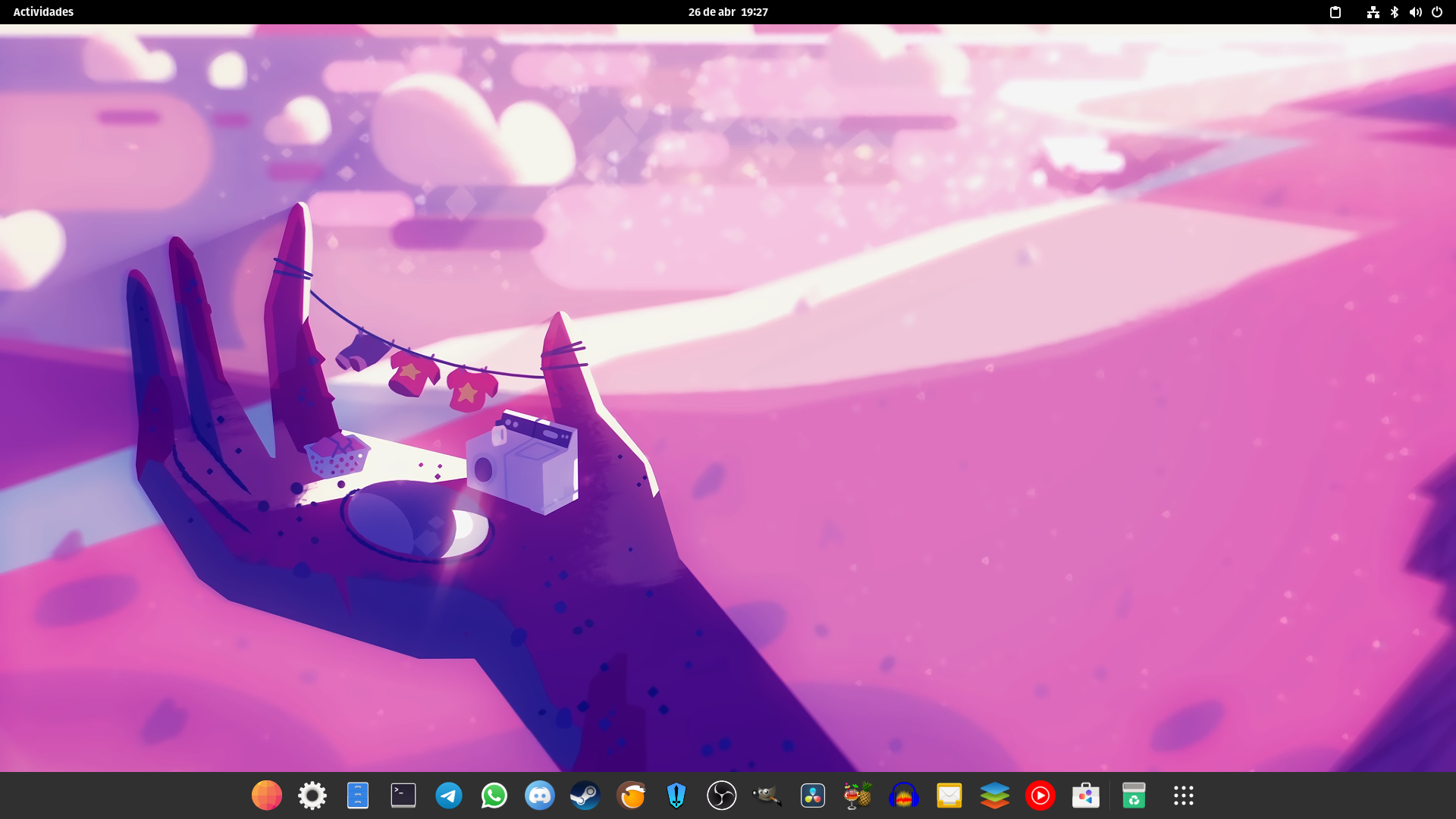


hi, is working perfectly here, also thanks for add the option to move the show apps icon to the edge or to the center on panel mode! (using it on the center here)
how to do it?

hi, is working perfectly here, also thanks for add the option to move the show apps icon to the edge or to the center on panel mode! (using it on the center here)
how to do it?
Dash to Dock Settings:
- Position and size > [v] Place icons to the center
- Launchers > [ ] Put Show Application in a dock edge when using Panel mode
dconf write /org/gnome/shell/extensions/dash-to-dock/always-center-icons 'true'
dconf write /org/gnome/shell/extensions/dash-to-dock/show-apps-always-in-the-edge 'false'