
dash-to-dock
 dash-to-dock copied to clipboard
 micheleg
The application window disappear from the overview
Hi,
when "dash to dock" is enabled, then the overview looks like this:
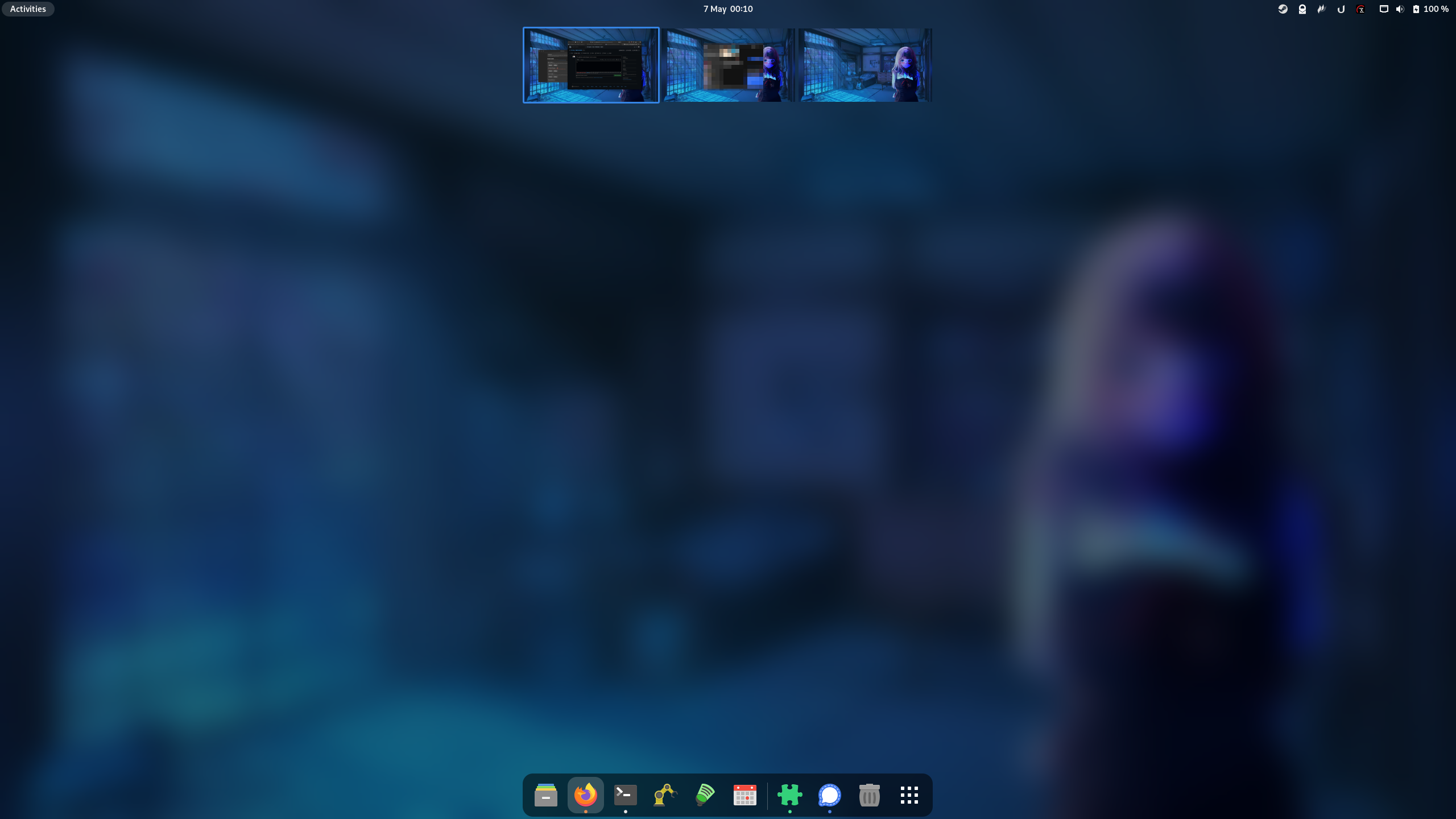
If I disable "dash to dock" the application window are again showed on overview:

Question: Is this a known behavior? If "yes": how can I fix it? If "no": Is there a way I could get some more information why this happen?
best regards


Hi @ZechariahB, I'm sry, but I moved from gnome to kde. @micheleg you can close this issue if no one else need it.
best regards
For me the issue persists also after a restart. Disabling and enabling it again solves the issue until the next restart

Having the same issue too with latest version of dash to dock, only shows applications again when it is disabled
