

 micheleg
Manual gnome session lock hides icons in dock and freezes activities menu
Dear Maintainers,
i experience following issue:
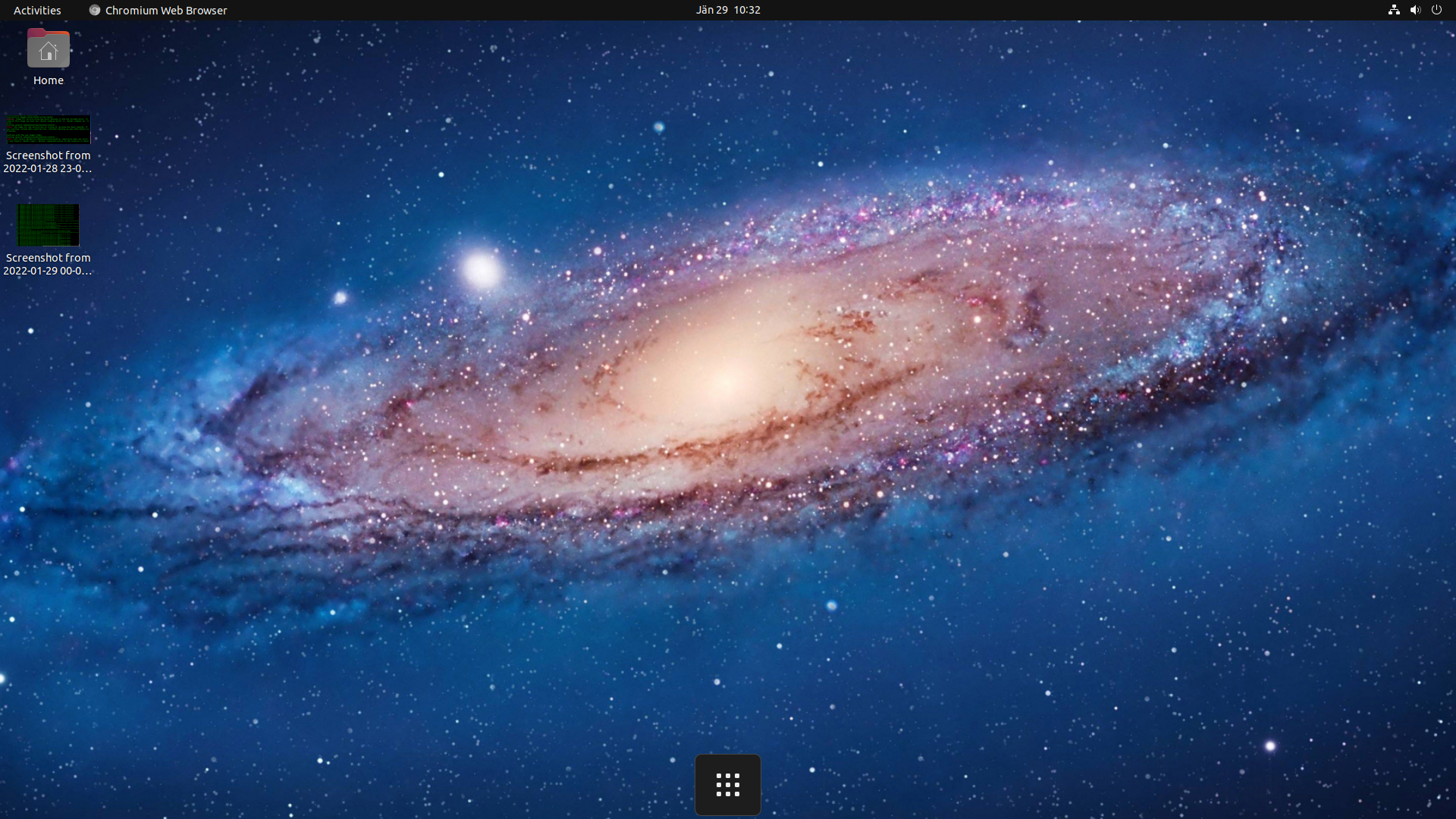
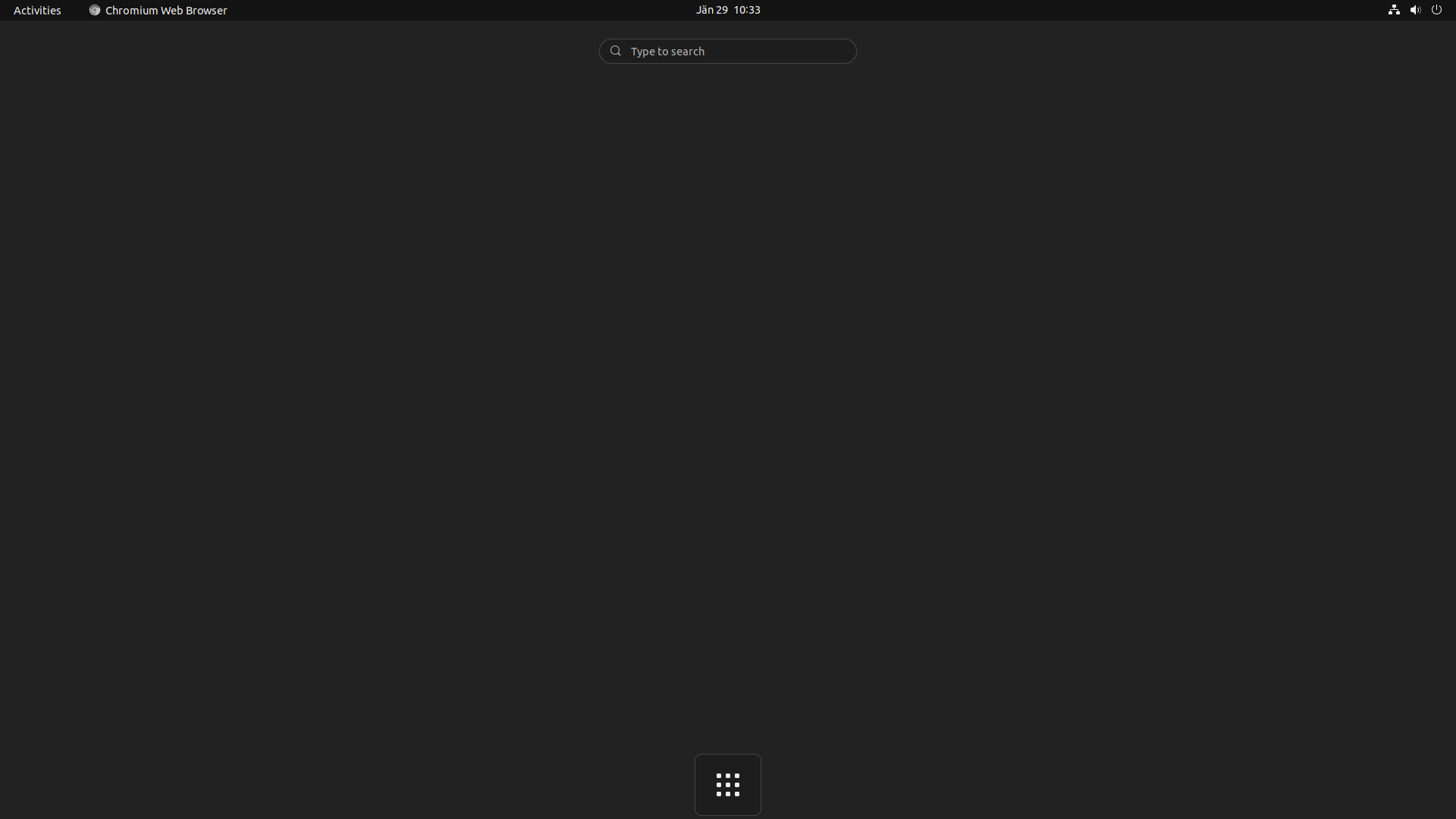
When i manually lock the Gnome Session and log back in all icons disappear in the dock except applications icon. When i afterwards go to activities top left, the Gnome Session freezes - only system menu is possible where i need to log out and login again to reset the dock.
Looks like this issue only appears when no application window is open.
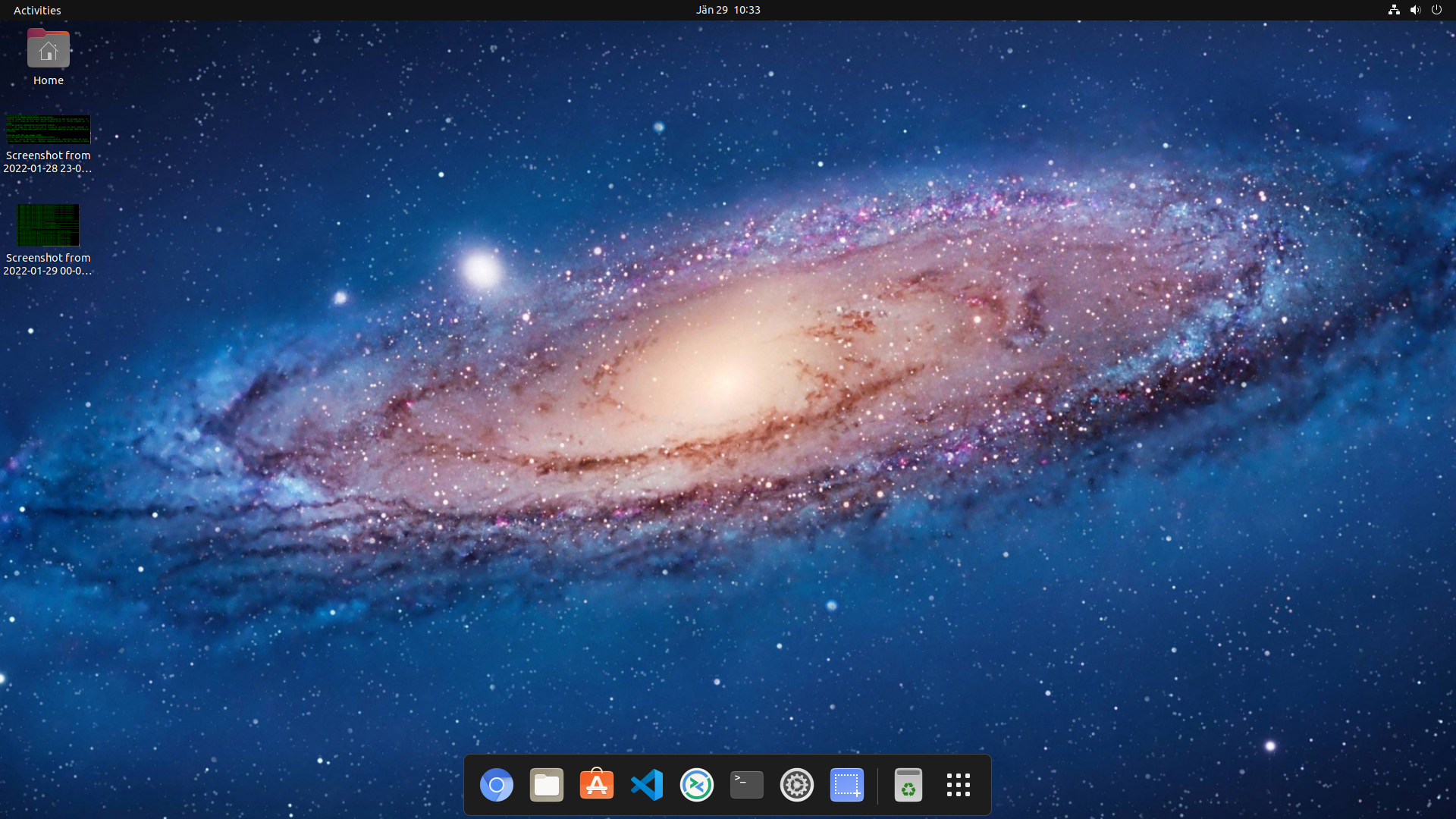
Default Dock:
After Locking the Session (top right menu) and logging in again:
After opening Activities it cannot be exited and stays like this:
System Information:
- Ubuntu 21.10
- Gnome 40.4.0
- Dash to Dock v70 installed via Browser Extension https://extensions.gnome.org/extension/307/dash-to-dock/
Configuration:
- Default
I think solving this issue would improve the Desktop experience for normal users.
BR, Johannes

I have the same configuration (Ubuntu 21.10 ...) and the same issue here. Activities cant be exited. The only way to get out of this hang is to restart the session with Alt-F2 + r


I also have this issue Ubuntu 21.10 Gnome 40.5-1 Kernel: 5.13.0-28-generic
I remember having this problem before with a previous version of Gnome also

I have the same issue. Ubuntu 22.04 Gnome 42 Kernel 5.15.0-50-generic
When clicking "show applications" the screen will hang on a grey page with no loaded activities or programs. I have to log out and log in to interact with the computer again (I can see the time moving and I can move my mouse).

I had the same issue on Ubuntu 22.04.02. I solved deactivating the ubuntu dock extension.
I think that the dash-to-dock should at least give a warning if detects that ubuntu dock is installed.

