michalsnik
Absolute Element Position Offset
This is:
- [x] Bug
- Feature request
- Question
- Idea
Specifications
- AOS version: 2.3.1
- OS: Windows 10
- Browser: Chrome
Expected Behavior
The Element Should Animate to The Position defined in the css.
Actual Behavior
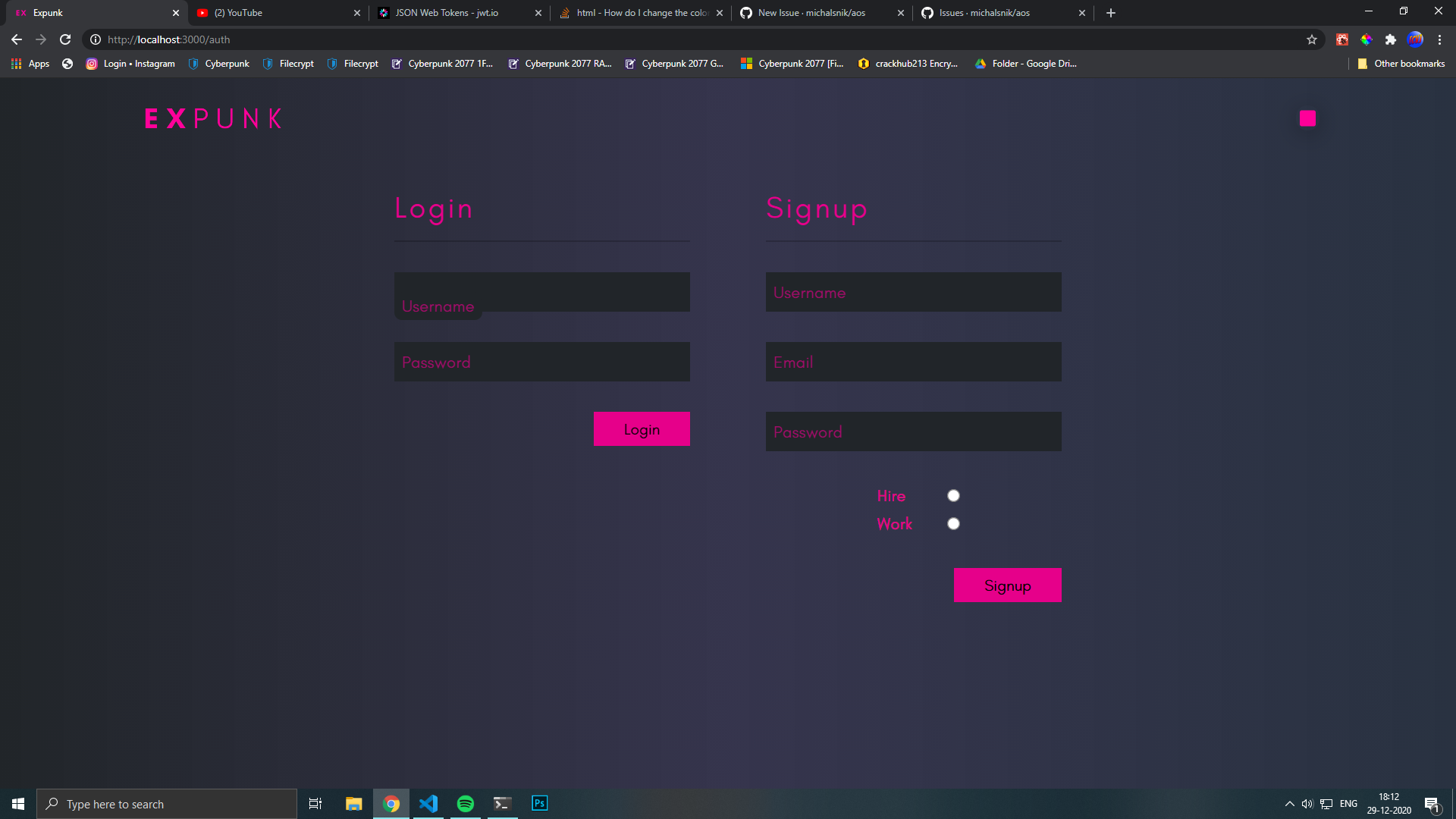
The Element's Position Not Exactly where it should be. The Element's Position is Absolute and Applying the "fade-up" or any other effect causes it to be offset on the y axis by a significant amount.
Steps to Reproduce the Problem
- Add An Position Absolute Element
- Add Any Effect To The Element
- The Element is Offset on the y axis.
Detailed Description
Fix the Bug or Provide An Apt Solution.
Possible Solution
 

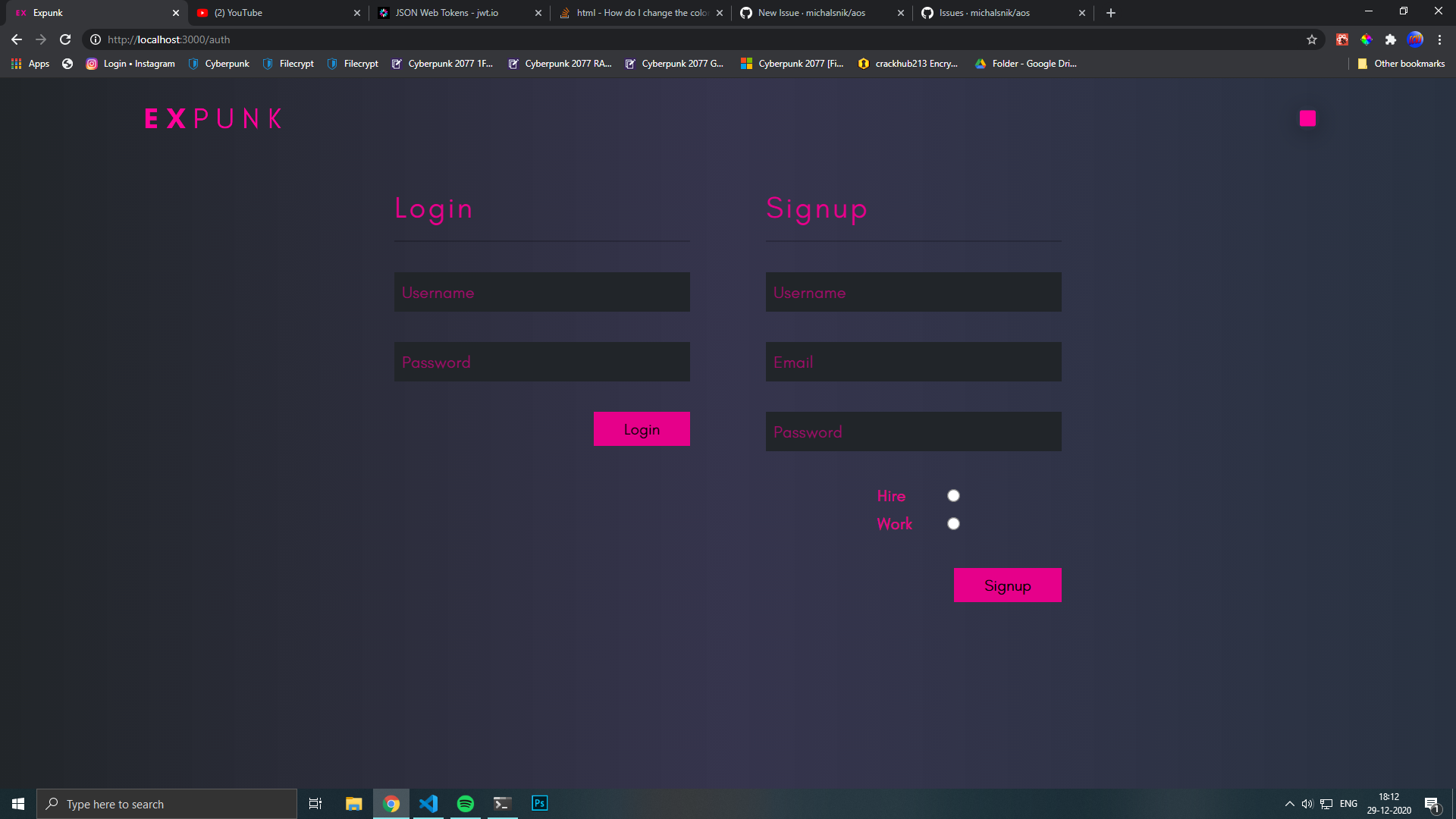 With effect:

Can You Recommend Some Other Package? @Javadebi
I would recommend react-animate-on-scroll. or react-reveal
@shi-ivam Did you find any solution to this issue? I am also having this problem.

I've forked the project, updated the dependencies and merged nearly all open pull requests. If you want to make a pull request to solve this issue, I'll merge it. Hope this will help anyone.