

 michaelboulton
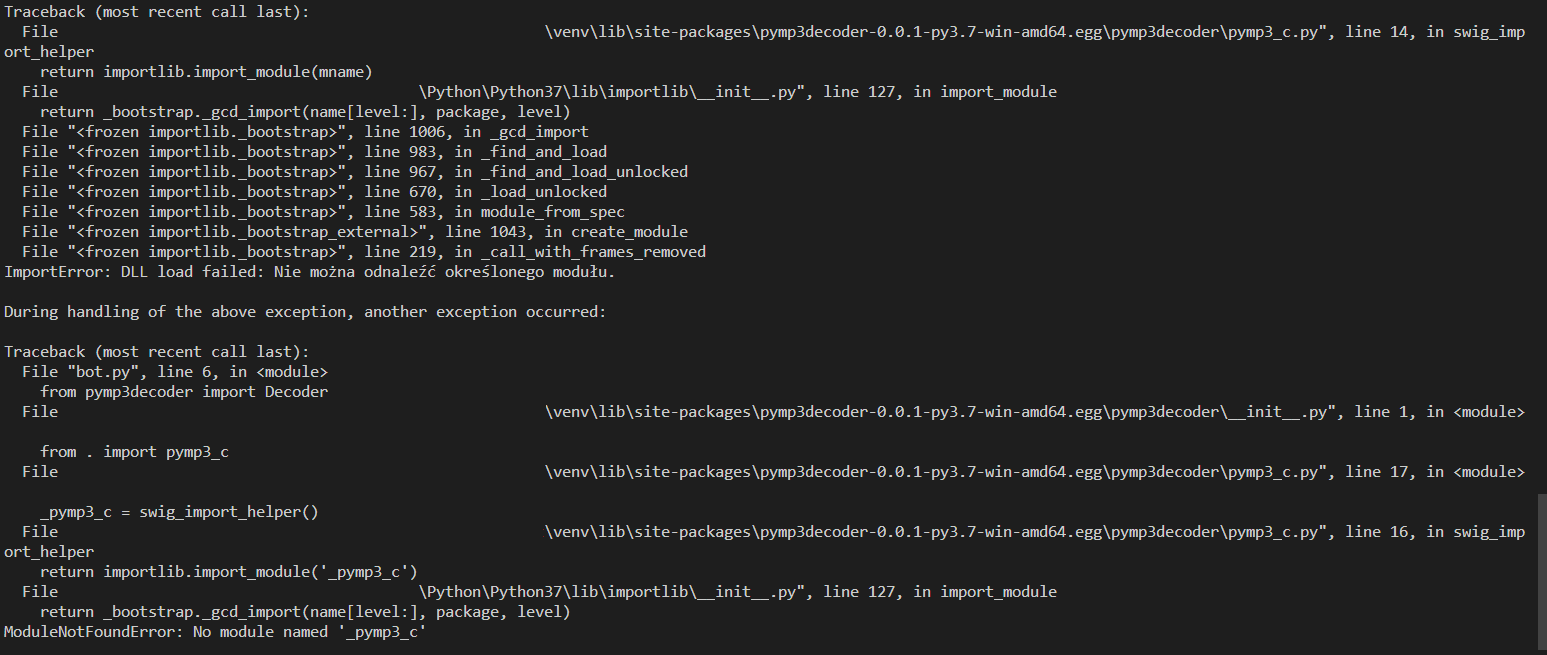
ModuleNotFoundError: No module named '_pymp3_c'
Hi,
I managed to compile your package, I have a compilation in my environment, but when importing the Decoder there is an error, saying there is no module _pymp3_c even though it looks like it is in its place.
My env:
- python 3.7.8
- swig 3.0.12
Below, I send you screens with error message and environment structure:


I am getting the exact same error on Raspberry Pi:
Traceback (most recent call last):
  File "t.py", line 2, in <module>
    from pymp3decoder import Decoder
  File "/usr/local/lib/python3.7/dist-packages/pymp3decoder-0.0.1-py3.7-linux-armv7l.egg/pymp3decoder/__init__.py", line 1, in <module>
    import pymp3_c
ModuleNotFoundError: No module named 'pymp3_c'


I found a solution for Linux:
Copy /usr/local/lib/python3.7/dist-packages/pymp3decoder-0.0.1-py3.7-linux-armv7l.egg/pymp3decoder/py_mp3.py contents to the top of /usr/local/lib/python3.7/dist-packages/pymp3decoder-0.0.1-py3.7-linux-armv7l.egg/pymp3decoder/init.py file and delete from this file the import.
Also change in two seperate times the py_mp3.<some_method> to <some_method>
Hope that helps.