

 methodofaction
Import svg: scaling bug
-
File -> Import file... -
Selecting file: https://gist.github.com/d9k/d08cf1d212832701d0151af57a575628
-
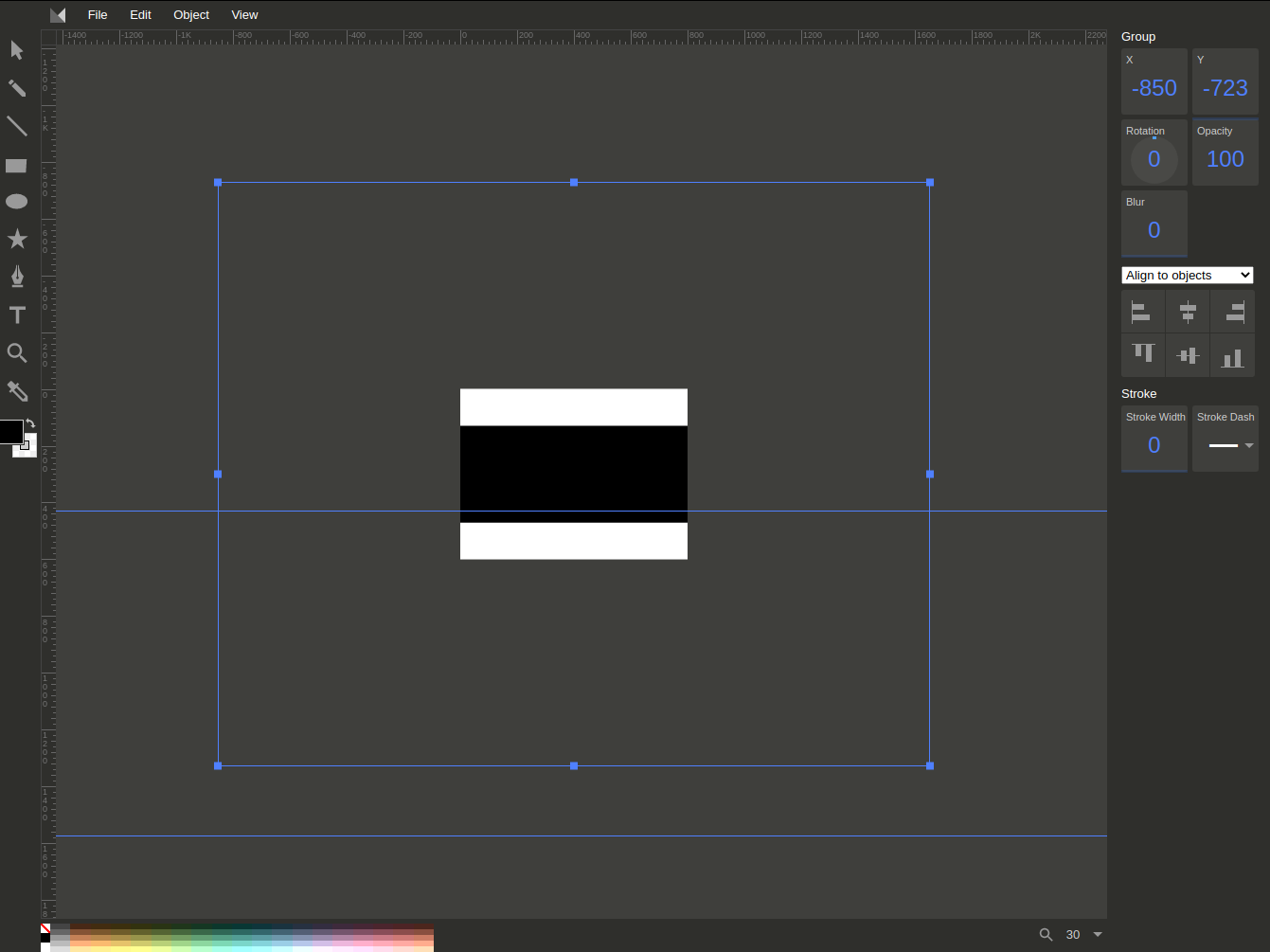
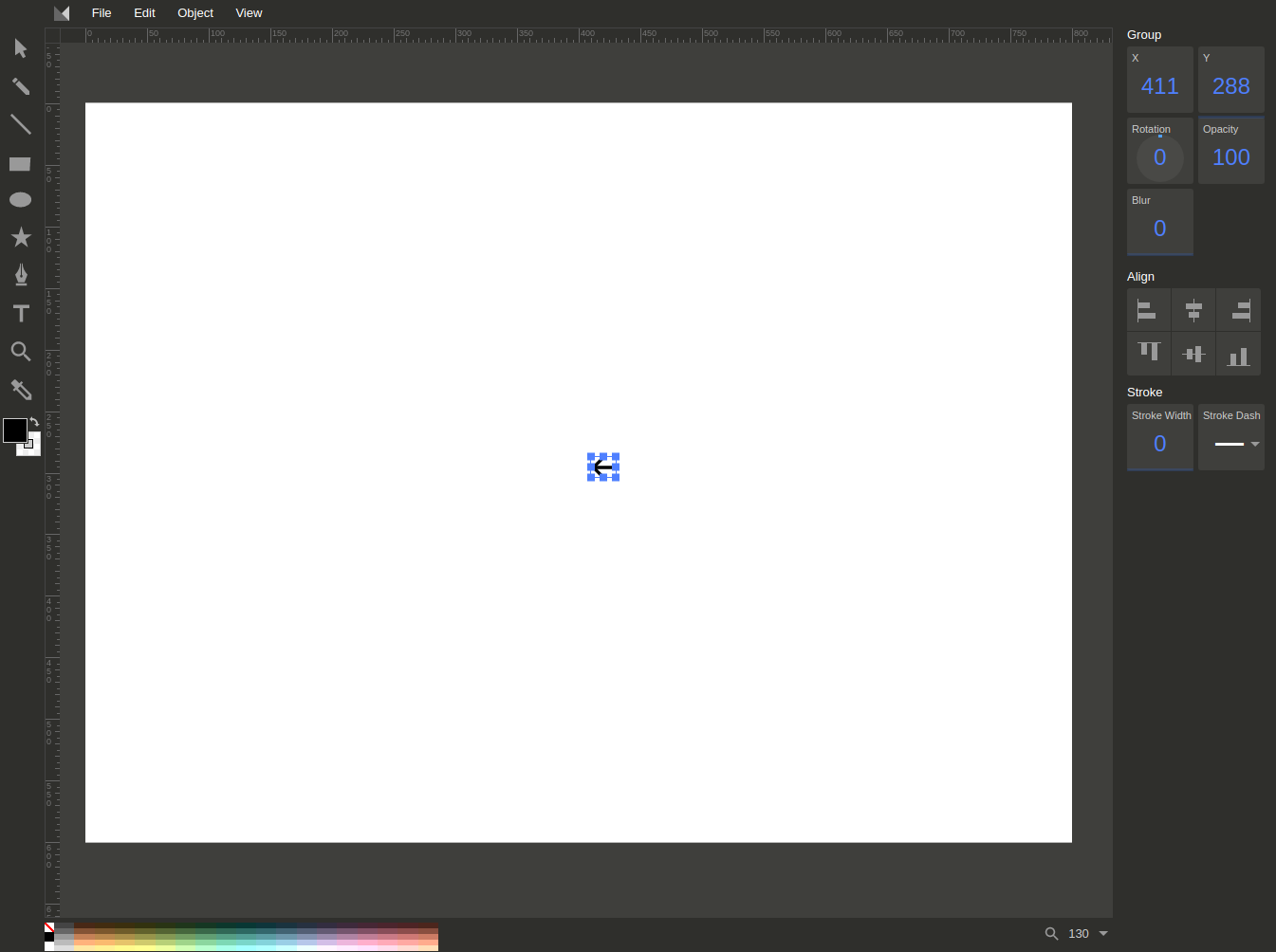
It is svg file 16x14 px size. Expecting 16x14 imported image.
Actual result: more than 100 times bigger image!

Also when I zoom out selection outline of horizontal bar begin to display at incorrect position, much lower and bigger than expected. This outline doesn't dissappear until I do Object -> Ungroup Elements and then click to the empty space of canvas to deselect arrow. And then because of inconvenience I must to manually select parts of image and group them again.

Duplicating image svg code here:
<svg width="16" height="14" viewBox="0 0 16 14" fill="none" xmlns="http://www.w3.org/2000/svg">
    <path d="M1.0918 7.63889H14.9092C15.5113 7.63889 16 7.1502 16 6.54805C16 5.94591 15.5113 5.45721 14.9092 5.45721H1.0918C0.489658 5.45721 0.000965118 5.94591 0.000965118 6.54805C0.000965118 7.1502 0.489658 7.63889 1.0918 7.63889Z" fill="#000"/>
    <path d="M6.54615 13.0926C6.82552 13.0926 7.10462 12.9864 7.31714 12.7728C7.74325 12.3464 7.74325 11.6556 7.31714 11.2295L2.63367 6.54629L7.31714 1.86283C7.74325 1.43672 7.74325 0.745889 7.31714 0.319781C6.89076 -0.106594 6.19993 -0.106594 5.77383 0.319781L0.31964 5.77397C-0.106468 6.20008 -0.106468 6.8909 0.31964 7.31701L5.77383 12.7712C5.98768 12.9864 6.26678 13.0926 6.54615 13.0926Z" fill="#000"/>
</svg>
As partial solution I wrote function to stretch element to canvas at svgcanvas.js and bound it to the new button at the instruments panel.
this.stretchSelectedElementsToCanvas = function() {
  var selectedElement = selectedElements[0];

  if (selectedElements.length > 1) {
    alert('Stretching multiple elements: not implemented yet. Only first element would be processed');
  }

  /** selecting only the first element */
  this.clearSelection();
  this.addToSelection([selectedElement]);

  var boundBox = getStrokedBBox([selectedElement]);

  var canvasResolution = this.getResolution();

  var scaleInfo = calculateAspectRatioFit(
    boundBox.width,
    boundBox.height,
    canvasResolution.w,
    canvasResolution.h
  );

  var scaleRatio = scaleInfo.ratio;

  var tlist = getTransformList(selectedElement);

  var translateOrigin = svgroot.createSVGTransform(),
    scale = svgroot.createSVGTransform(),
    translateBack = svgroot.createSVGTransform();

  translateOrigin.setTranslate(-boundBox.x, -boundBox.y);
  scale.setScale(scaleRatio, scaleRatio);
  translateBack.setTranslate(boundBox.x, boundBox.y);

  console.log(boundBox);
  console.log(scaleInfo);
  console.log(canvasResolution);

  // tlist.clear();
  tlist.appendItem(translateBack);
  tlist.appendItem(scale);
  tlist.appendItem(translateOrigin);
  call("transition", selectedElements);

  selectorManager.requestSelector(selectedElement).resize();

  // TODO debug and rework save to history
  this.moveSelectedElements(
    [ -boundBox.x + (canvasResolution.w - scaleInfo.width)/2 ],
    [ -boundBox.y + (canvasResolution.h - scaleInfo.height)/2 ],
    true
  );
}
About glitches with selection outline: after import_image() at method-draw.js there are inadequate callstack:
- `selectedChanged()`
  - `updateToolbar()`
    - `$('#stroke_style').trigger('change');`
      - `$('#stroke_style').change(function(){()`
        - `svgCanvas.setStrokeAttr('stroke-dasharray', $(this).val());`
          - `changeSelectedAttribute(attr, val, elems);`
            - `changeSelectedAttributeNoUndo(attr, val, elems);`
              -  `selectorManager.requestSelector(elem).resize();`
So selectorManager.requestSelector(elem) creates selector for already grouped element and adds it to selection.
@methodofaction, why did you need triggers at the updateToolbar()?
Yes, there are comment
// This function also updates the opacity and id elements that are in the context panel
but why was it mandatory to update stroke style right after the selection change?!
Selection and triggers must be somehow separated.
I commented out $('#stroke_style').trigger('change'); and now selection works good.
@d9k I just restructured the entire project (which is still WIP) and will soon work on the importation code for a client's project. I will surely come back to your feedback then. Thanks for pointing this out.

@methodofaction, Important note: after this change I have problems with color of newly created shapes.
As a hacky solution I added to the bottom of mouseUp() at svgcanvas.js
before
addCommandToHistory(new InsertElementCommand(element));
line
$('#stroke_style').trigger('change');
It's obvious that trigger must be called from method-draw.js but I don't know where to put it.
I tried to put it to the elementChanged() but got call stack exceeded
Maybe I'll create new custom event handler, something like call('beforeChanged').