

 melonDS-emu
the linux port can't connect to the internet
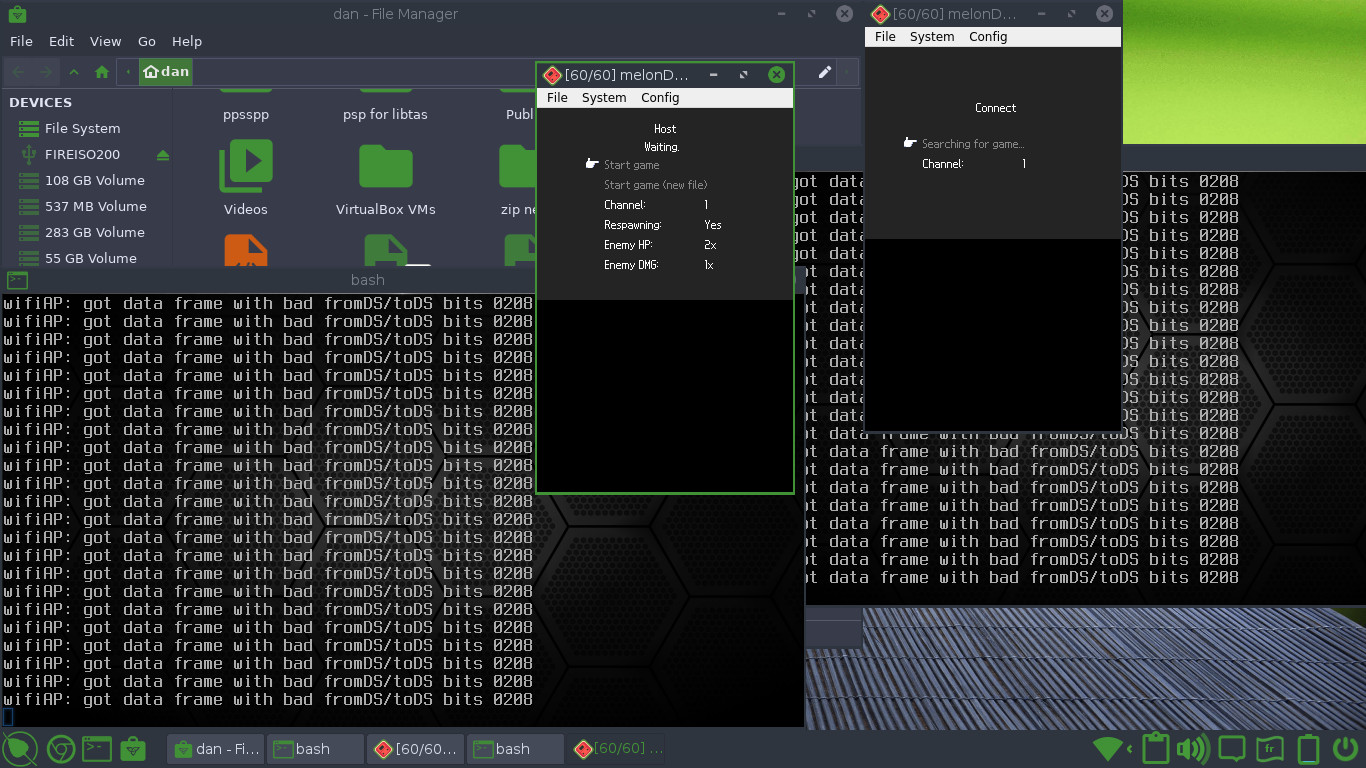


Are you connected to the Internet via Wi-Fi? I've had much better luck connecting locally when connected via LAN cable.
Doesn't matter, as my experience was only with two MelonDS instances on the same PC. If you can, try with an Ethernet cable plugged in.
Local multiplayer doesn't rely on internet connectivity, so all the options except bind socket to any address in the Wi-Fi settings do not apply.
Along with randomize MAC address did you also enable override firmware settings? It's a bit of an oversight in the UI in the latest stable release that you can change the settings in that dialog without enabling that option, in which case none of them have any effect.
If this still doesn't work then you're probably out of luck, local multiplayer emulation is very unstable and hit or miss whether it works for a given game at all.

"Bind socket to any address" is required on Linux.
noting that this isn't relevant anymore with the local_wifi merge.
