meganz
GUI too big in 4K NON-HIDPI displays
pic:
executing megasync througth console or directly from the .desktop file (https://github.com/meganz/MEGAsync/blob/master/src/MEGASync/platform/linux/data/megasync.desktop)
full desktop:


executing from cosole with QT_SCALE_FACTOR=1 (for avoid HIDPI mode in Qt5):

seems the "QT_SCALE_FACTOR=2" is actived by default in megasync

found it:
https://github.com/meganz/MEGAsync/blob/d1f61ccfcc1b5c5a11a52da1d4c869f230223887/src/MEGASync/MegaApplication.cpp#L151-L160
this is inacurate when have 4K display with low or medium range DPI
for example, my screen Asus PB287Q have 4K panel, but the DPI is only 157x161 (28")
└───╼  xdpyinfo | grep -B 2 resolution
screen #0:
  dimensions:    3840x2160 pixels (621x341 millimeters)
  resolution:    157x161 dots per inch
this lead "QT_SCALE_FACTOR=%1" draw window/components/gui too big
that piece of code basically scales based on screen size. Keeping QT_SCALE_FACTOR=1 for 4K displays (even though they're not HiDPI -I'm testing on a ~124 DPI screen) will show a maybe too tiny window. In my particular case making megasync almost unusable. Plus, Qt (and for the case xdpyinfo) seems to be having trouble providing an accurate DPI measure for some screens. We can't rely on that to take an scale decision I'm afraid.

in my case, xdypinfo and xrandr both show the correct DPI and screen dimensions as the official display specs
quoted from https://www.asus.com/us/Commercial-Monitors/PB287Q/:
with resolution up to 3840 by 2160. With a pixel density of 157 pixels-per-inch (PPI),
https://www.asus.com/us/Commercial-Monitors/PB287Q/specifications/
Display Viewing Area(HxV) : 620.93 x 341.28 mm
└───╼  xdpyinfo | grep -B1 dots
  dimensions:    3840x2160 pixels (621x341 millimeters)
  resolution:    157x161 dots per inch
└───╼  xrandr | grep ' connected'
DP-1 connected primary 3840x2160+0+0 (normal left inverted right x axis y axis) 621mm x 341mm
I'm not sure if Qt use a own calculator or use xdpyinfo directly
about the xdpyinfo trouble (finded here https://lists.archlinux.org/pipermail/arch-general/2017-August/044077.html)
https://lists.x.org/archives/xorg-devel/2017-May/053743.html
i'm not sure if this patch has been merged in the upstream
This bug also affects HiDPI displays where the desktop environment's scaling factor is configured (e.g. to 200%). Setting QT_SCALE_FACTOR=1 eliminates the issue.

This bug has been resolved for at least several months on a GNOME Shell environment.
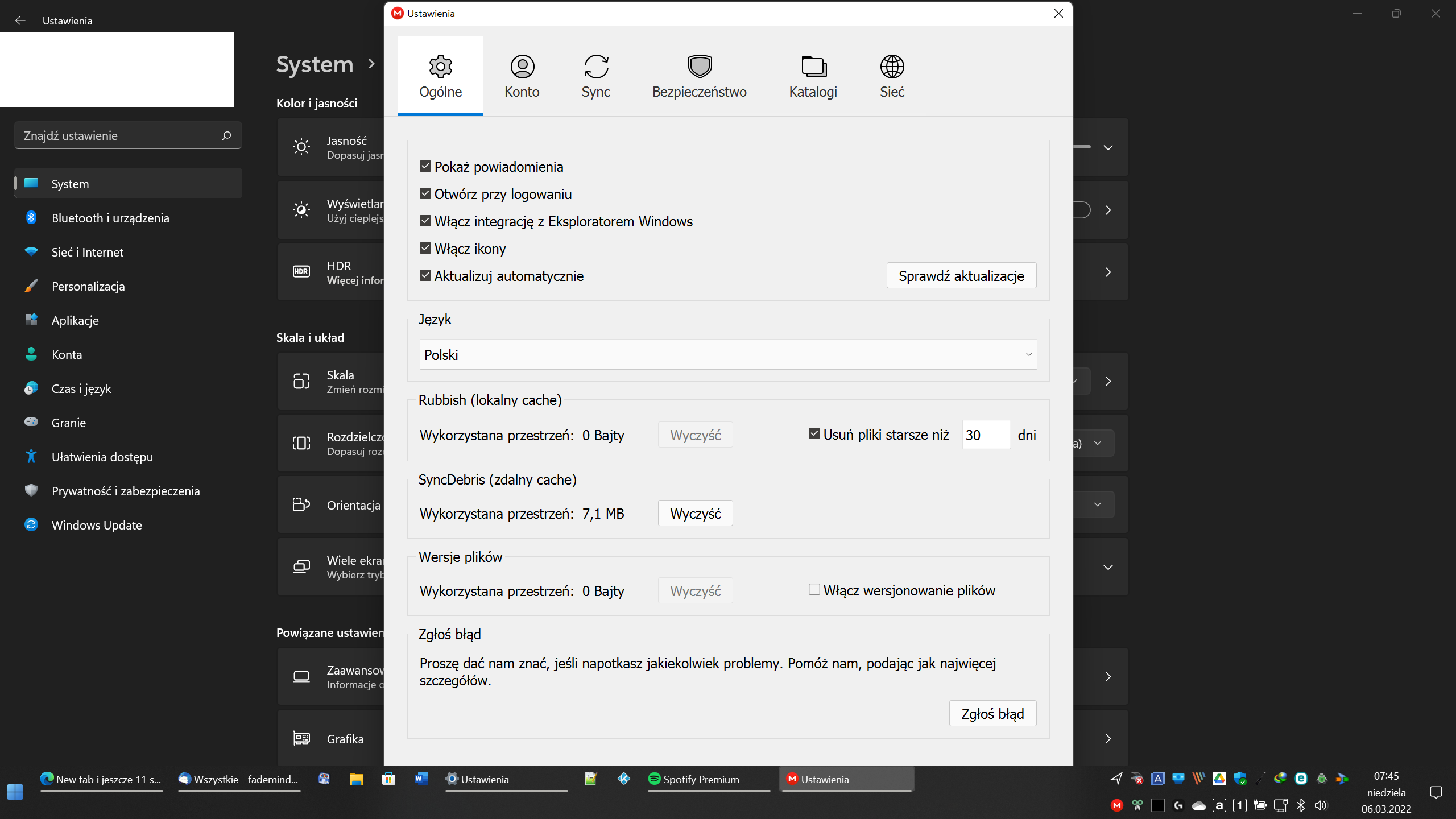
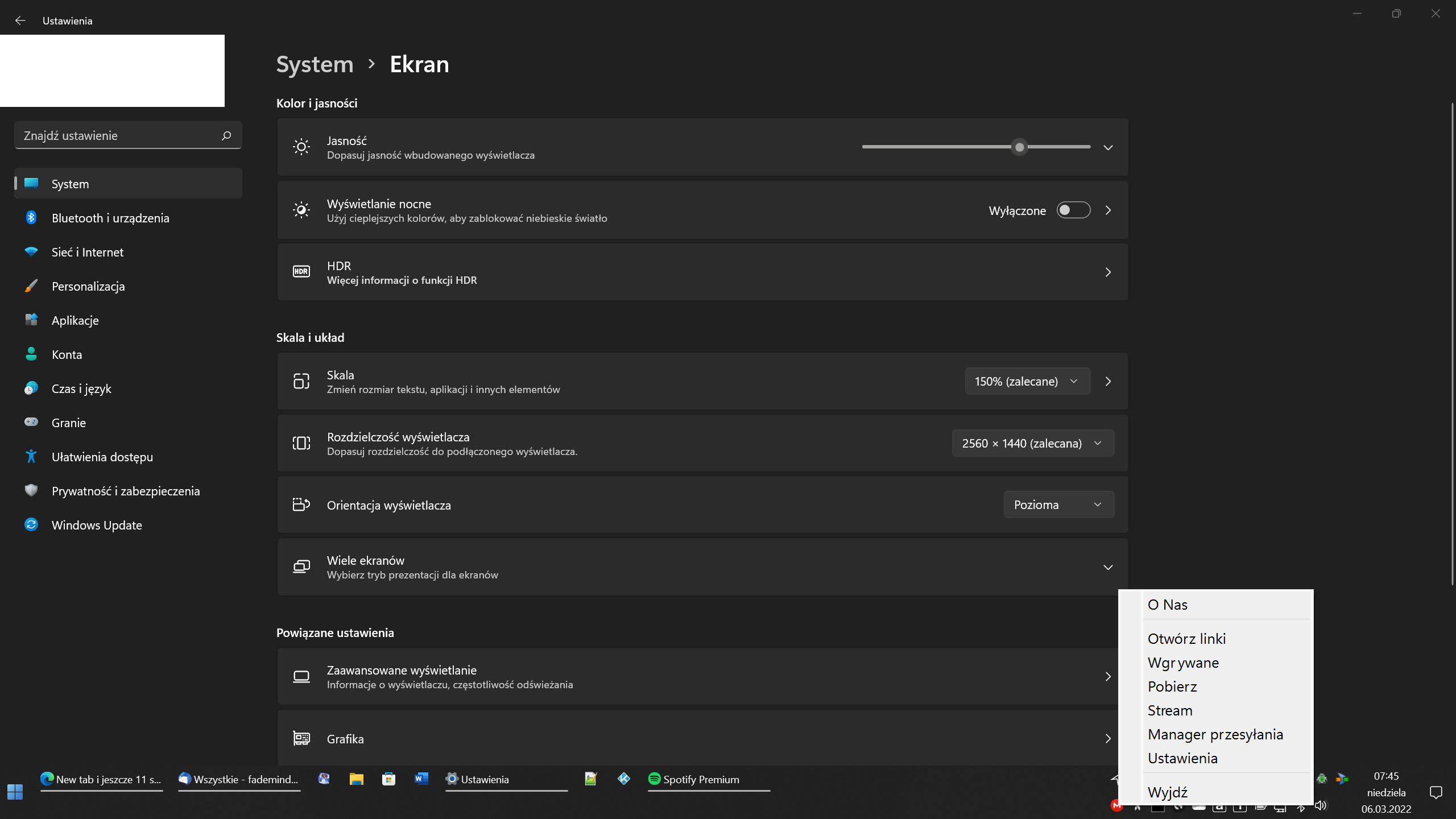
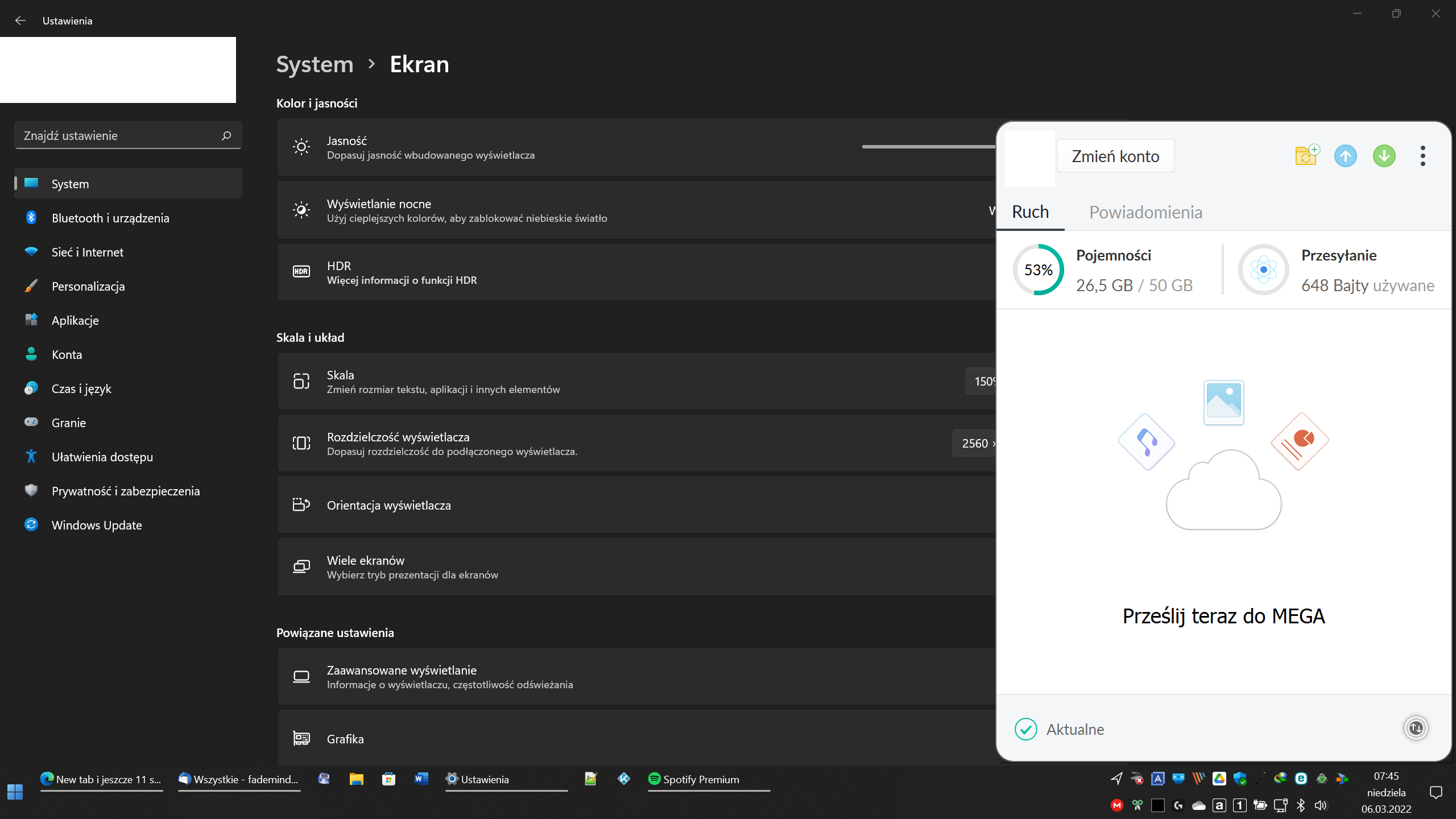
OS: Windows 11 Pro x64 22000.527 MEGA App: 4.6.5 x64 Display: 2560x1440 px Scale: 150% Mega app looks: