

 meeb
meeb
Error 500 while adding sources while busy
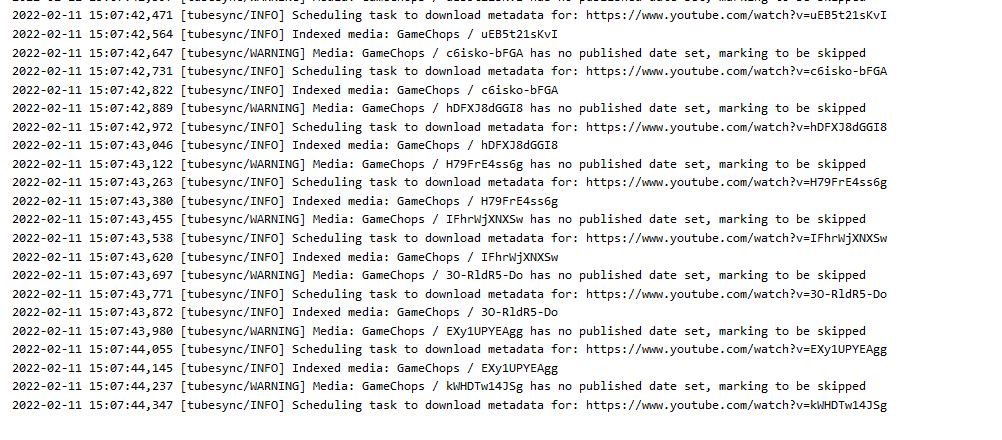
Wihle the server is busy indexing things (see logs here) adding a new source will end up in an error 500 with no additional infos in the logs.

Can you set the env var TUBESYNC_DEBUG to True, restart the container and trigger the 500 error again please? That will output the error details and trace into the browser.

Are you using database locks? Because if yes you should switch to finer grained locks, that is probable the reason behind most of the 500 errors and performance issues Tubesync is experimenting
This issue is not database locks in Django, the issue is database locks by using SQLite. You have a background worker writing to the SQLite database, as well as trying to write via the web interface. The two simultaneous writes cause the 500 error in the front end. Generally the advice is to switch to a different back-end (I would suggest Postgres) to resolve this.
I wasnt suggesting the issue is table locking in DJango, but SQLite supports table locking, and with a writing queue you can achieve concurrency (rather than writting directly in a concurrent way which does not work)
I did look into this, but it's pretty difficult to implement. The same tables need to be written to by both the front end and background worker at times and there's no built-in way to handle a write queue other than to build one manually. Fully integrating a write queue into into Django would be a significant development undertaking.