

 mdn
mdn
CSS Interactive examples have got a scrollbar
Summary
CSS interactive examples have now got a vertical scrollbar in the section listing the choices, cutting off the bottom of the last example choice:

The content of this example has not changed recently so I think this must be a platform change, although I don't know where.
URL
https://developer.mozilla.org/en-US/docs/Web/CSS/background https://developer.mozilla.org/en-US/docs/Web/CSS/filter https://developer.mozilla.org/en-US/docs/Web/CSS/transform
...and many many more.
Reproduction steps
Visit one of the above pages and look at the interactive example.
Expected behavior
The set of code choices on the left fits in the pane of the editor without a scrollbar.
When we write examples we are very careful to avoid a scrollbar in the editors, because it looks bad, it cuts off part of the example, and it potentially hides examples.
Actual behavior
The set of code choices gets a scrollbar.
Device
Laptop
Browser
Chrome and Firefox
Browser version
All
OS
MacOS
Screenshot

Please make sure to always use the issue template so that we have all information to reproduce the issue.
CSS interactive examples have now got a scrollbar
Unfortunatey, I cannot reproduce the issue on https://developer.mozilla.org/en-US/docs/Web/CSS/background-image with Chrome, Edge or Firefox on Mac OS.
(also just noticed: in dark mode the function name is completely unreadable)
This is a known issue: https://github.com/mdn/bob/issues/858

This is Chrome:
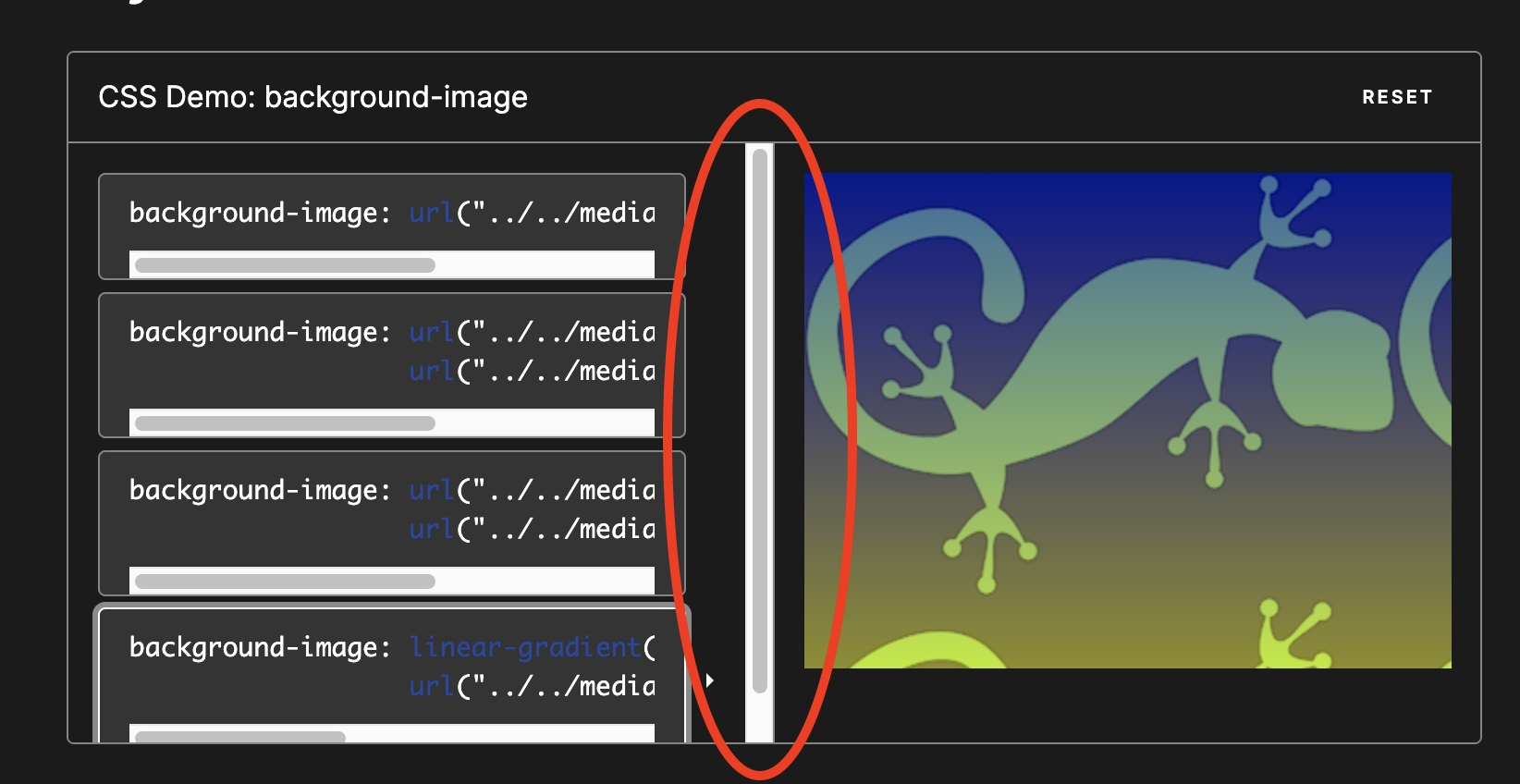
Please confirm that you don't see the scrollbar I've highllighted.
Please confirm that you don't see the scrollbar I've highllighted.
I can confirm that I am also seeing it in Chromium-based browsers, Safari, and Firefox on desktop.

Please confirm that you don't see the scrollbar I've highllighted.
I tested again both locally and on BrowserStack (tested different resolutions), and I don't get those scrollbars in Chrome, Safari or Firefox.
@wbamberg @schalkneethling Can you find out what's causing the scrollbar?
FWIW Here's a screenshot of the section#example-choice-list's Box Model in Firefox that appears to have a scrollbar in your screenshots:
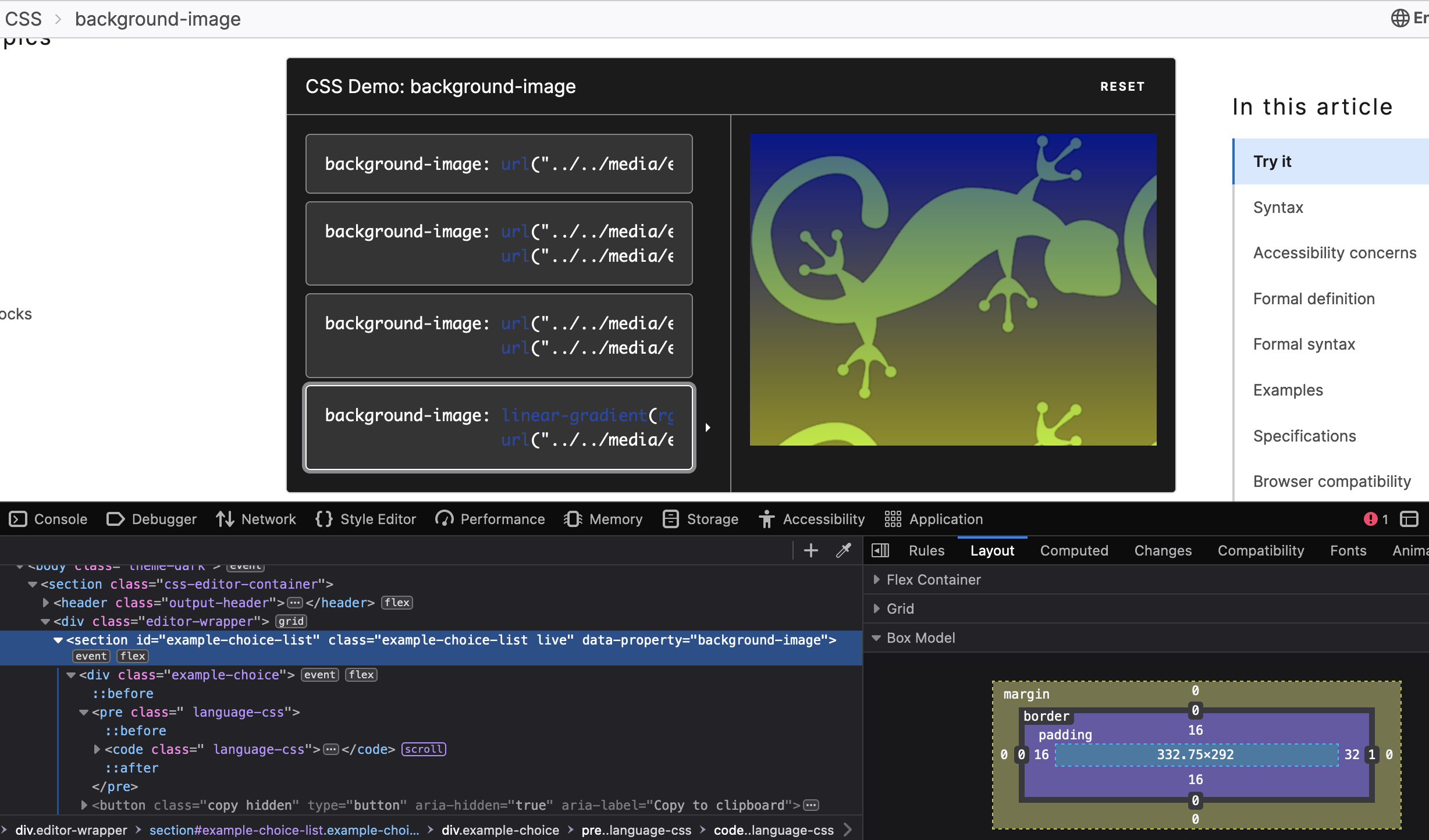
Oh! I know why. It's because I have "Show scroll bars" Always" set in my preferences. Thanks for the screenshots, that really helped me understand.
So I think we should close this, probably?