mdn
mdn
fix: interactive iframe post message error
Summary
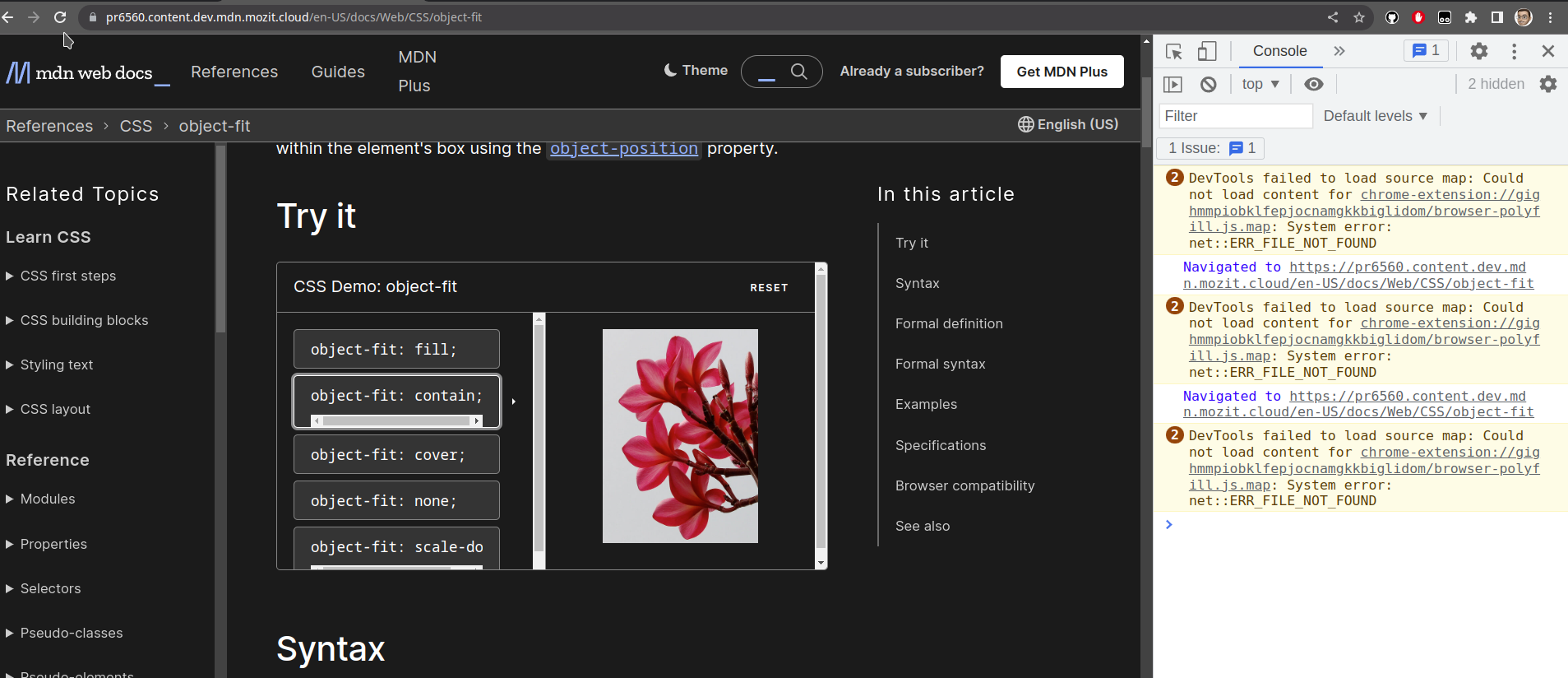
Pages with interactive examples throw following error because yari tries to send theme change message before the iframe content is loaded:
Failed to execute 'postMessage' on 'DOMWindow': The target origin provided ('https://interactive-examples.mdn.mozilla.net') does not match the recipient window's origin ('https://developer.mozilla.org').
Problem
Steps to reproduce:
- Open page https://developer.mozilla.org/en-US/docs/Web/CSS/object-fit.
- Set them to "Dark".
- Do force page reload using
Ctrl + F5. - In the logs you'll see the error message.
The problem is the iframe content takes time to load but yari starts sending theme change message multiple times. The iframe with empty content throws origin mismatch error. Also, yari sends the message multiple times due code error.
Solution
Call postMessage on the iframe only if the content is loaded. But with SSR involved it's bit trickier.
Finding out the content finished loading, for other origin iframe, is not possible without using onload event. And with SSR it's not possible to use onload event inside the React. Because browser immediately starts loading the iframe came directly from server, and useEffect events registration inside React happens after components are rendered. More info here.
So, as suggested by Dan, we can listen for the iframe load event on document body and register the load finished.
Screenshots
Before

How did you test this change?
On a Chromium browser on Fedora.