

 mdn
mdn
font-family for `<code>` isn't specified
Environment
- OS: Windows 10
- Bowser: Chrome 100
- Country: Japan
Plobrem details
- Chrome's user agent stylesheet specifies
code { font-family: monospace; } - MDN's stylesheet doesn't specifies any font for
<code>element - Japanese Windows OS's
monospacefont isMS P ゴシック(MS P Gothic) , that is not suitable for codes.
Screenshot
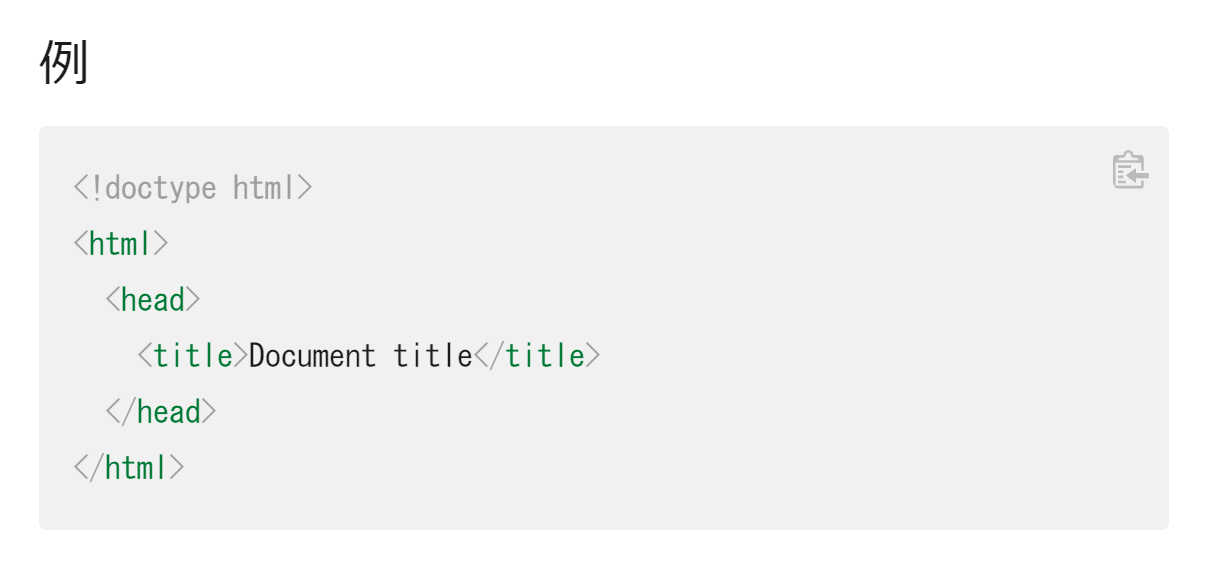
https://developer.mozilla.org/ja/docs/Web/HTML/Element/head
Want
I found CSS variable for code font. Please specify this for <code>.
https://github.com/mdn/yari/blob/d04a5f10fcca3d1c6ec8c05d6566d8a1324419b5/client/src/app.scss#L23
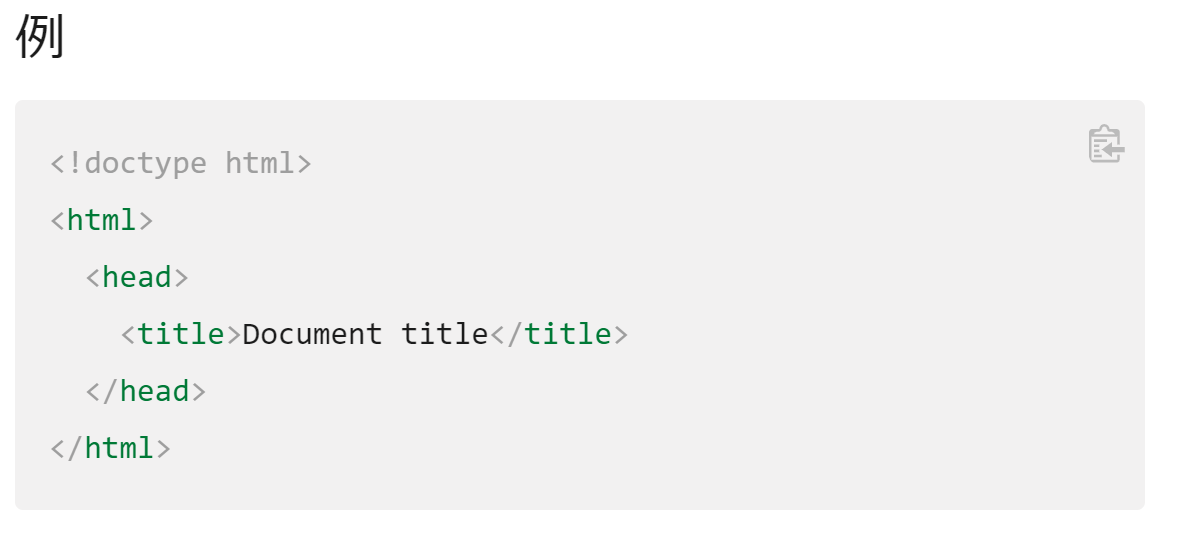
If this CSS variable is specified for <code>, my browser uses Consolas font (Japanese Windows 10 has Consolas font by default)
This is very easy to read.
Sample:

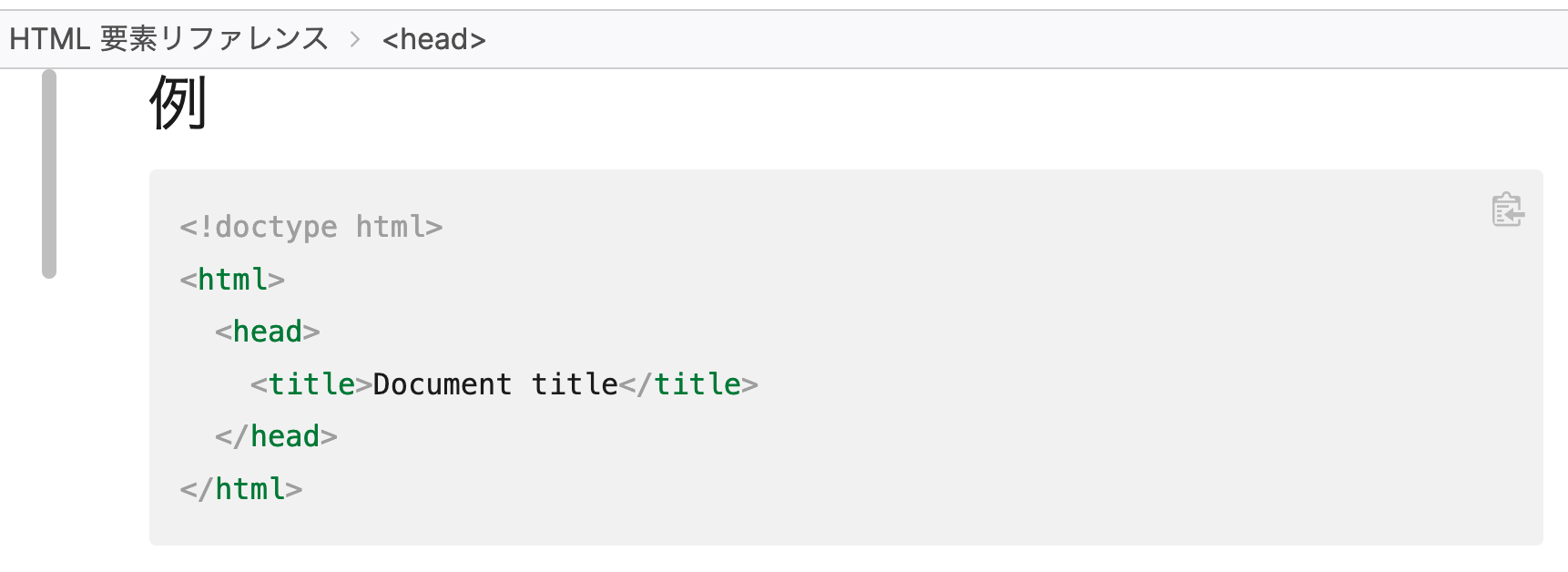
@mdn/yari-content-ja Do you agree with @kagankan that the current font for code samples is not ideal?
We could use the same font as for en-US and it would look like this (right):
| Before | After |
|---|---|
 |
 |

I agree to this proposal,
My PC (Windows 11 Japanese, Chrome 105) monospace font is MS Gothic (Not P Gothic), but Consolas is better for codes.
