

 mdn
mdn
Content bug: index page search input's cursor.
What page(s) did you find the problem on?
MDN Web Docs Index page
https://developer.mozilla.org/zh-CN/
Specific page section or heading?
What is the problem?
In the index page, I want to search some api. When search input has no content, the placeholder cursor is underline, When search input has content, the placeholder cursor is line。
What did you expect to see?
I just want to know this condition whether a bug
Did you test this? If so, how?


Hi @Thlnking , thank you for taking the time to report this.
Just to check: Are you referring to the following search field?

Before you focus the field, it permanently shows the underscore symbol (_). As soon as you enter the field, the underscore becomes the cursor and blinks. This is the intended behavior.
Please let me know if this resolves your report, or if you have concerns about this behavior. 🙏

Yes, I just find the design a bit confusing。 But I think it should become the inline cursor after focusing on the search input field.
@Thlnking just checked and when the main search input on the page is focused, it shows the default browser cursor. For the search input in the header, it changes to the default browser cursor as soon as you enter any letters. Is this still confusing to you? Thank you for your feedback.

@schalkneethling
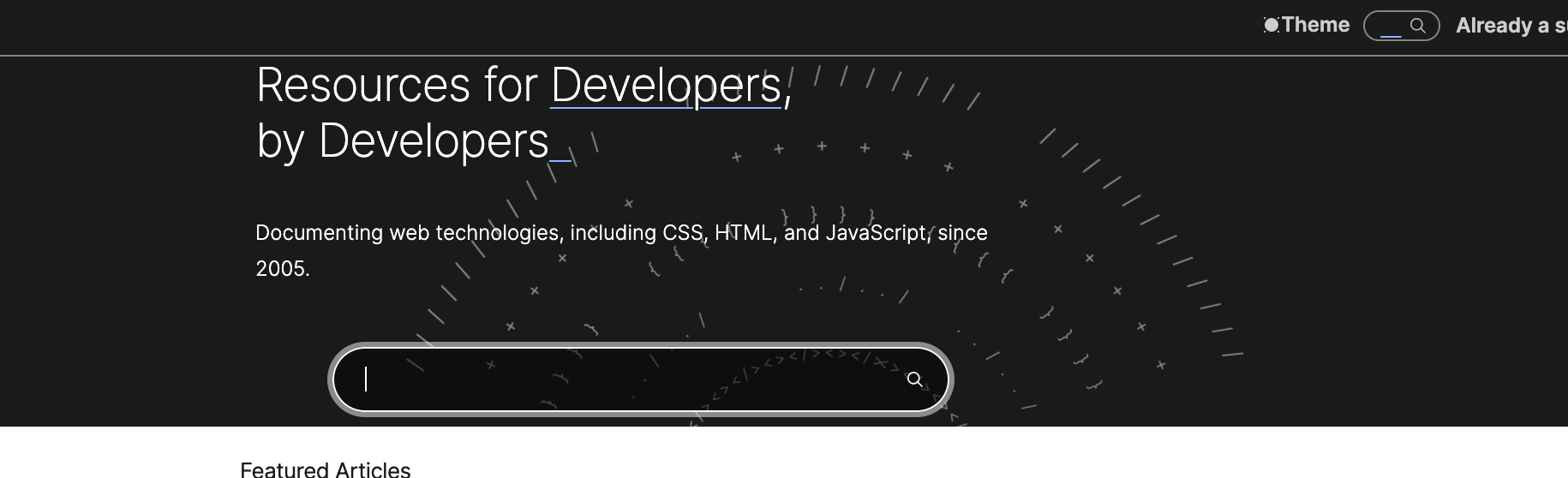


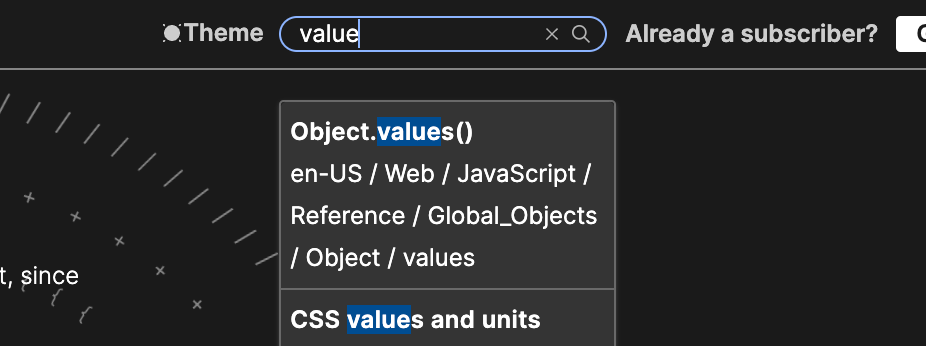
Thank you for your reply. Just like first picture and second. In the main search input on the page. When focus the field , whether input has no value or has value , it shows the cursor(|) and blinks.
However, as third picture and fourth picture. For the search input in the header. When focus the field, if input has no value, it shows the underscore symbol (_), i think it should like the main search input on the page shows the cursor(|) and blinks.
Thank you for your additional feedback @Thlnking. The issue has been marked as needs-triage. The engineering team will review and prioritize this issue.
I think that this is the intended behavior, but I will bring it up with the team.