
amazon-dash-wiced
 amazon-dash-wiced copied to clipboard
 maximus64
Broadcom WICED SDK Port for Amazon Dash Button
Broadcom WICED SDK Port for Amazon Dash Button
Unlock the true potential of the Amazon Dash Button.

Build Instructions
- Download WICED SDK version 3.3.1 from Broadcom
- Extract the zip file
- Apply patch
$ patch -p1 -s < ../amazon.patch
- Build
$ ./make AMAZONDASH-demo.garage
- Download to the board
$ ./make AMAZONDASH-demo.garage download run JTAG=stlink-v2
Example UART Output
Starting WICED v3.3.1
Platform AMAZONDASH initialised
Started ThreadX v5.6
Initialising NetX_Duo v5.7_sp2
Creating Packet pools
WWD SDIO interface initialised
WLAN MAC Address : 6C:0B:84:7F:99:50
WLAN Firmware    : wl0: Nov  7 2014 16:03:45 version 5.90.230.12 FWID 01-45f08bbf
IPv4 network ready IP: 192.168.0.1
Setting IPv6 link-local address
IPv6 network ready IP: FE80:0000:0000:0000:6E0B:84FF:FE7F:9950
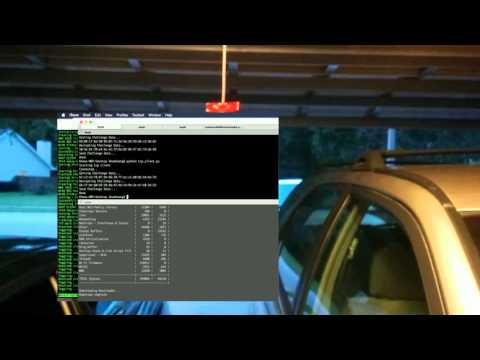
WiFi Garage - PoC Video
Working
- WiFi
- RGB LED
- Button
- UART Port
Todo
- SPI flash
- I2C Microphone
 maximus64