

 matomo-org
Cannot connect to mysql db
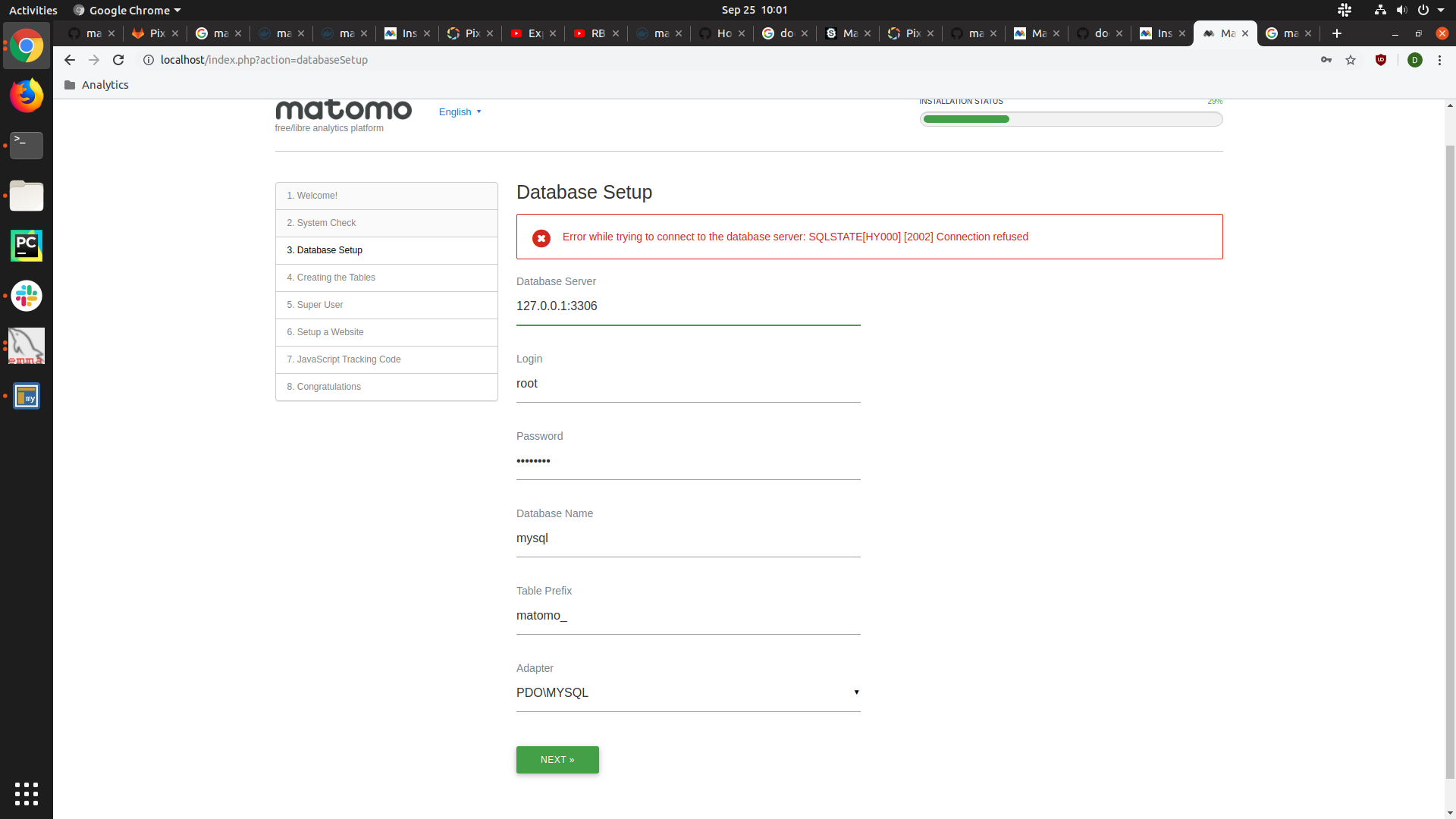 I'm unable to connect to a mySQL db instance from the web setup. I can connect to the db using the same credentials from both Chrome MySQL Admin and from emma-db. How can I further diagnose? Screenshots attached below
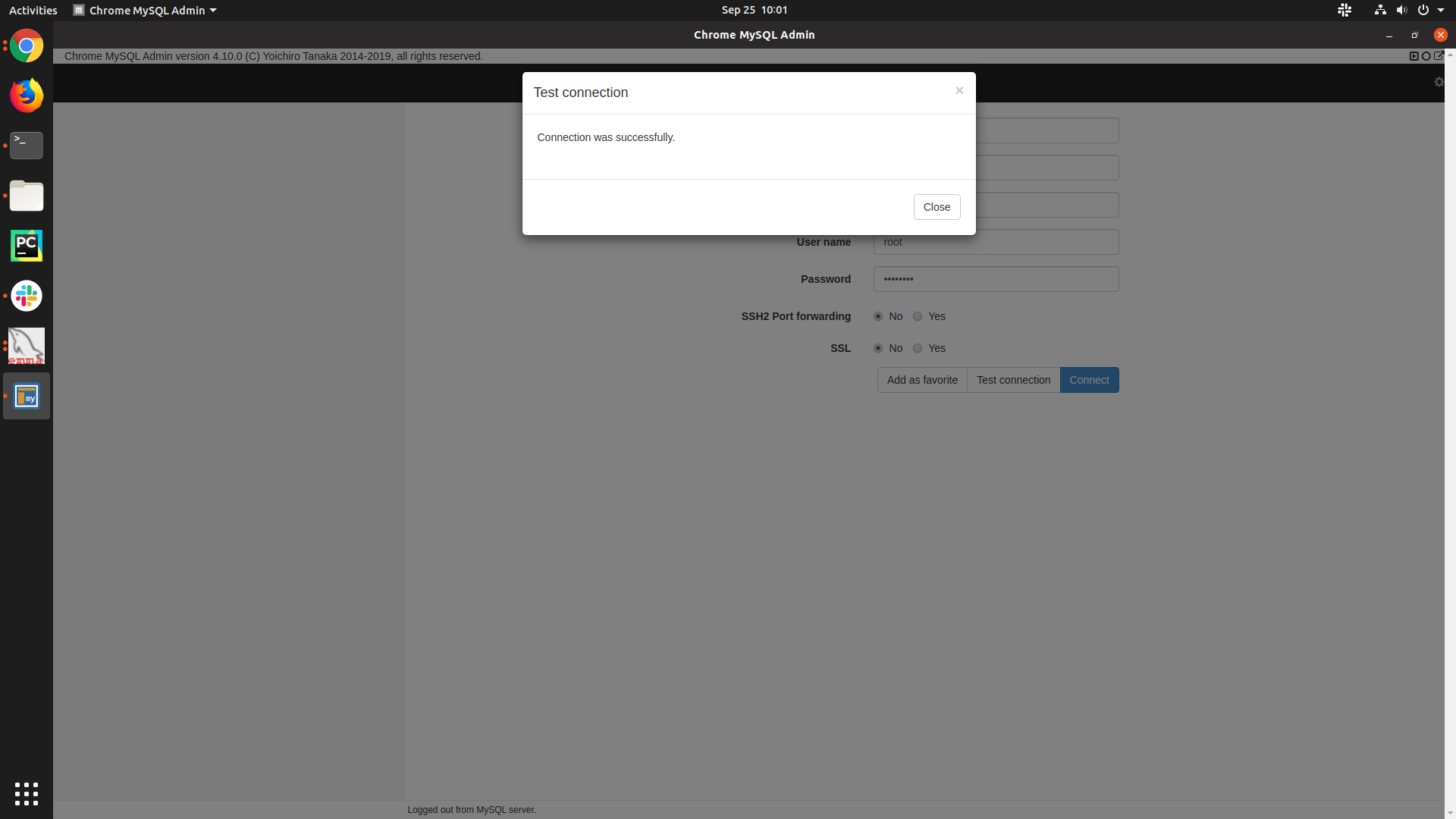

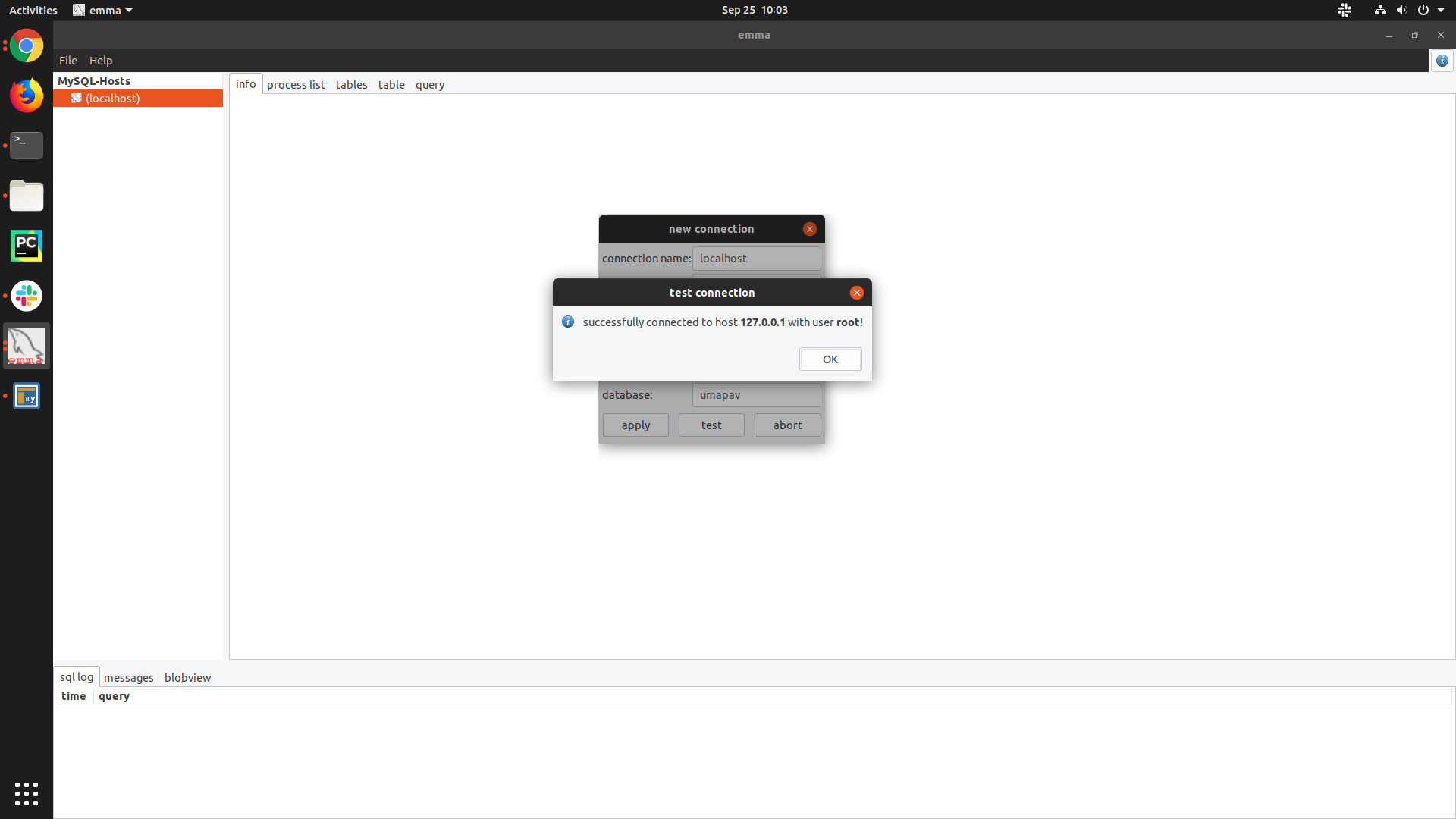

I tried entering the mysql container and took a look at the mysql logs, no errors there.
I was able to play with the docker-compose file to get something that worked. Now, I try to go to localhost:80, but nothing is there. Looks like the matomo instance doesn't get the request either :/ Below is pasted some output.
dima@7356defb6fb2:/truvu/matomo$ docker-compose logs -f
Attaching to matomo_app_1
app_1  | AH00558: apache2: Could not reliably determine the server's fully qualified domain name, using 172.19.0.3. Set the 'ServerName' directive globally to suppress this message
app_1  | AH00558: apache2: Could not reliably determine the server's fully qualified domain name, using 172.19.0.3. Set the 'ServerName' directive globally to suppress this message
app_1  | [Wed Sep 25 18:30:17.983605 2019] [mpm_prefork:notice] [pid 1] AH00163: Apache/2.4.38 (Debian) PHP/7.3.9 configured -- resuming normal operations
app_1  | [Wed Sep 25 18:30:17.983630 2019] [core:notice] [pid 1] AH00094: Command line: 'apache2 -D FOREGROUND'
Finally got all the file permissions out of the way and same issue as in the first post... So I have now pulled as a docker image and done from docker-compose, both do not let me connect to a MySQL database that is running. What am I missing here?


You have to set port in docker compose file
services:
  db:
    image: mariadb
    command: --max-allowed-packet=64MB
    restart: always
    volumes:
      - db:/var/lib/mysql
    environment:
      - MYSQL_ROOT_PASSWORD=
    env_file:
      - ./db.env
    ports:
      - "3306:3306"

You have to set port in docker compose file
services:
  db:
    image: mariadb
    command: --max-allowed-packet=64MB
    restart: always
    volumes:
      - db:/var/lib/mysql
    environment:
      - MYSQL_ROOT_PASSWORD=
    env_file:
      - ./db.env
    ports:
      - "3306:3306"
This worked for me. What's crazy is, Matomo was working just fine before and all of a sudden I needed this fix after updating/pulling a new docker image. But I just added the port in my compose file and now it's working again.
