

 mastodon
Docker notes
1) Create VM (Recommend Latest Ubuntu LTS)

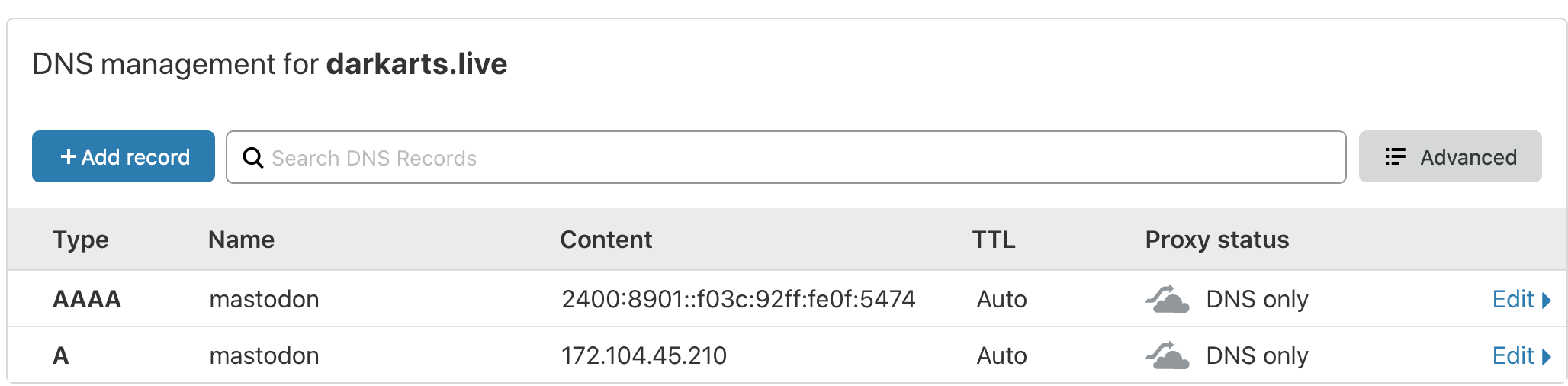
2) Update DNS (both A and AAAA records)
3) Update Server
-
apt update && apt upgrade -y -
reboot now
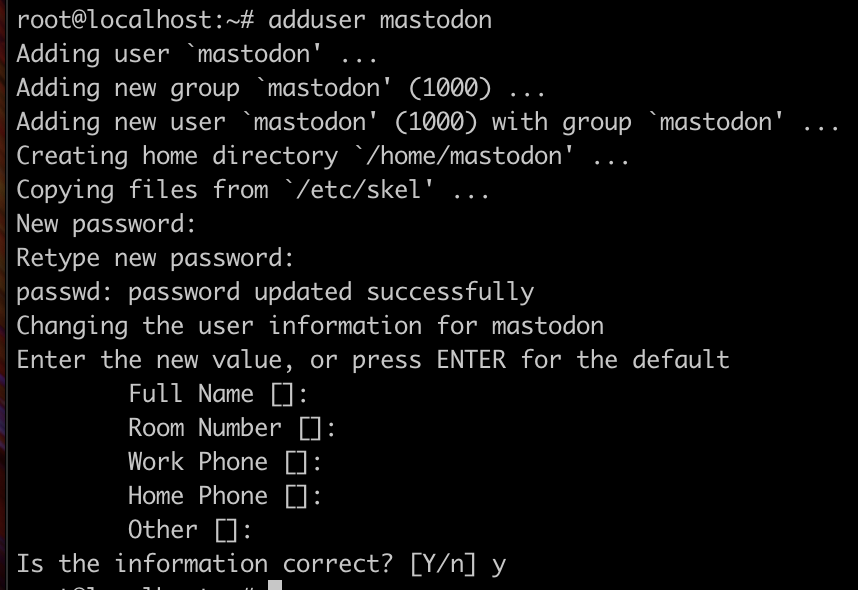
4) Create non-root user (mastodon)
-
adduser mastodon
Example:
5) Install Docker
-
curl -fsSL https://download.docker.com/linux/ubuntu/gpg | sudo apt-key add - -
add-apt-repository "deb [arch=amd64] https://download.docker.com/linux/ubuntu $(lsb_release -cs) stable" -
apt-get update && apt-get install docker-ce docker-ce-cli containerd.io docker-compose -
systemctl enable docker -
usermod -aG docker mastodon -
usermod -aG sudo mastodon
6) su into mastodon non-root user
-
su - mastodon
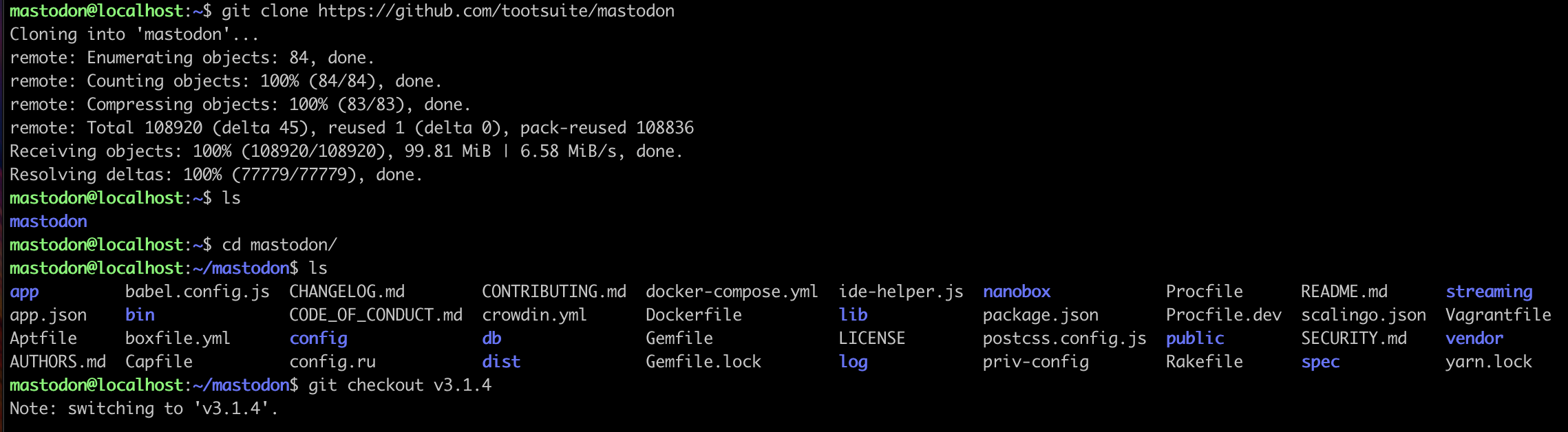
7) clone mastdon
-
git clone https://github.com/tootsuite/mastodon -
cd mastodon -
git checkout v3.1.4
Example:
8) Bootstrap the database container
notes: ONLY DO THIS ONCE OR DELETE THE ./postgres folder and start again
-
docker run -d --name bootstrap-postgres -e POSTGRES_USER=mastodon -e POSTGRES_PASSWORD=ThePasswordYouWannaUseHere -e POSTGRES_DB=mastodon_production -v /home/mastodon/mastodon/postgres:/var/lib/postgresql/data postgres:9.6-alpine -
docker ps -
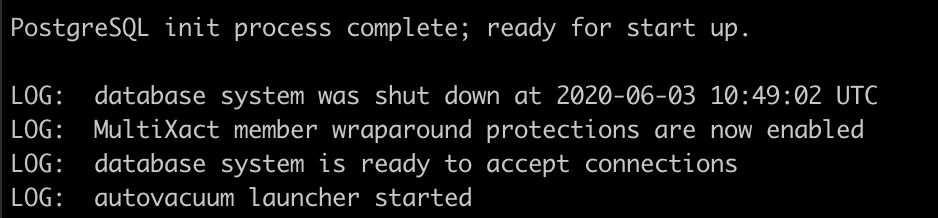
docker logs bootstrap-postgres -
docker stop bootstrap-postgres -
docker rm bootstrap-postgres
Example:
9) Start the DB using docker-compose
Confirm the DB is working successfully
-
mv .env.production.sample .env.production -
docker-compose up -d db -
docker-compose logs db
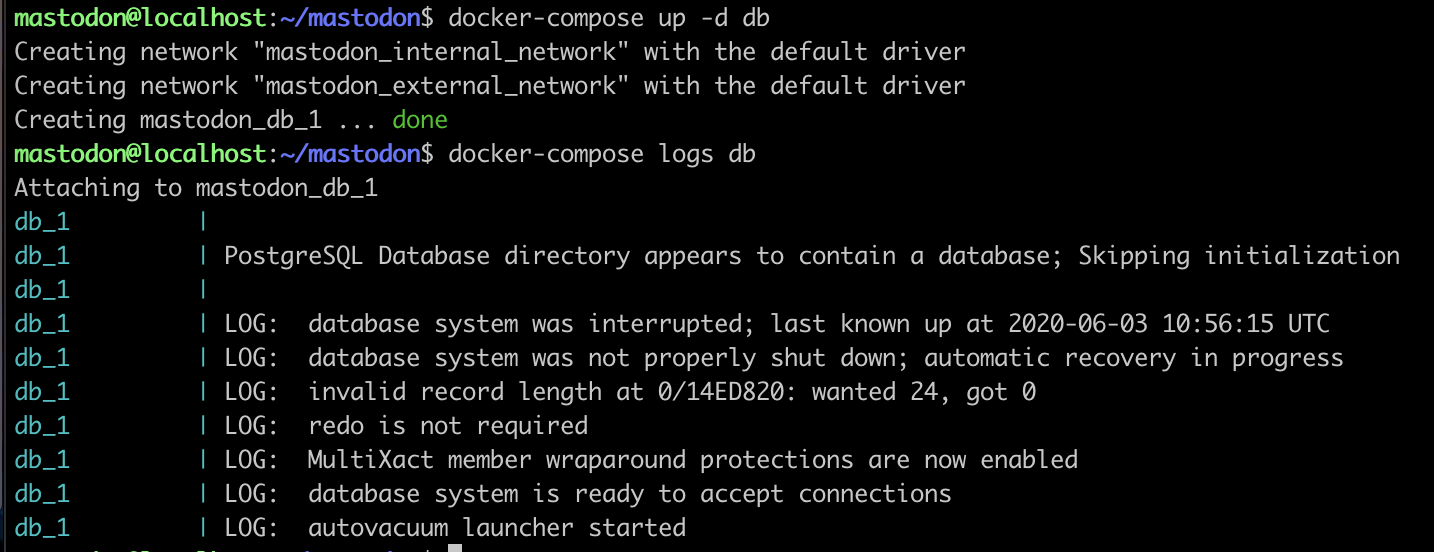
10) Build your first mastodono image
-
docker-compose build - Go make a sandwich or signup for mailgun for email
NOTE: UNCOMMENT THE .env.production to R/W inside the web container
11) Start the rack:setup process
-
chmod 777 .env.production -
docker-compose run --rm web bundle exec rake mastodon:setup
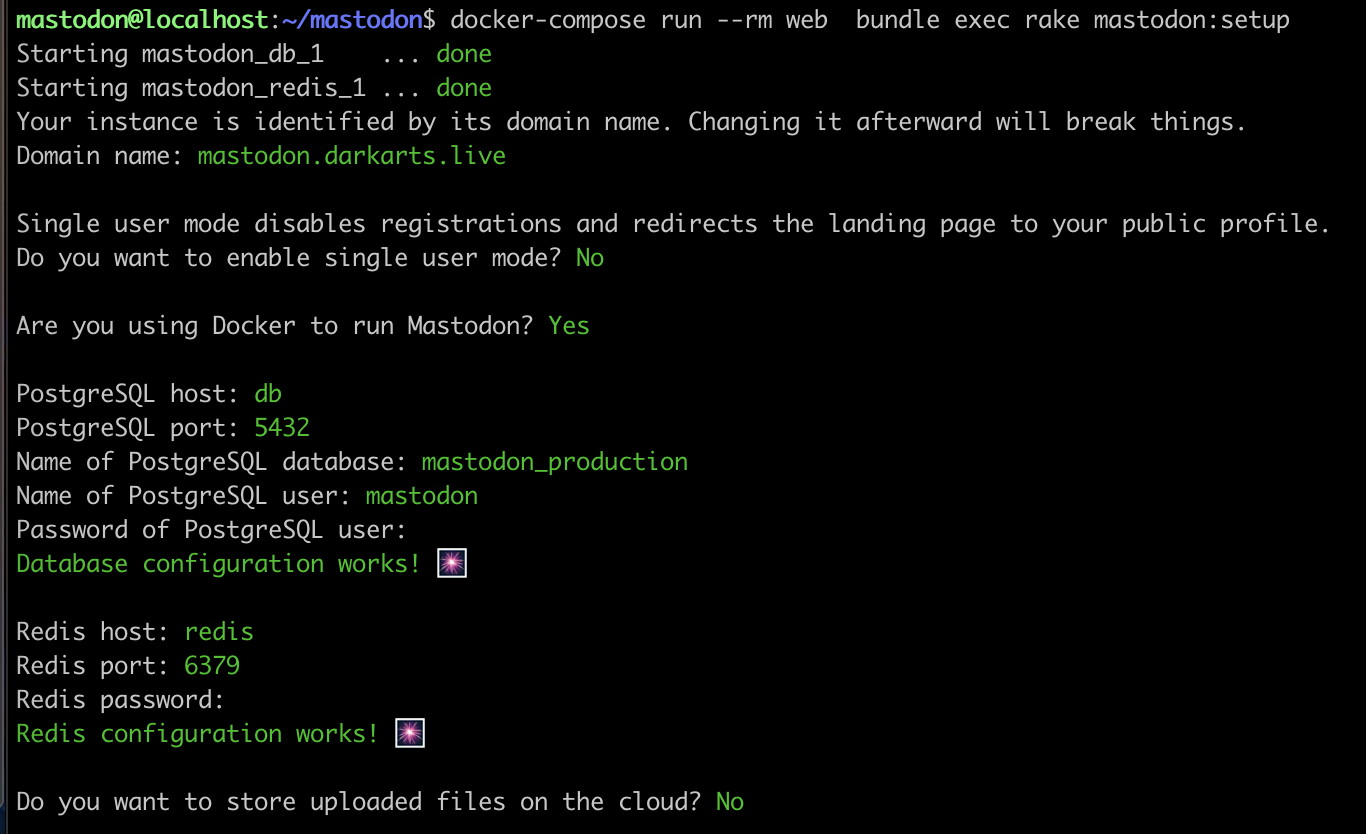
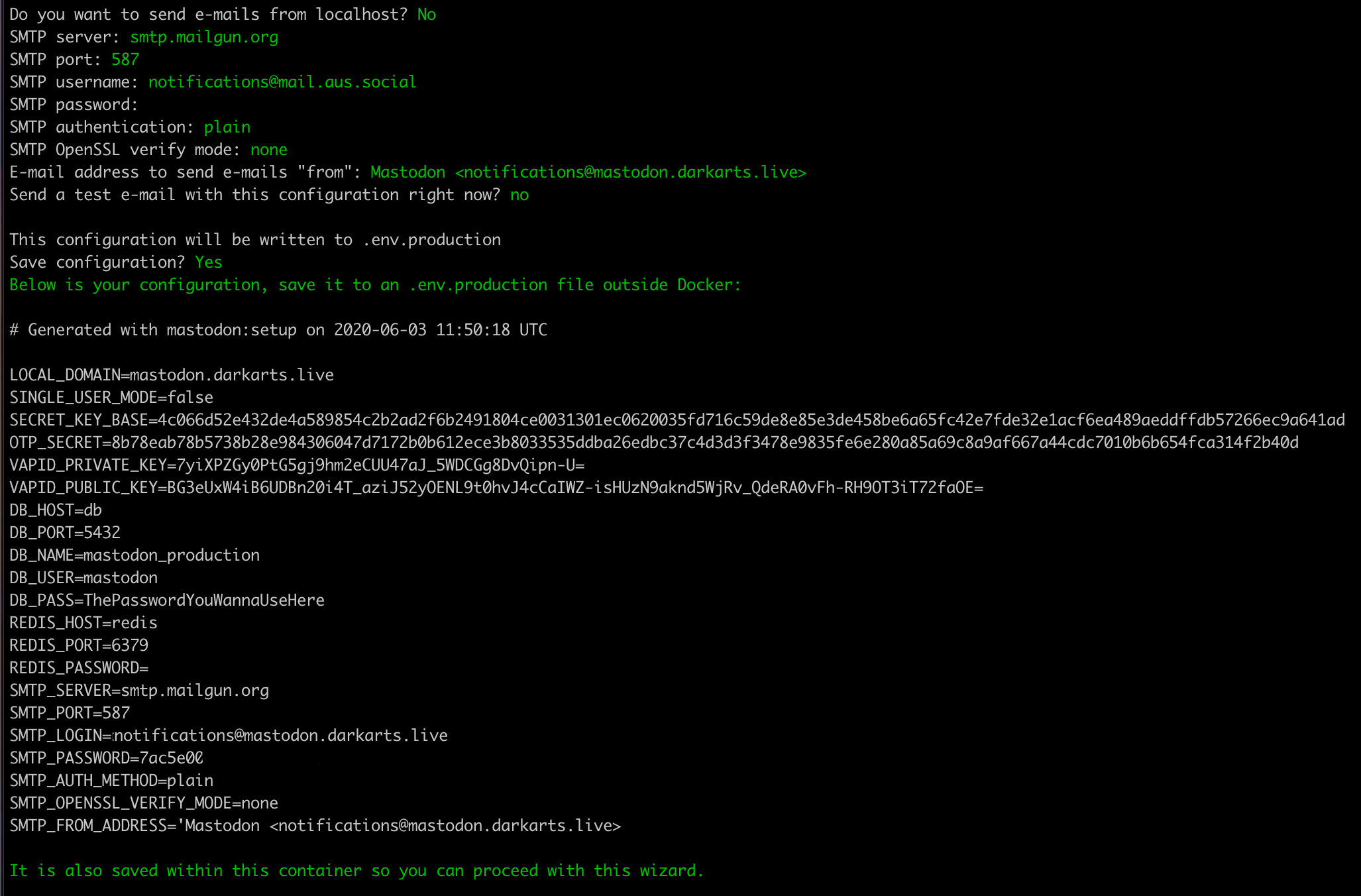
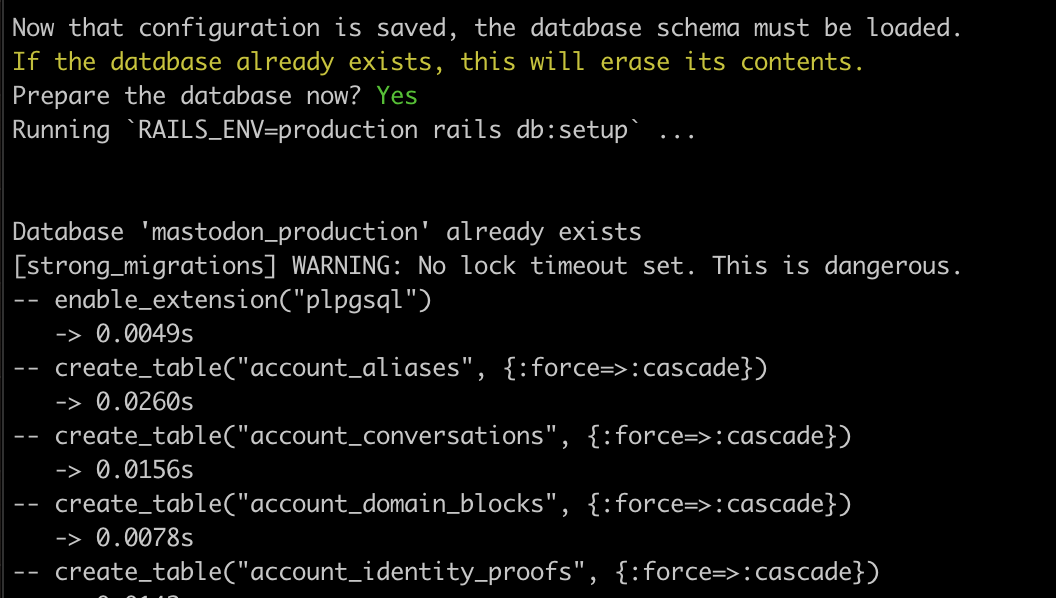 blah blah blah
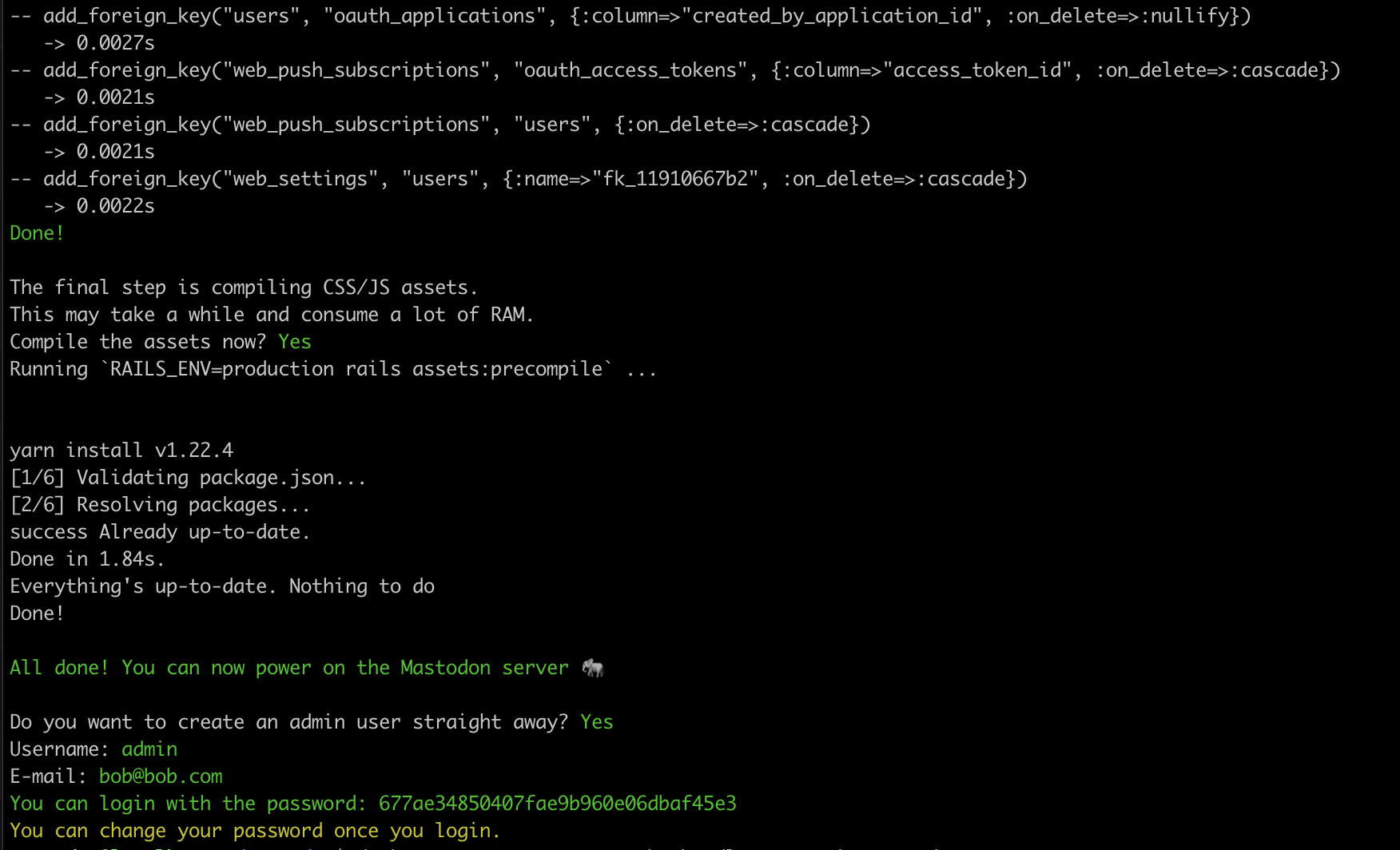
12) prepare nginx and cerbot
- sudo apt install nginx certbot python3-certbot-nginx
- sudo systemctl enable nginx
13) generate HTTPS certs
-
sudo certbot certonly --standalone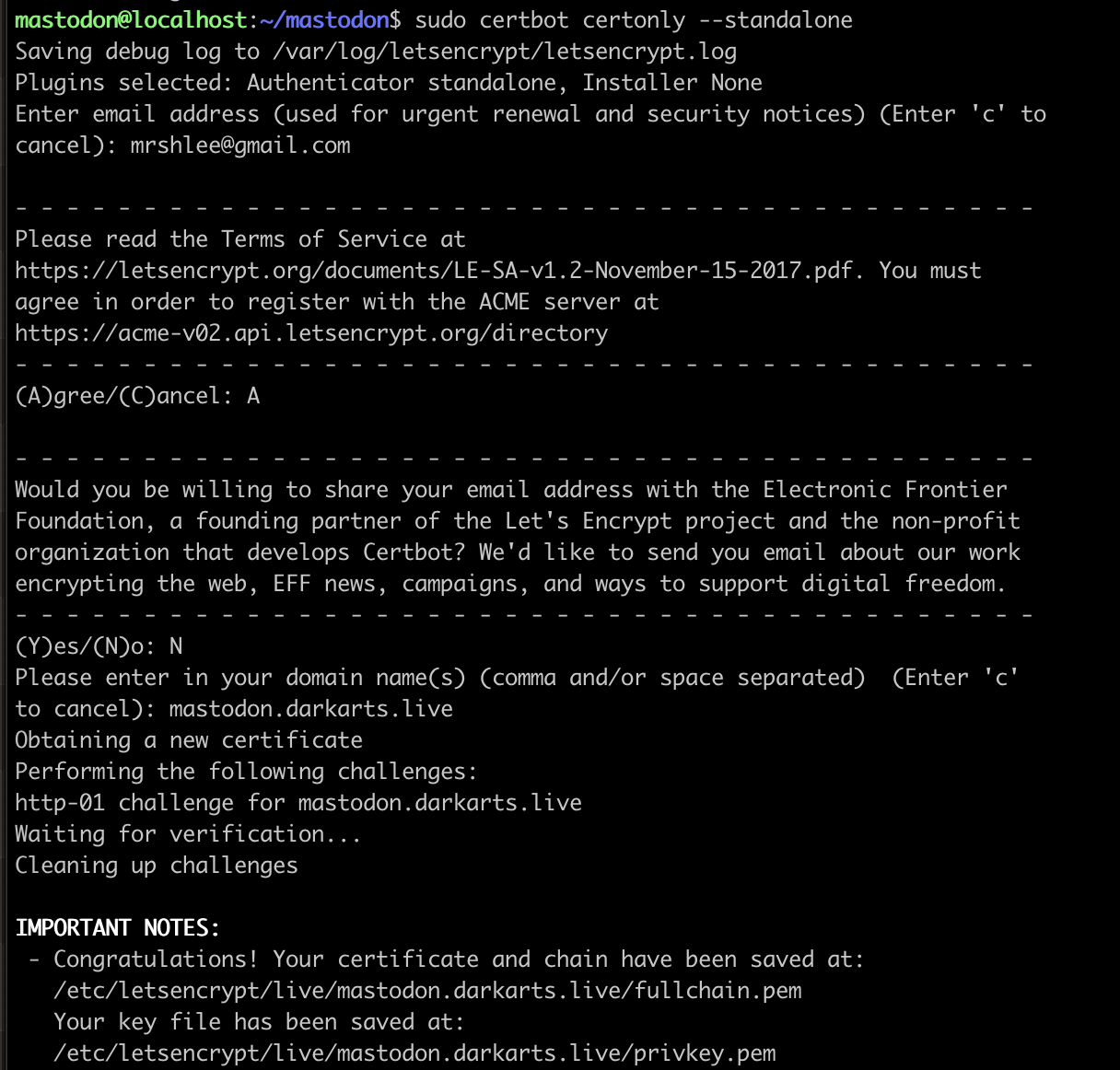
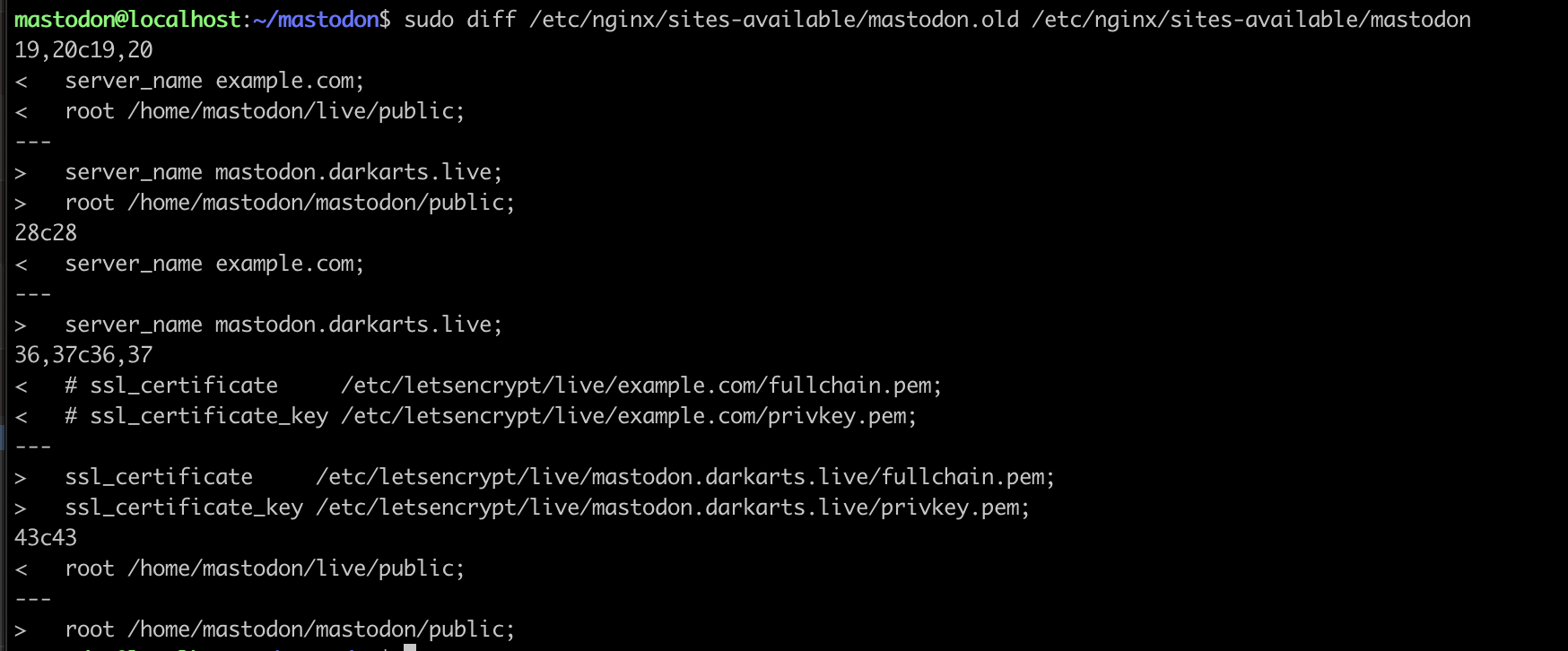
14) update nginx
-
cp /home/mastodon/mastodon/dist/nginx.conf /etc/nginx/sites-available/mastodon -
ln -s /etc/nginx/sites-available/mastodon /etc/nginx/sites-enabled/mastodon - edit
/etc/nginx/sites-available/mastodonand update the domain
NOTE: COMMENT THE .env.production to R/W inside the web container
-
chmod 664 .env.production
15) Start the docker-compose cluster
-
docker-compose up -d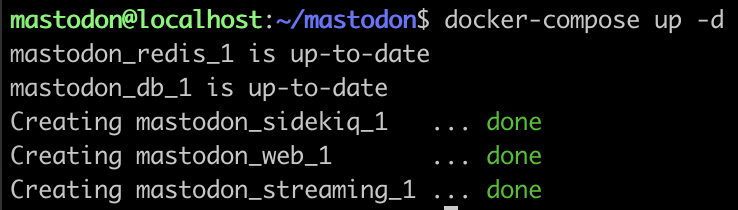
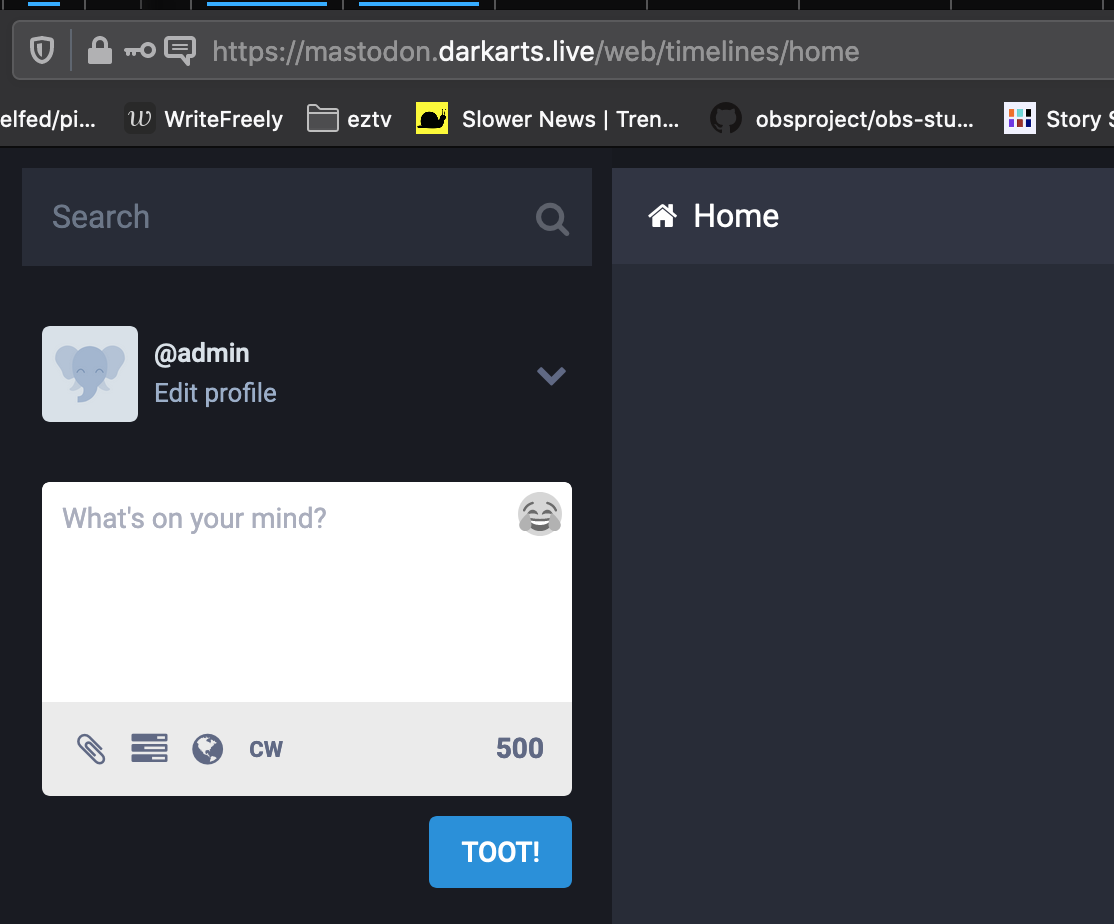
16) Test

17) login with the admin password generated above

Wish I would have found this about two days ago but created this which compares well. https://gist.github.com/weex/265cfc6d1f05589c56d580f24089ecd5
With the .env.production chmod, does it get written there by default? I didn't think it did but my notes were missing that part and it's left me wondering where exactly it was saved. I replaced the file manually out of an abundance of caution and haven't had a chance to go back and test.
