

 markusfisch
Strange value of gl_FragCoord.y on Honor 7X
on Honor 7X (screen resolution 2160x1080): first frame works correctly, after gl_FragCoord.y==0.5 on each pixel, so "gl_FragColor = vec4(vec3(gl_FragCoord.y==.5), 1.0);" gives white screen

Well, I can't explain why gl_FragColor = vec4(vec3(gl_FragCoord.y==.5), 1.0); gives a white screen (mine's black as I would expect) but gl_FragCoord.y holds the screen coordinate. In your case it ranges from 0 to 2159 in portrait mode. So gl_FragCoord.y==.5 should always be false what should be converted to 0.0 (black) - note there's an implicit type conversion from boolean to float. Is that really what you want?
Because gl_FragCoord is set by OpenGL and not by the app, it's unlikely that the app does anything wrong here. If there was a problem with gl_FragCoord, I'd expect it to show up in any app that draws with OpenGL.

its fully synthetic gl_FragColor = vec4(vec3(gl_FragCoord.y==.5), 1.0); to show y is equal 0.5, and its only in portrait orientation, in landscape works ok. Here "Circles" example screenshots attached


have tested opengl benchmarks - works fine in portrait and landscape modes
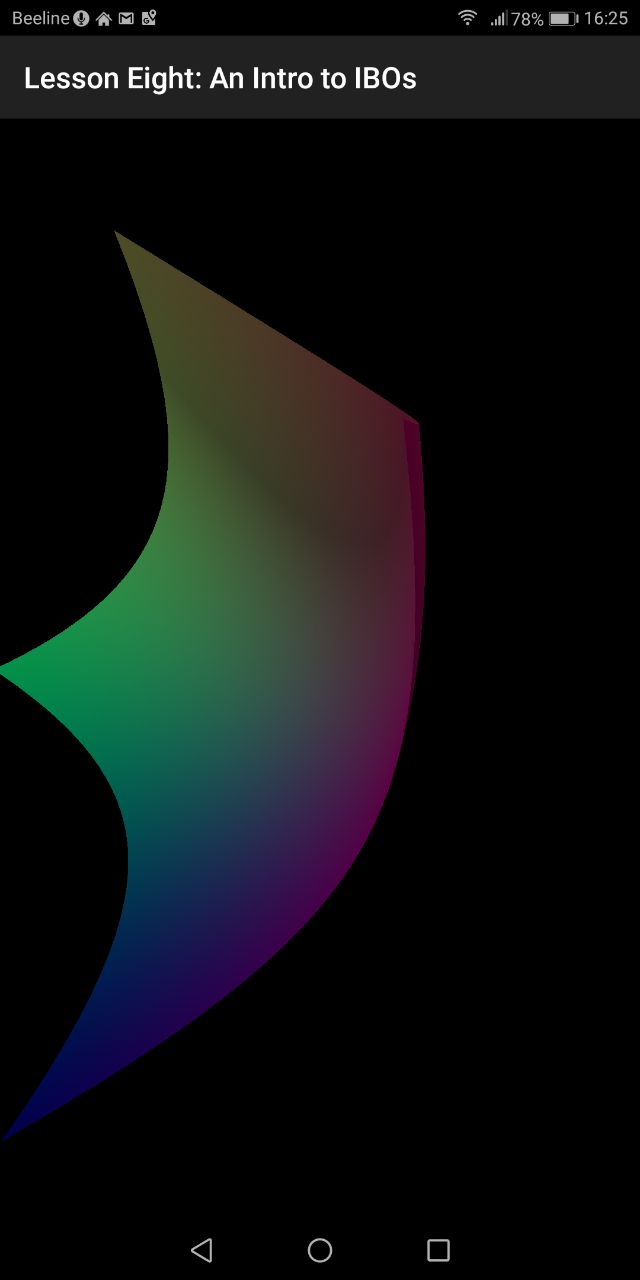

Ah, I see. Very strange indeed. Never encountered anything like it.
Maybe the problem is with resolution rather than gl_FragCoord.y ... I just can't imagine why gl_FragCoord.y would ever be .5? Especially because it's set by OpenGL. Maybe gl_FragCoord.y == .5 is true because of a rounding error? I assume all shaders don't work in portrait mode then?
Does it change when you decrease the resolution setting in the tool bar besides the title? Say from 1/1 to 1/8?
no example with ==. 5 doesnt use resolution at all. and it reproduce only in 1/1 mode in portrait
yes. exactly. and "circles" wont work correctly only in portrait and 1 to 1. note that here is a strange screen aspect 1:2
 Im have no any skills in java or android development, but here are some considerations (may be it helps to find the way where to dig) :
- Its Android 7.0 here.
- It has "Full Screen Display Settings". if some app is turned on it runs on native screen resolution, if turned off - runs on 1920x1080 with black bar on bottom (some kind of legacy mode for apps that have no right fullscreen provider)
- But your app there is not in this list at all, and another opengl apps that works correct is in it and works both in full and croped modes.
- But despite this your app runs in fullscreen mode by default, and seems it use some workaround, and system "thinks" that app in default cropped mode and causes somewhere wrong calculation.
Because of #73 I've made the app choose a GLES 3.0 context (if it's available). This is still experimental and in beta only. But if you like, you can try it to see if it has any effect on this problem as well:
https://play.google.com/apps/testing/de.markusfisch.android.shadereditor
Have update to beta, but all the same. OGL ES 3.2 is avaliable
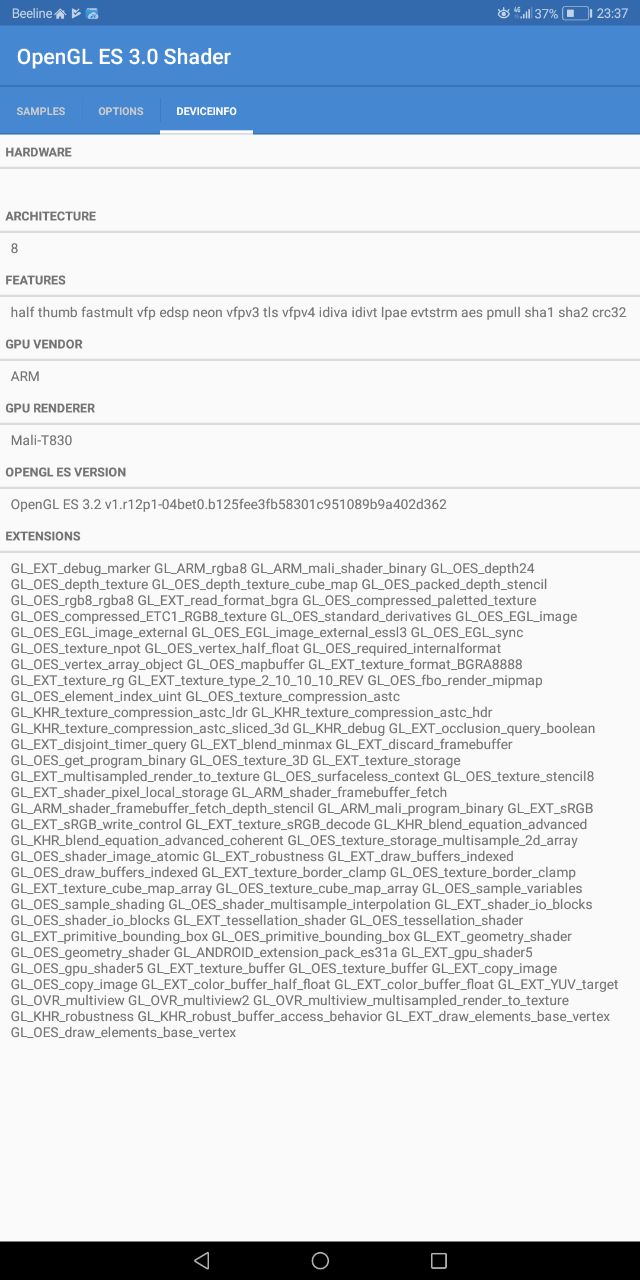
And with such code:
#version 300 es

#ifdef GL_FRAGMENT_PRECISION_HIGH
precision highp float;
#else
precision mediump float;
#endif

out vec4 fc;

void main() {
 fc = vec4(1.0);
}
I'm having L0001 Shader languages do not match (with #version 320 es - the same)
After last update #version 300 es shaders compiles well but gl_FragCoord.y==0.5 bug still stays. So code below in portrait and 1/1 mode gives white screen:
#version 300 es

#ifdef GL_FRAGMENT_PRECISION_HIGH
precision highp float;
#else
precision mediump float;
#endif

out vec4 fc;

void main() {
	fc = vec4(gl_FragCoord.y==0.5);
}
Hm, anyway, was worth a try. I'm still trying to figure out what exactly may cause this. Would you mind running a special debug build so I could get a little more info about what's going on?
Actually gl_FragCoord contains half pixel values by default. https://www.khronos.org/registry/OpenGL-Refpages/gl4/html/gl_FragCoord.xhtml So in this case it should only paint the bottom pixel line to white and the rest to black.

Would you mind running a special debug build so I could get a little more info about what's going on?
Sure, Markus, let's try.
Hello, I've been having the exact same issue on my phone, and I notice we both have Huawei devices (mine is a P10 Lite). It is confusing that this seems to happen only with Huawei devices, but only in a very specific set of circumstances.

Actually graphics hardwares and drivers have lots of bugs. but they are unknown. In my phone after playing with "Game of Life" sample, and leaving the app. Some points had remained on the screen for near one hour. ( even after restarting the phone they was visible)
